
Home screen widgets
Five widgets for your Home Screen: today's workout, calories, your month and more.
Free
Find it: Home screen > add widget

 Coming soon

Does Bite have widgets?
Five widgets for your Home Screen: today's workout, calories, your month and more.
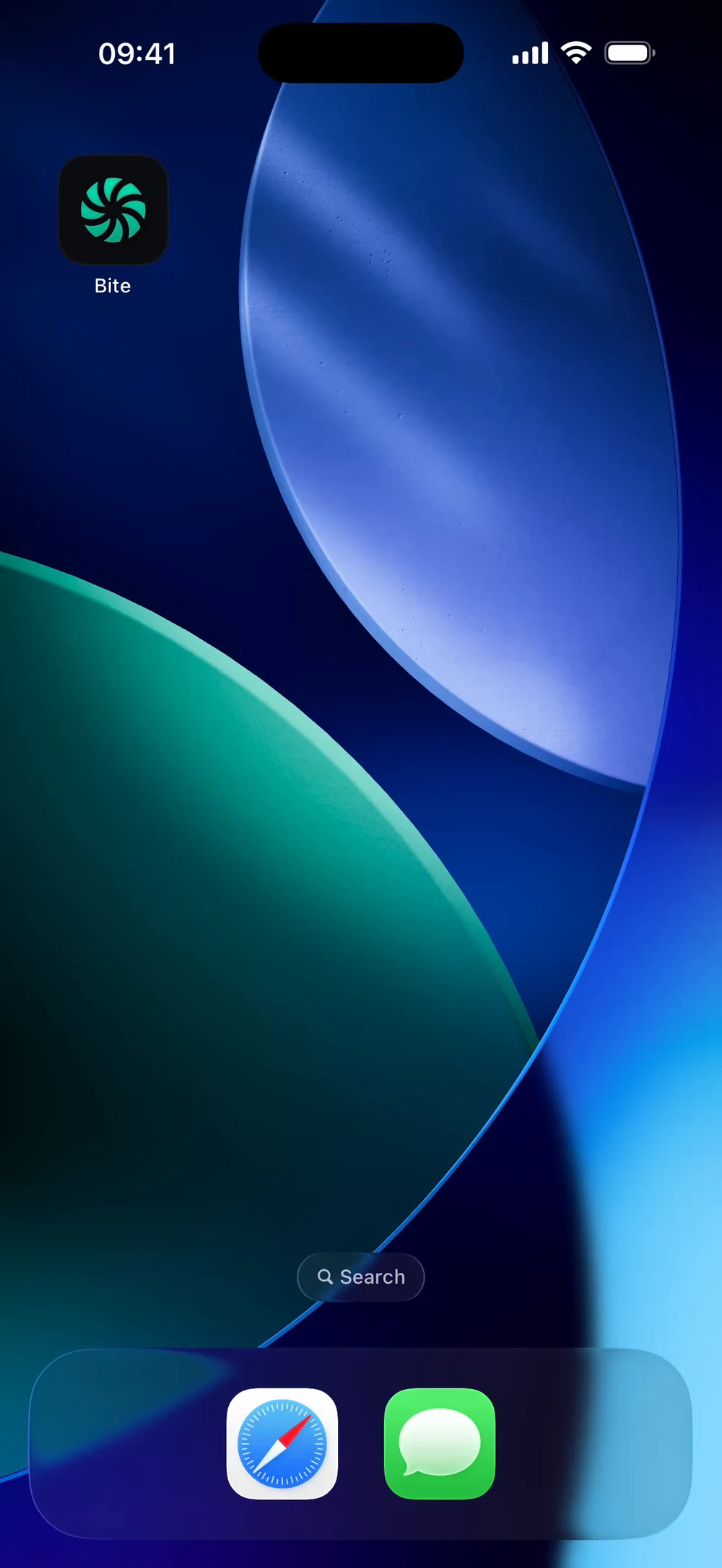
Touch and hold your Home Screen, tap the plus and find Bite. Search the widget gallery for Bite.
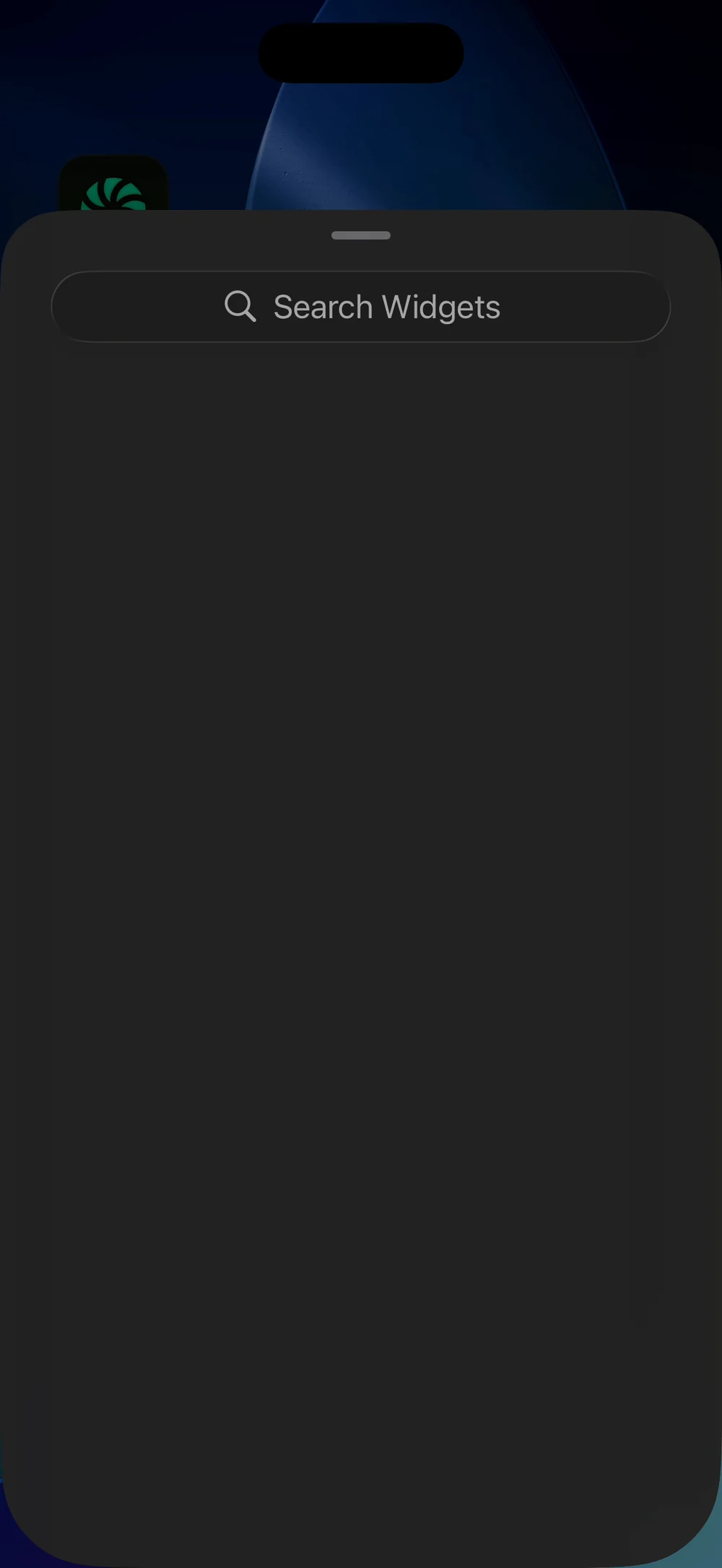
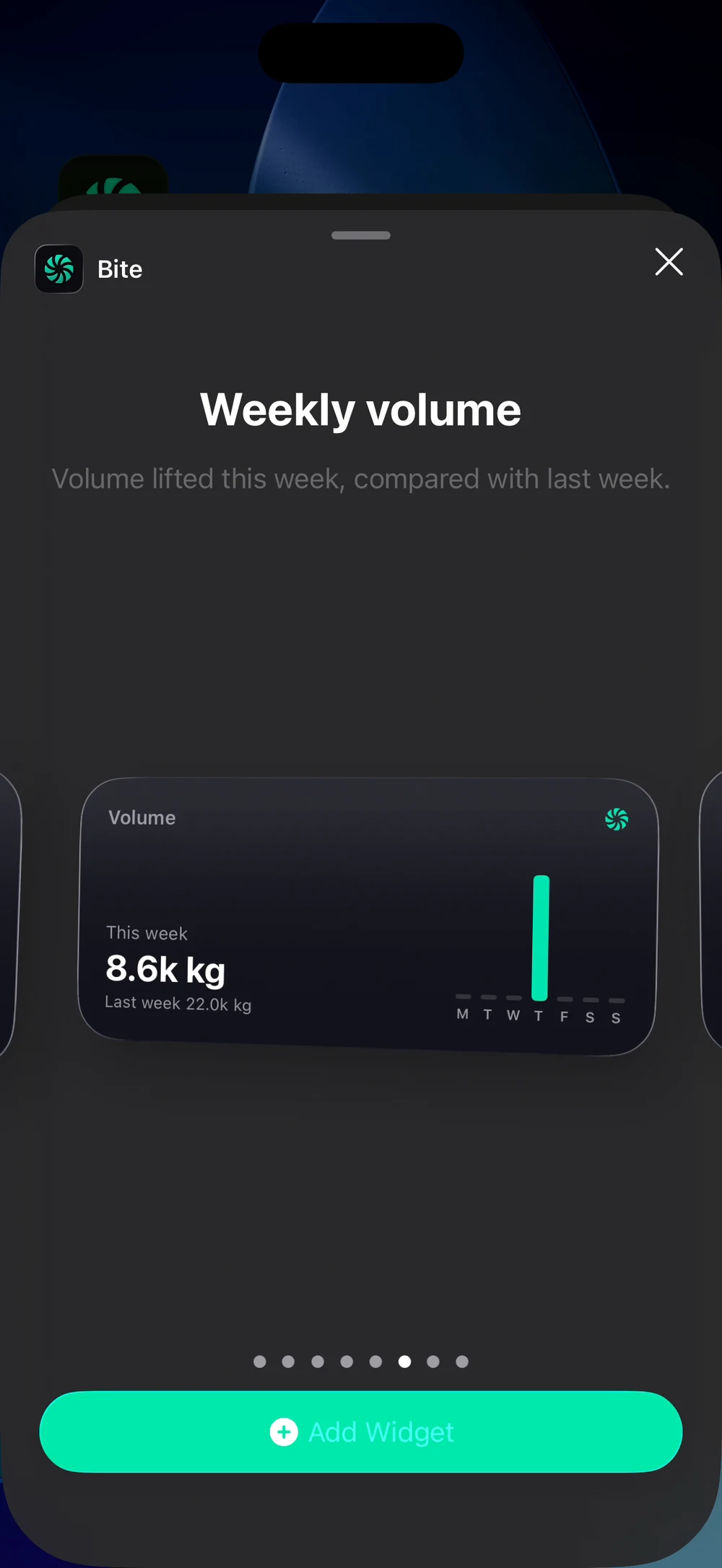
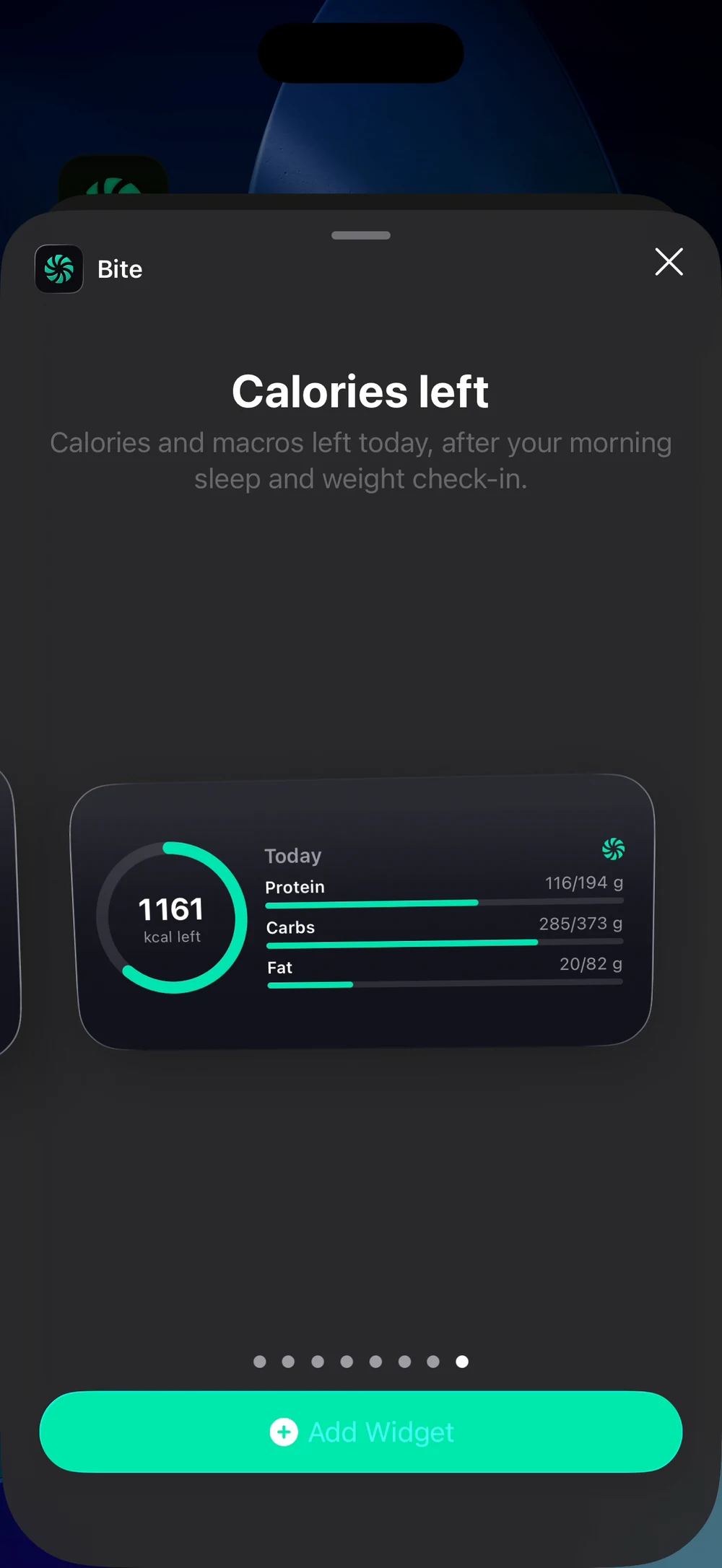
Swipe through the widgets, for example Weekly volume, and tap Add Widget. Calories left shows your remaining calories and macros. Add the ones you like.
Frequently asked questions
Does Bite have widgets?
Five widgets for your Home Screen: today's workout, calories, your month and more. Here is how: Touch and hold your Home Screen and tap the plus. Search for Bite. Pick a widget and a size. Tap Add Widget.
Is home screen widgets free in Bite?
Yes. Home screen widgets is part of the free Bite app.
Where do I find home screen widgets in the app?
Go to Home screen > add widget.