
Find friends (search and QR)
Find friends by name or share your QR code.
Free
Find it: Home > Search or QR

 Coming soon

How do I add friends?
Find friends by name or share your QR code.
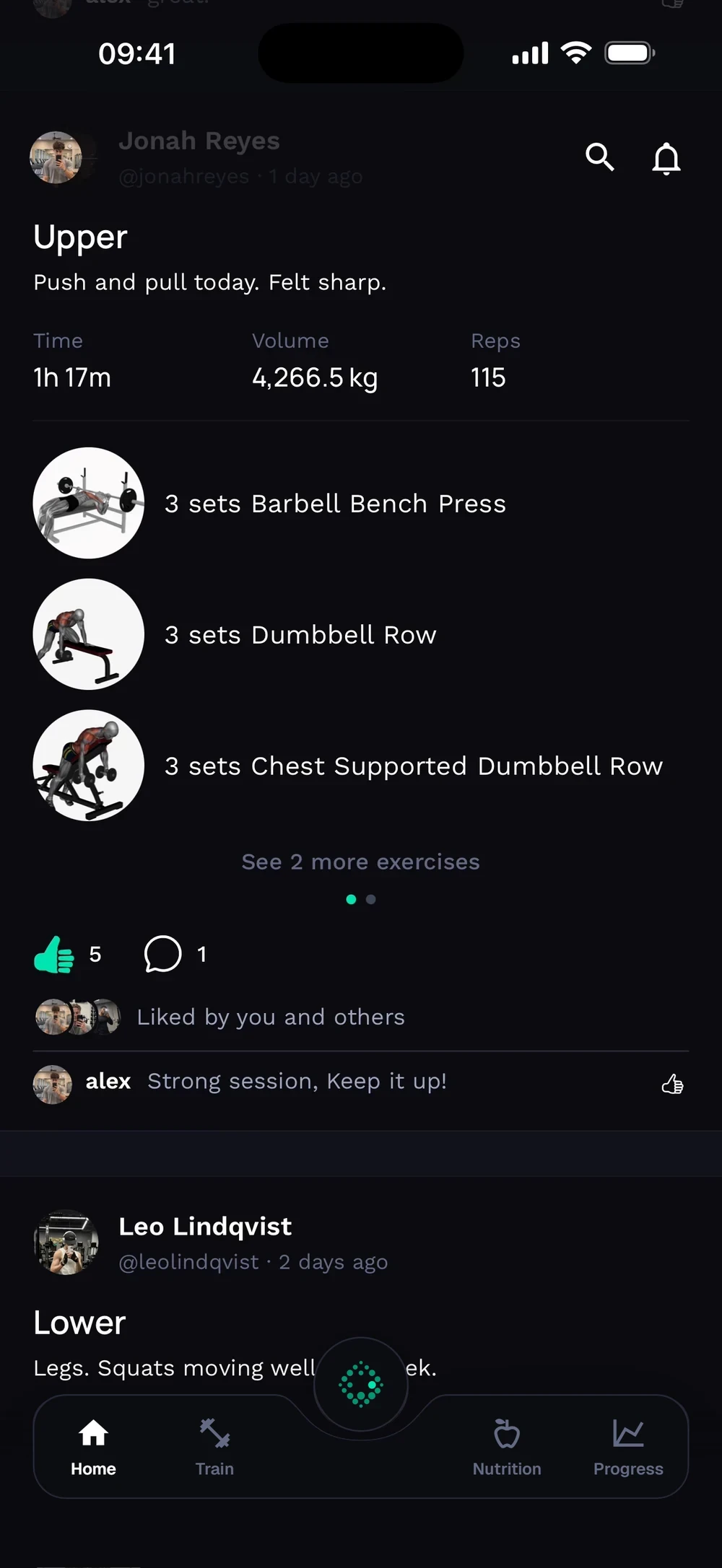
Tap the search icon at the top of the Home tab. Type a name or username.
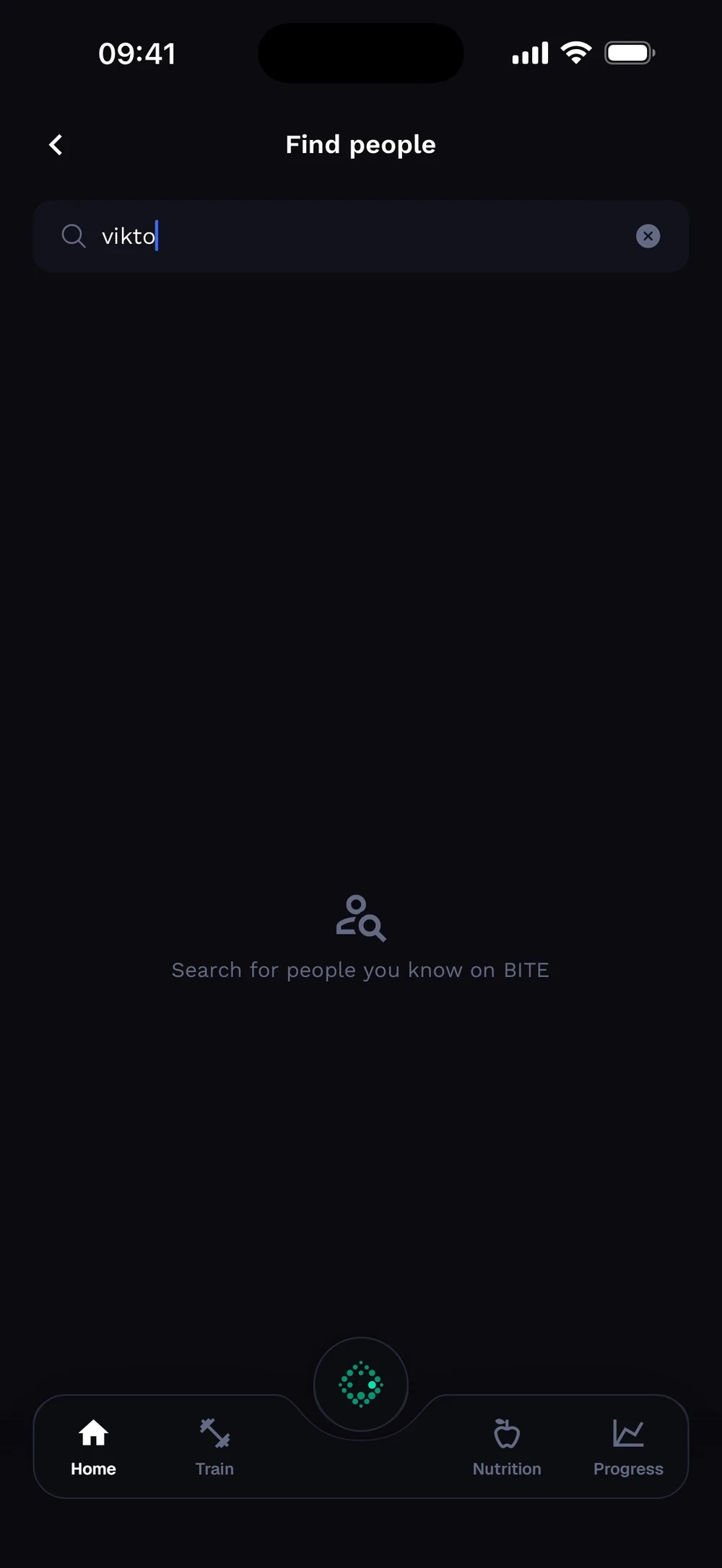
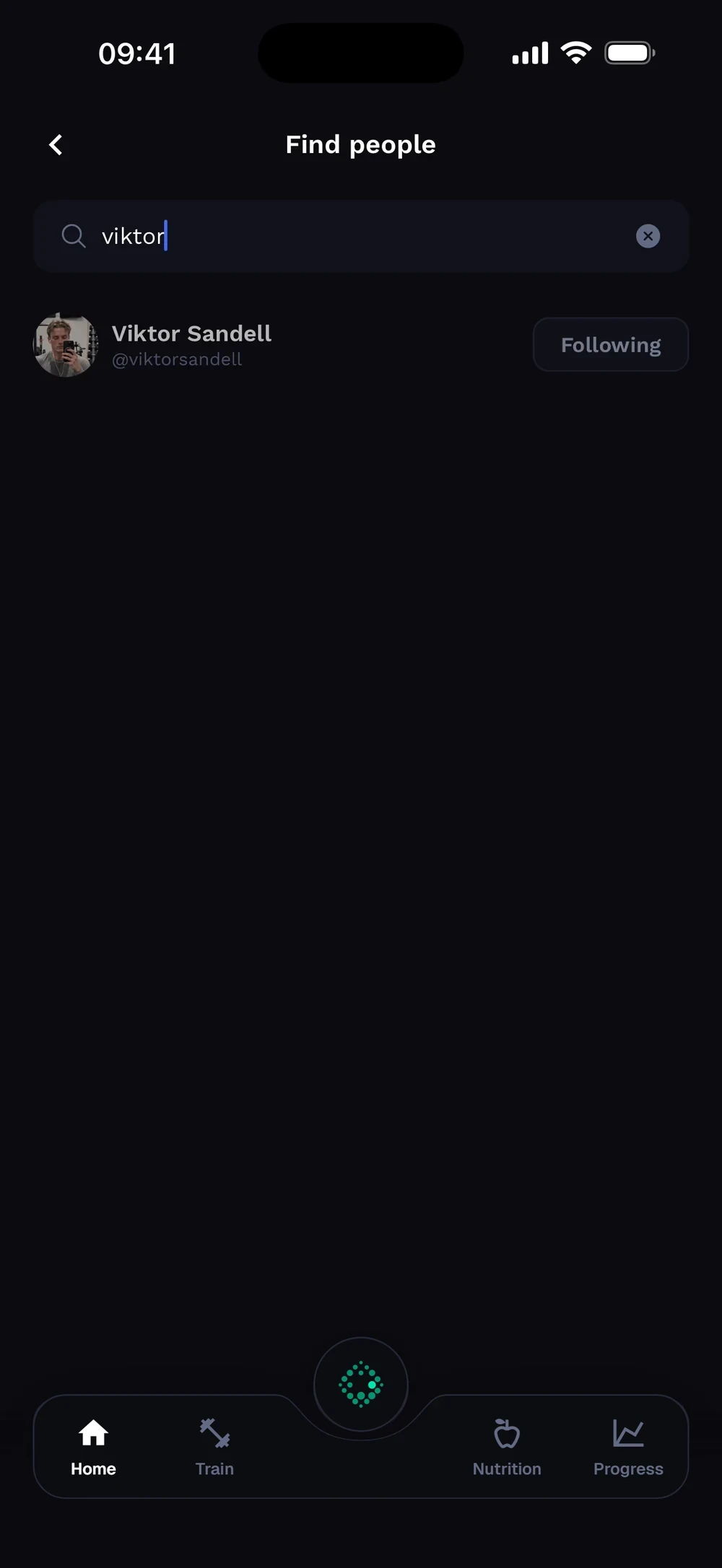
Matching people appear. Tap Follow, or tap a person to open the profile. A profile shows workouts, followers and following, with tabs for Activity, Head to Head and Achievements.

Frequently asked questions
How do I add friends?
Find friends by name or share your QR code. Here is how: Tap the search icon on the Home tab. Search for a name or username. Open your QR code from your profile to share it.
Is find friends (search and qr) free in Bite?
Yes. Find friends (search and QR) is part of the free Bite app.
Where do I find find friends (search and qr) in the app?
Go to Home > Search or QR.