
Log a meal by text
Describe what you ate in plain words and Bite finds the foods and the numbers.
Find it: Nutrition > Log > Describe

 Coming soon

Can I log food by describing it?
Describe what you ate in plain words and Bite finds the foods and the numbers.
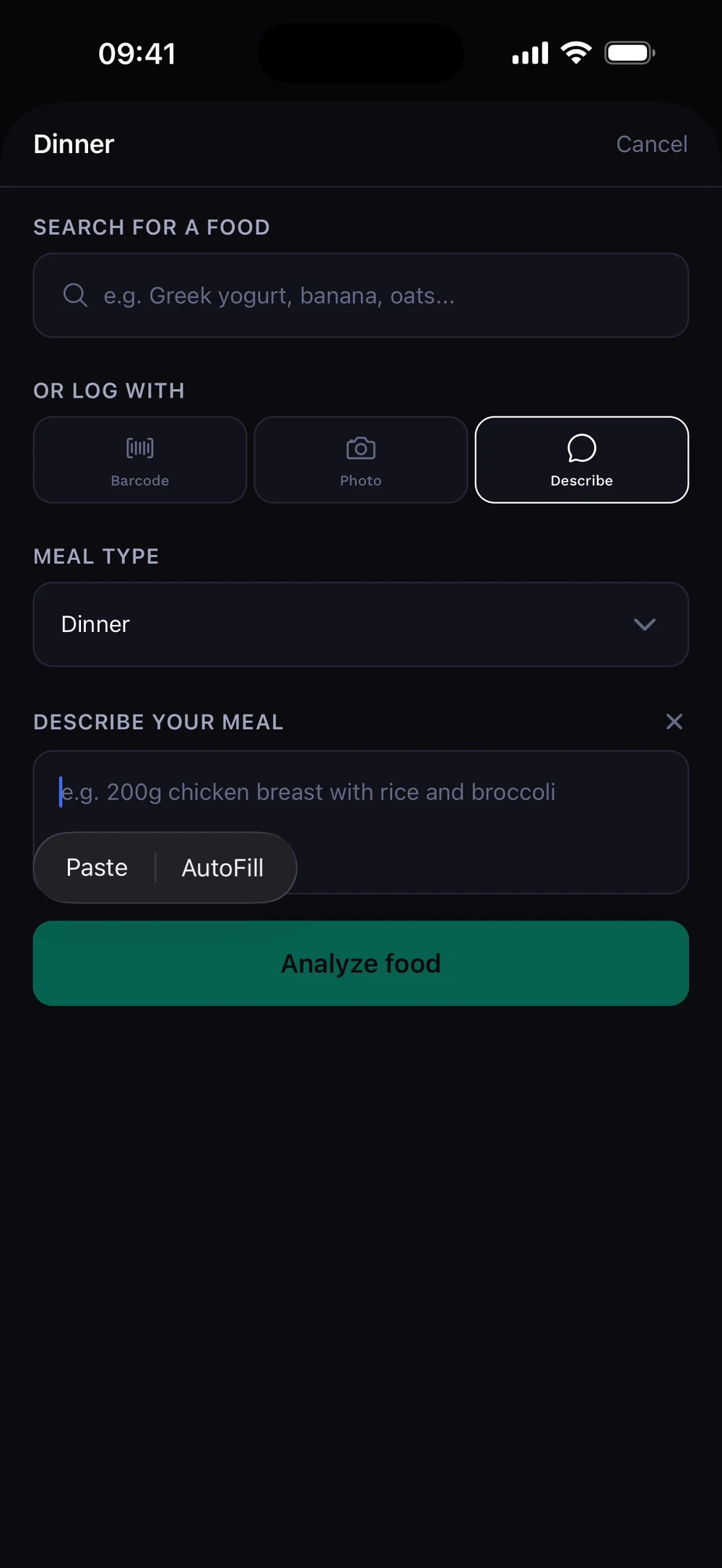
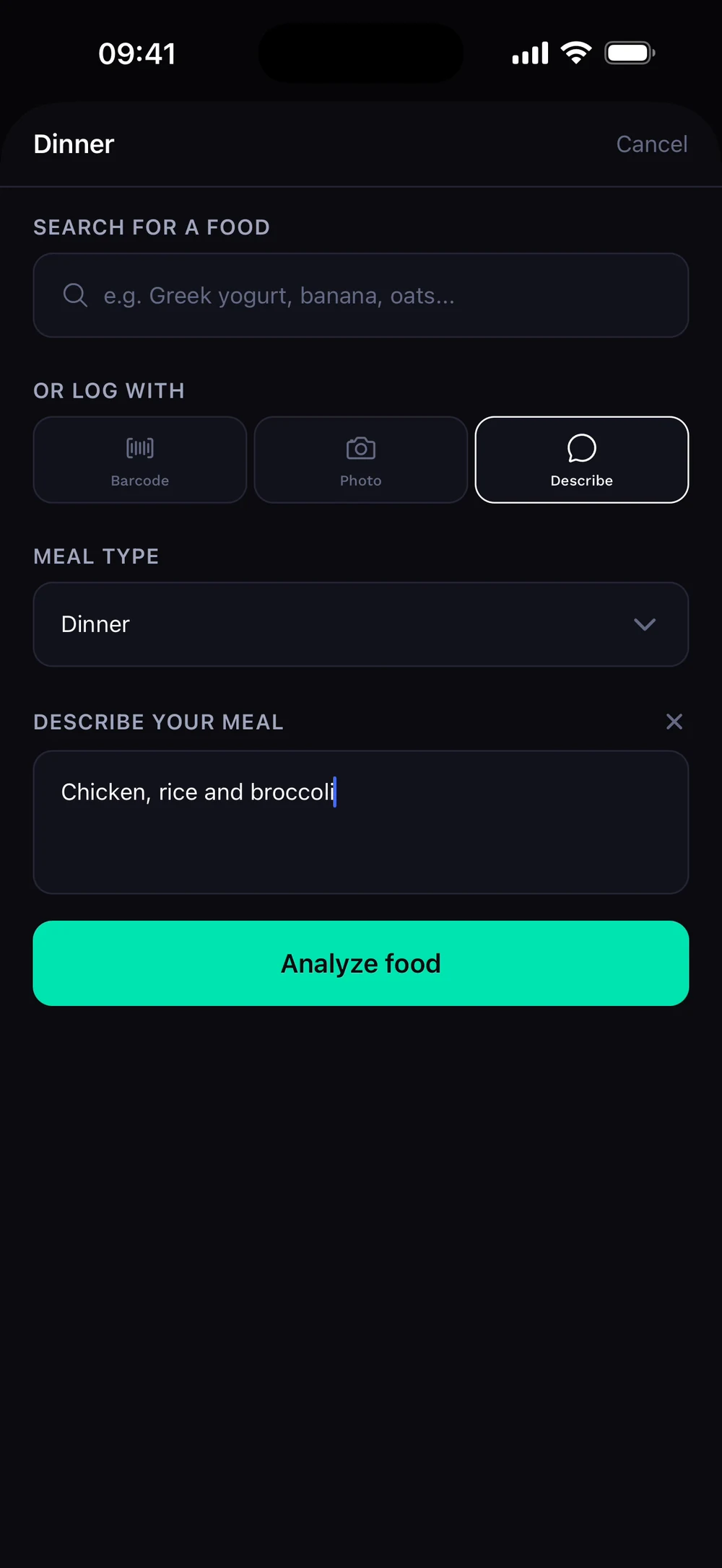
Tap the plus on a meal and choose Describe. Write what you ate in plain words, for example chicken, rice and broccoli, then tap Analyze food.
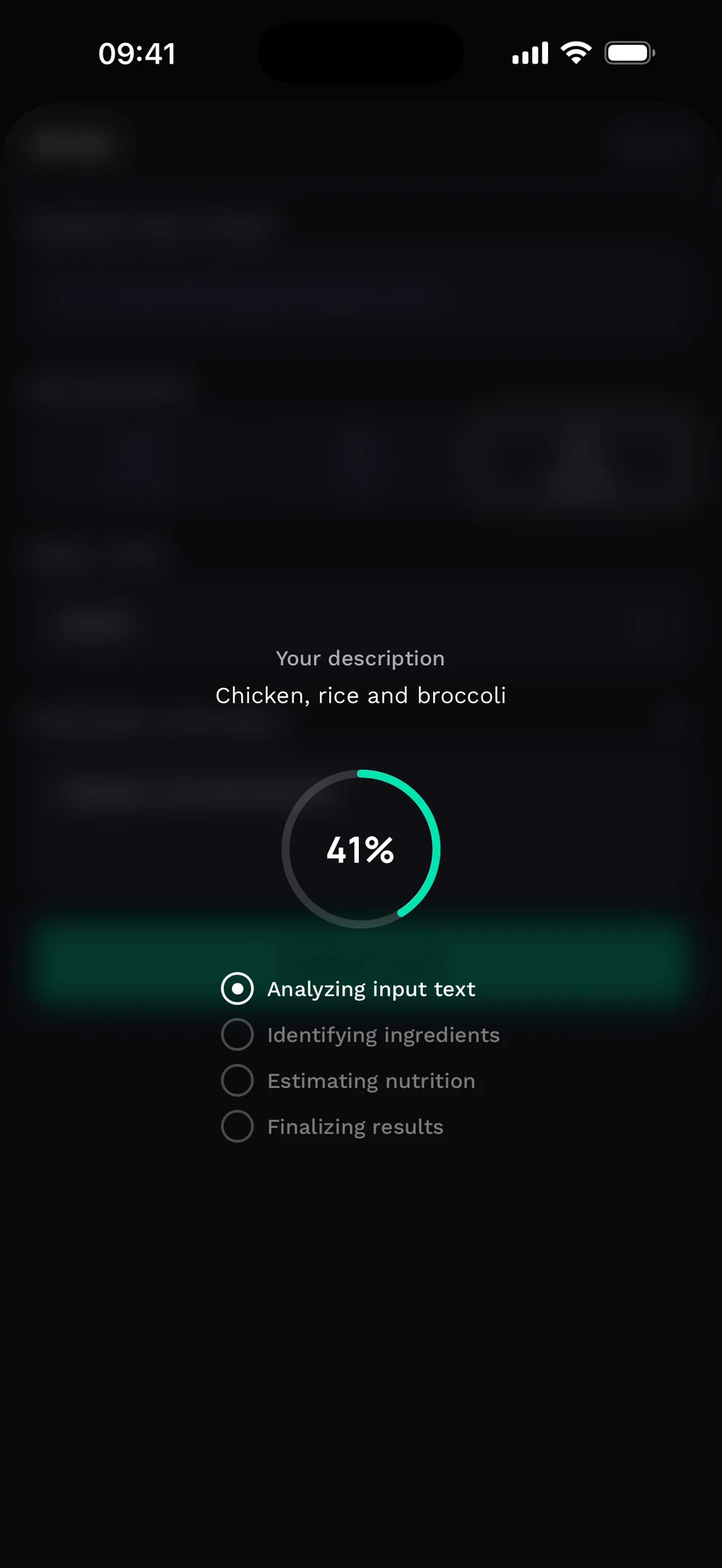
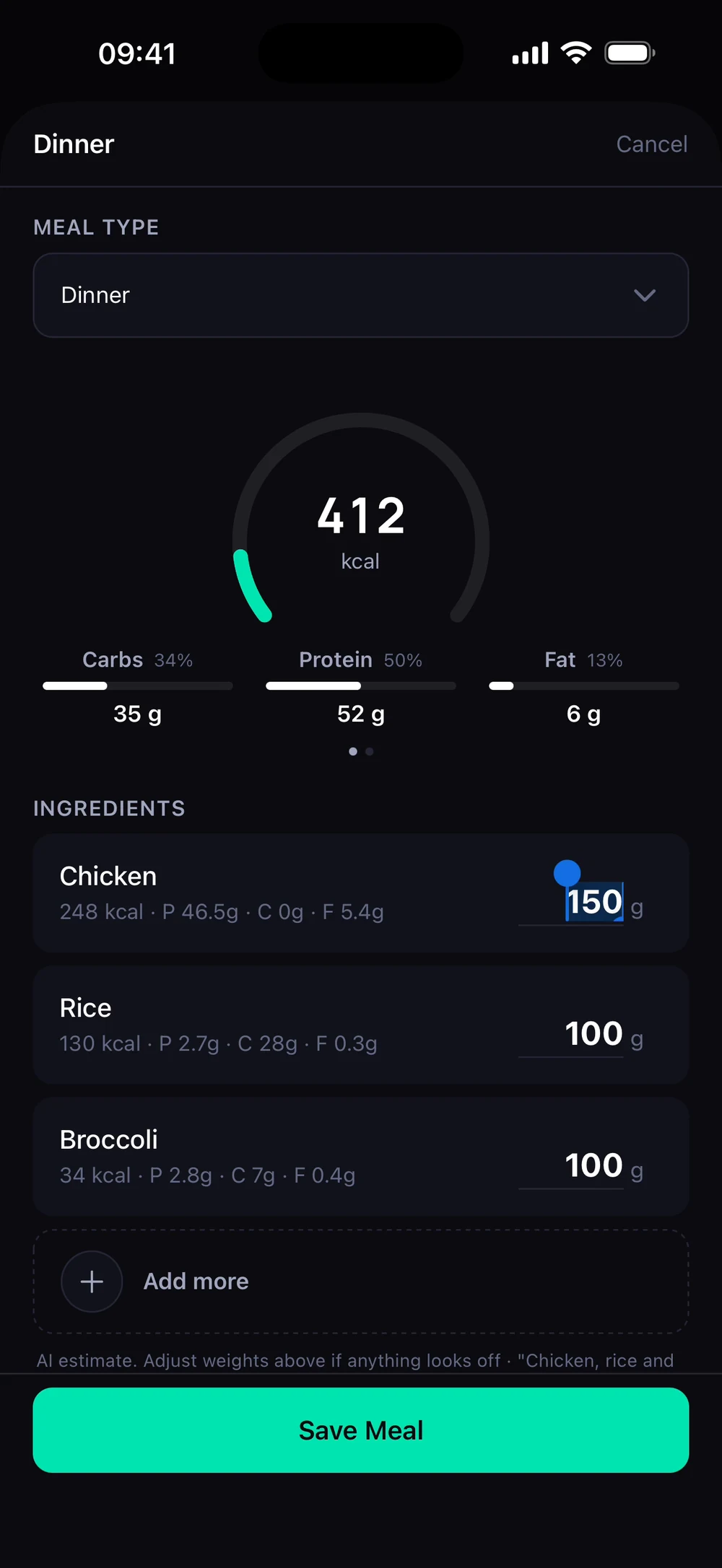
Bite reads your description and identifies the ingredients. Review the foods and amounts, change a weight if needed and tap Save Meal.
Frequently asked questions
Can I log food by describing it?
Describe what you ate in plain words and Bite finds the foods and the numbers. Here is how: Tap the plus on a meal and choose Describe. Write what you ate in plain words, for example chicken, rice and broccoli, then tap Analyze food. Bite reads your description and identifies the ingredients. Review the foods and amounts, change a weight if needed and tap Save Meal.
Is log a meal by text free in Bite?
Log a meal by text is part of Bite Coach. The free app covers workout logging, programs and progress tracking.
Where do I find log a meal by text in the app?
Go to Nutrition > Log > Describe.