
Share a meal
Turn a meal into a card with the macros and share it.
Free
Find it: Meal > Share

 Coming soon
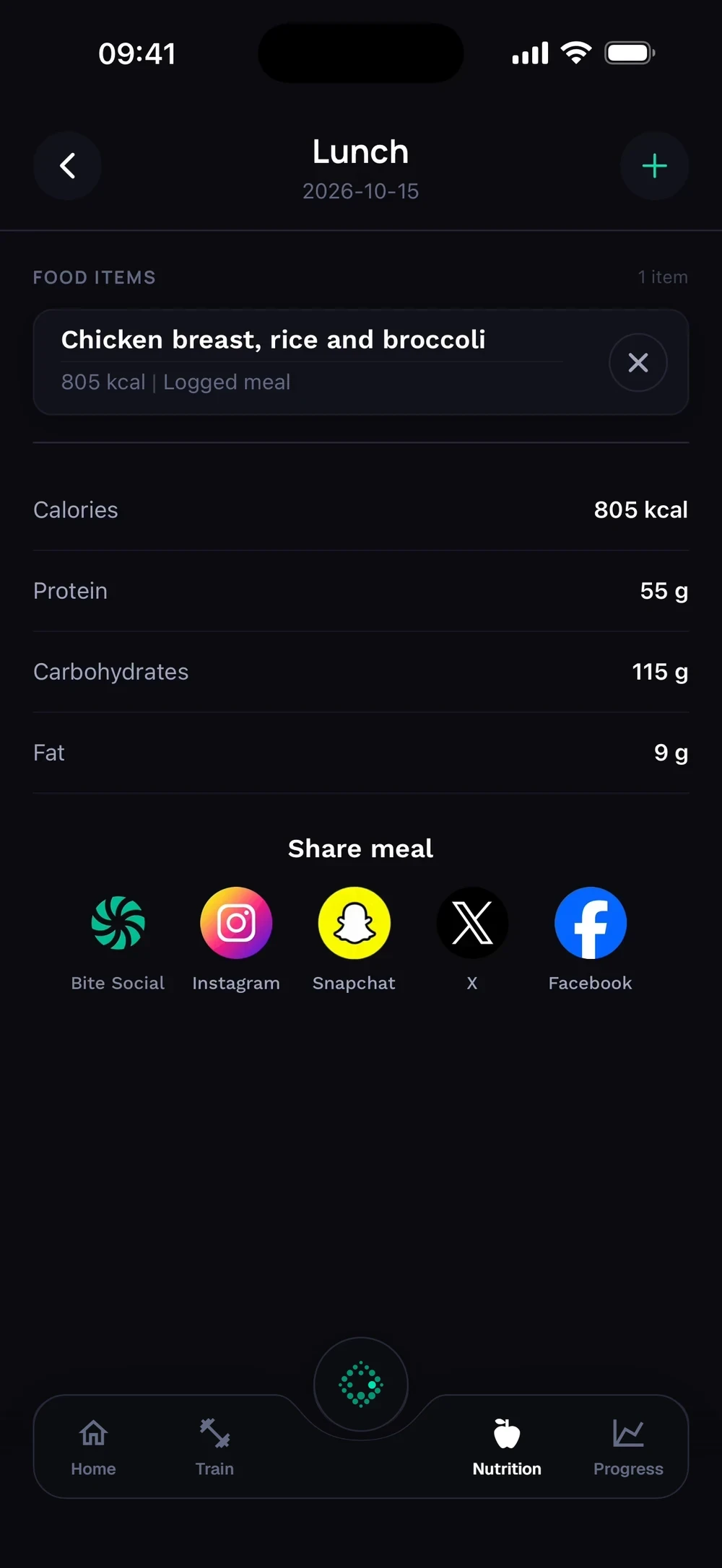

How do I share a meal?
Turn a meal into a card with the macros and share it.
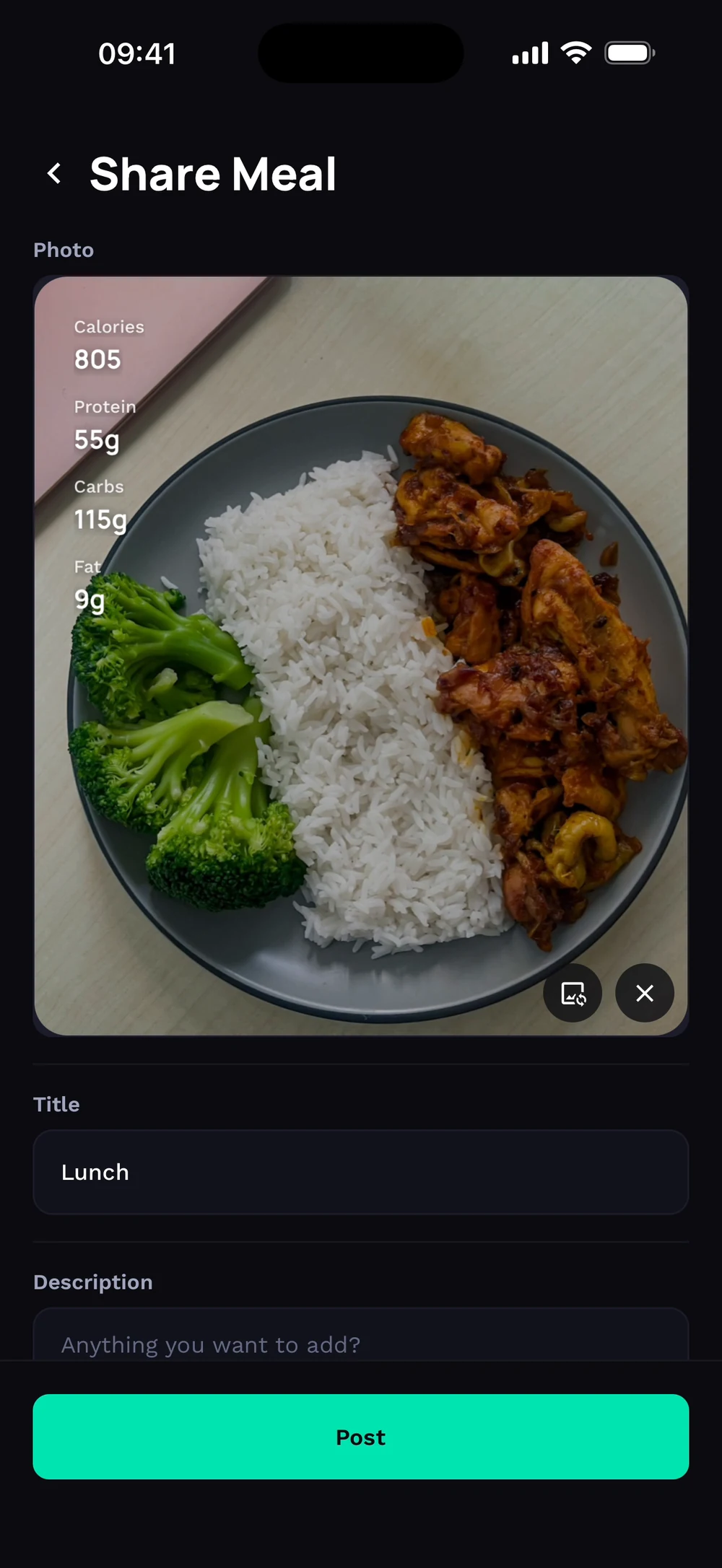
Open a meal and scroll to Share meal. Choose Bite Social, Instagram, Snapchat, X or Facebook. The share card starts with a photo slot. Tap Add a photo.
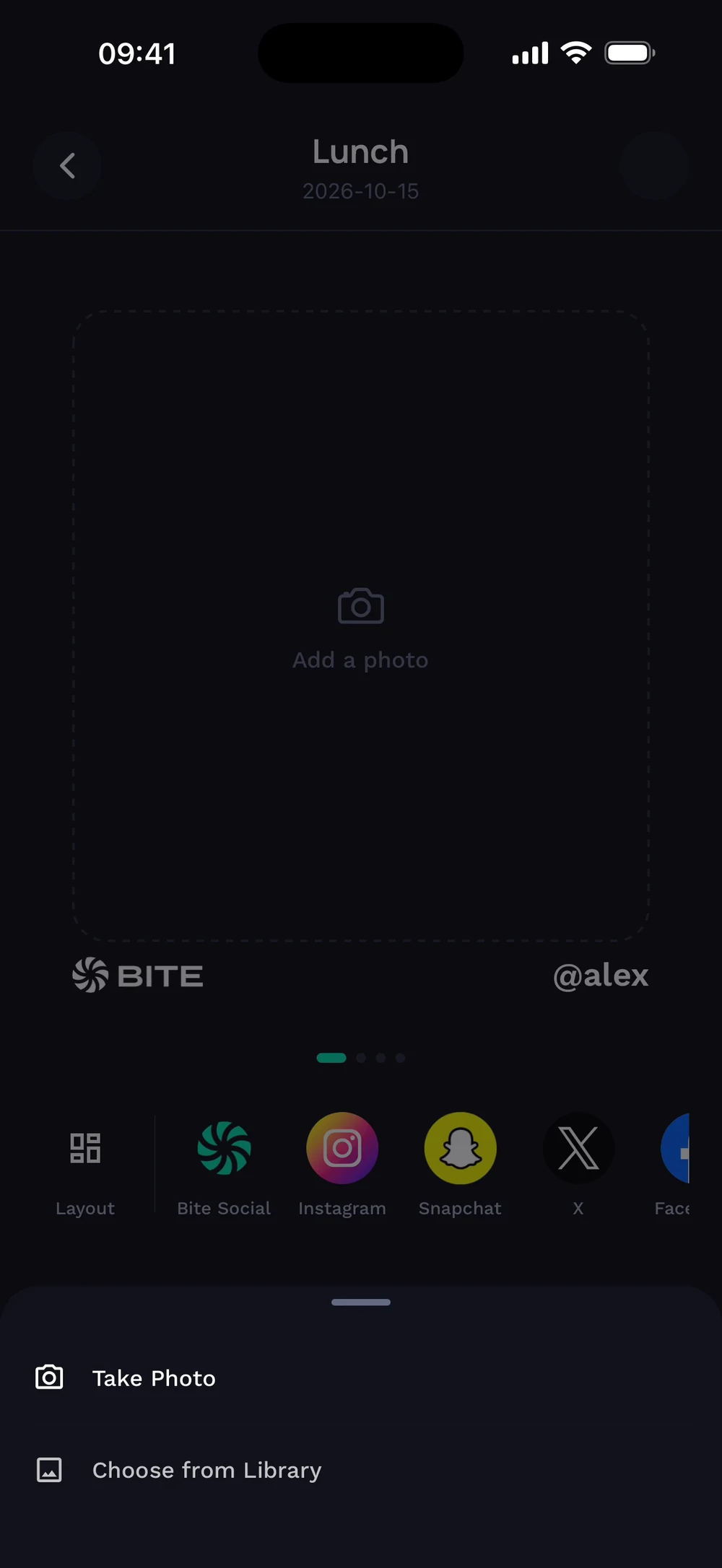
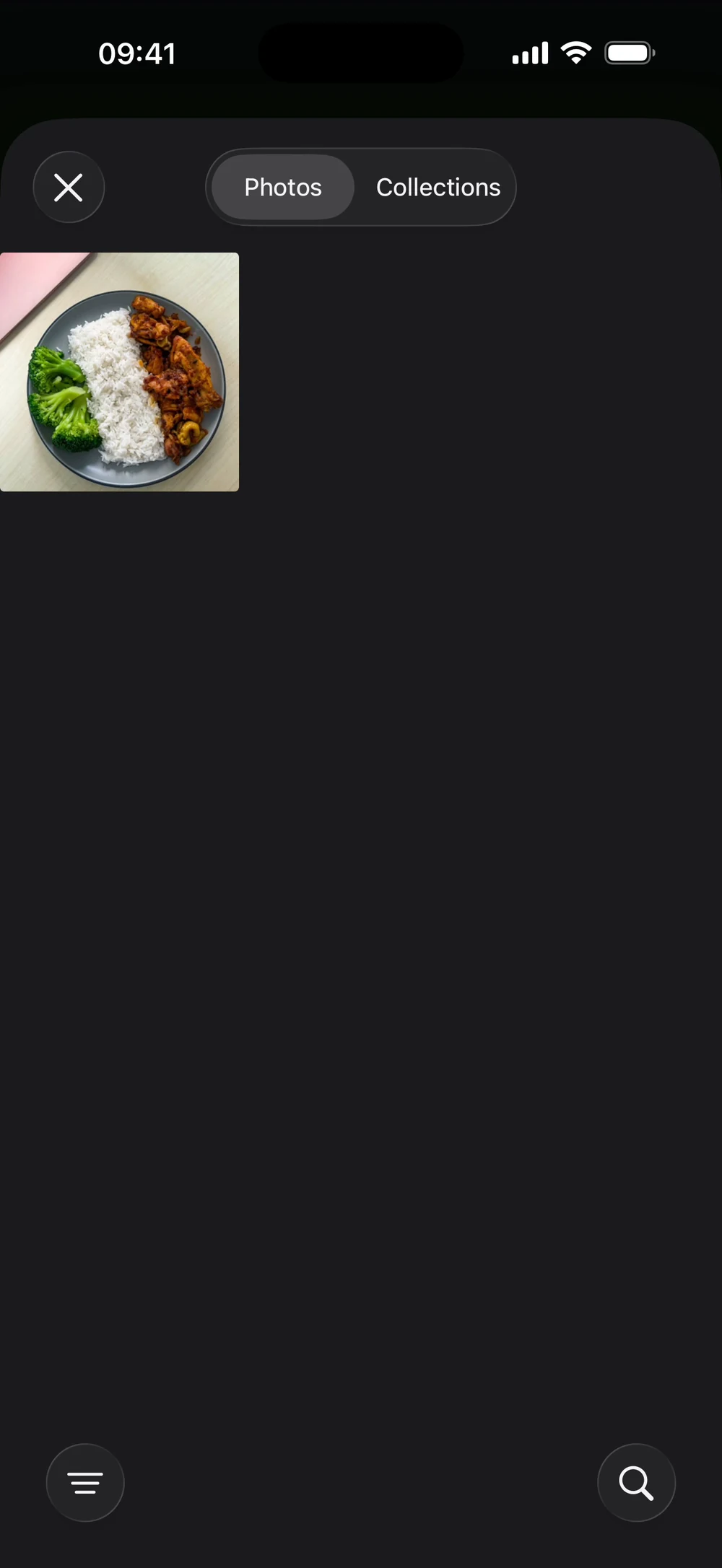
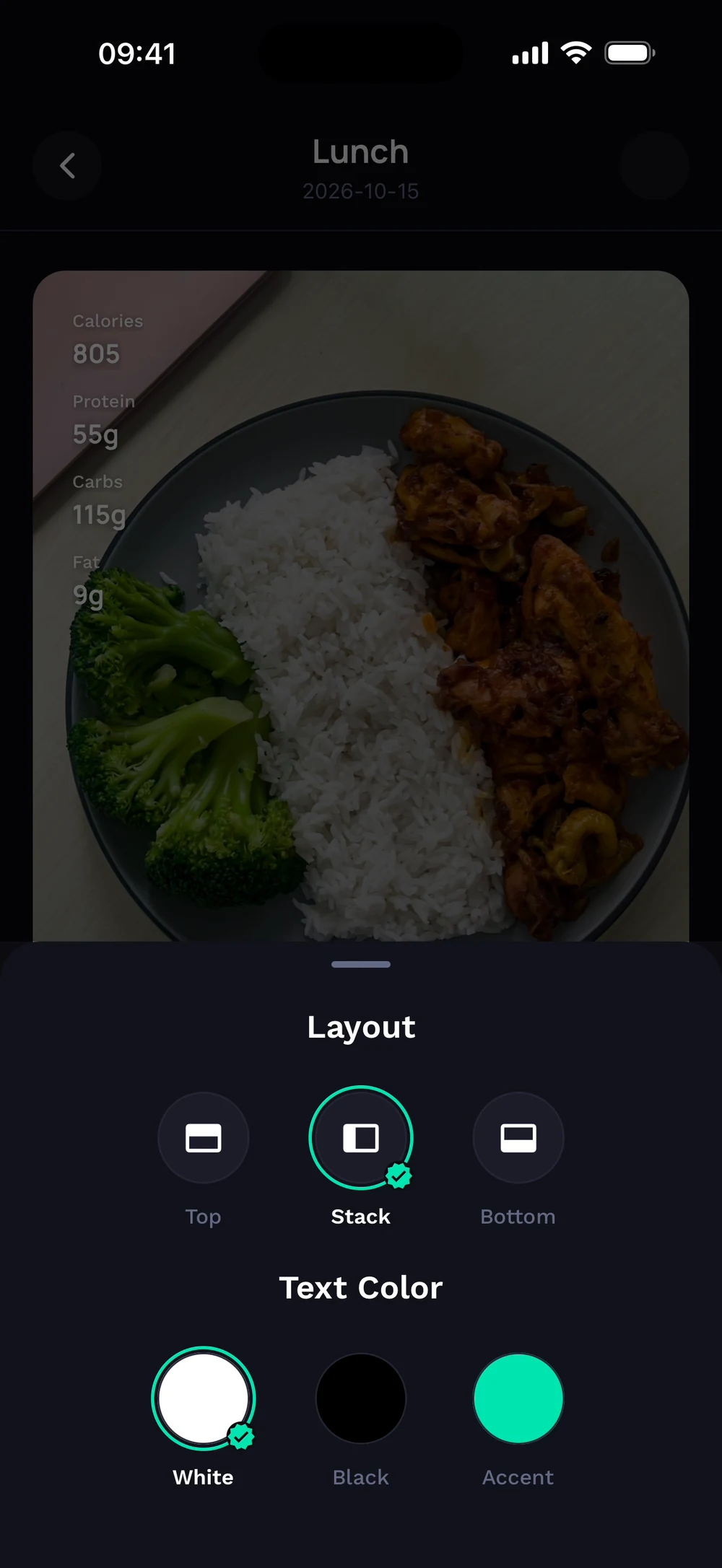
Pick a photo from your library, or take one with the camera. Your meal card shows calories and macros over the photo.
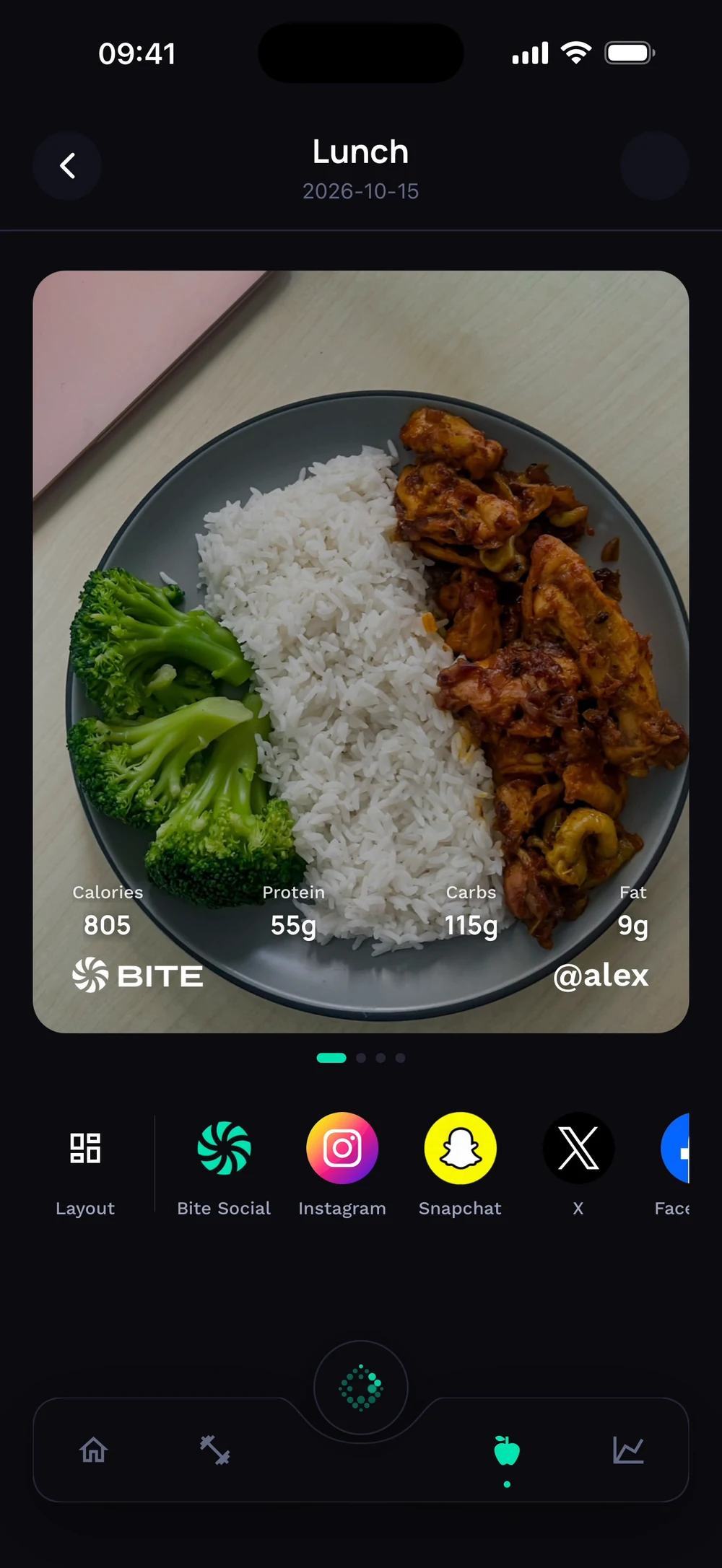
Choose a layout (top, stack or bottom) and a text color. Add a title and a description, then tap Post.
Frequently asked questions
How do I share a meal?
Turn a meal into a card with the macros and share it. Here is how: Open a meal. Tap Share. Add a photo and choose a layout. Post or share.
Is share a meal free in Bite?
Yes. Share a meal is part of the free Bite app.
Where do I find share a meal in the app?
Go to Meal > Share.