
Coach signals
The Coach tab shows the signals Bite watches: progression, volume, recovery and more.
Find it: Coach tab > signal wheel

 Coming soon
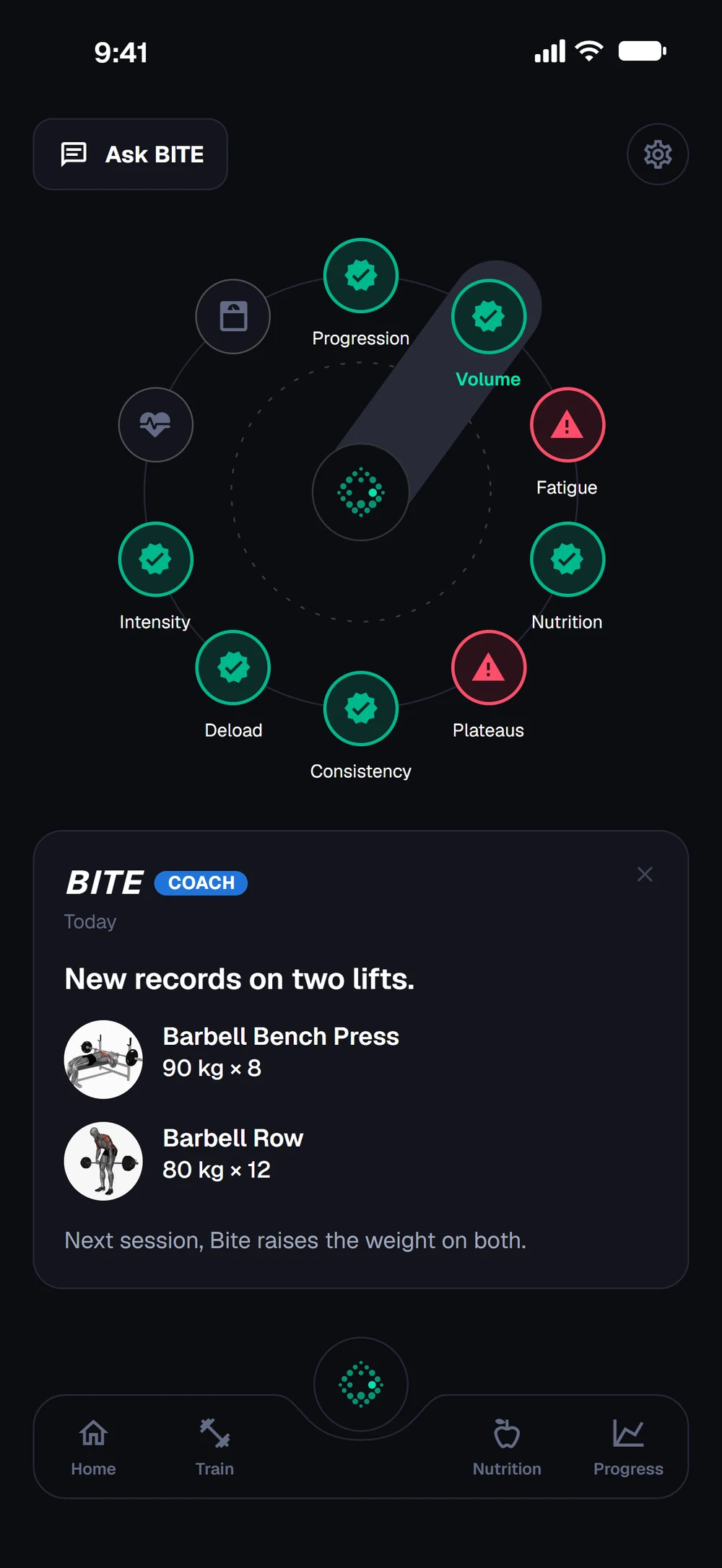

What are the coach signals?
The Coach tab shows the signals Bite watches: progression, volume, recovery and more.
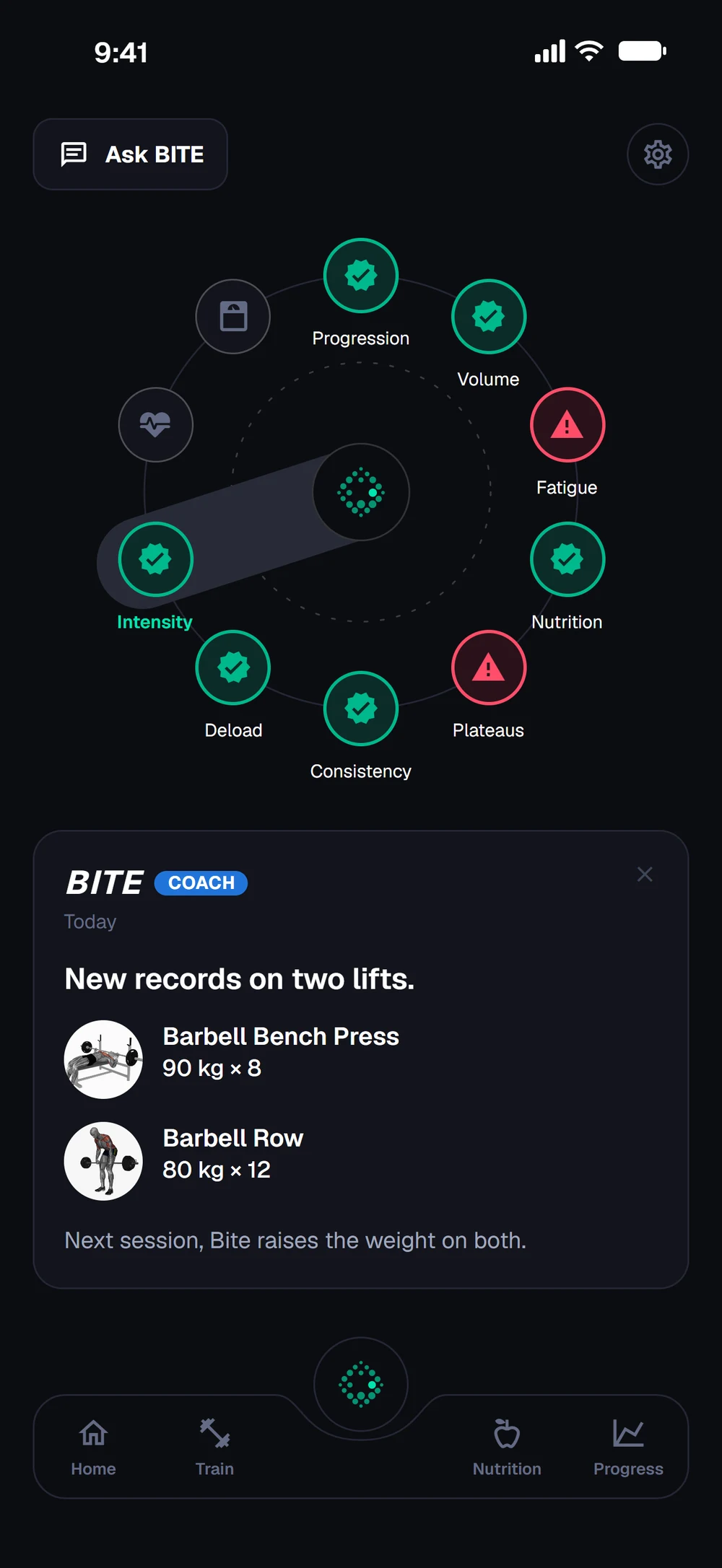
Open the Coach tab. The wheel shows the signals Bite watches, such as progression, volume and nutrition. Turn the wheel to move to the next signal. Signals that need attention are marked red.
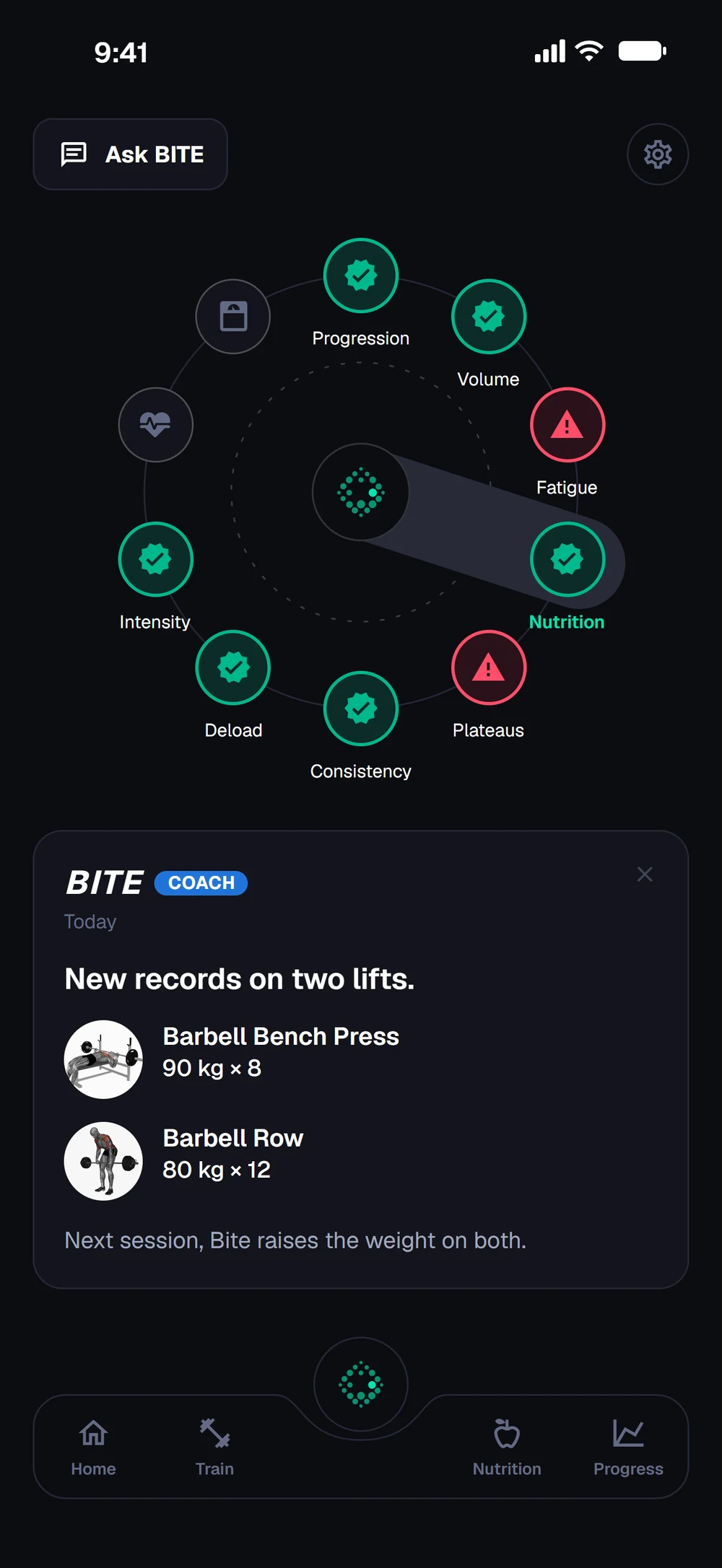
Intensity, deload and consistency sit around the wheel too. Your latest coach message is below it.
Frequently asked questions
What are the coach signals?
The Coach tab shows the signals Bite watches: progression, volume, recovery and more. Here is how: Open the Coach tab. Spin the wheel to move between signals. Tap a signal for details and what to do about it.
Is coach signals free in Bite?
Coach signals is part of Bite Coach. The free app covers workout logging, programs and progress tracking.
Where do I find coach signals in the app?
Go to Coach tab > signal wheel.