
Monthly report
A recap of your month: workouts, volume, PRs and top exercises.
Find it: Progress > Reports

 Coming soon
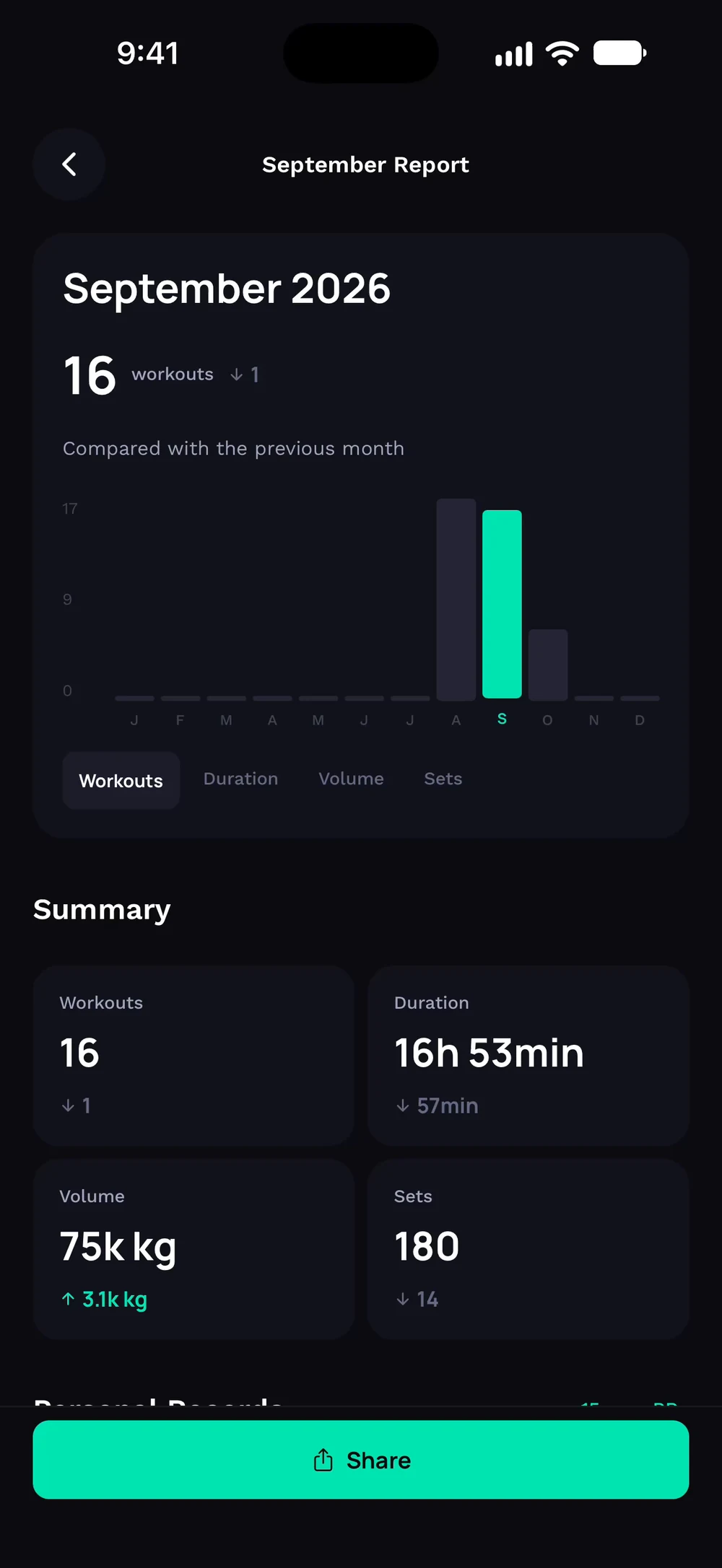

What is in the monthly report?
A recap of your month: workouts, volume, PRs and top exercises.
Open Progress, tap Reports and choose a month. The report starts with your workouts compared with the month before. Scroll to your top exercises and muscle volume.
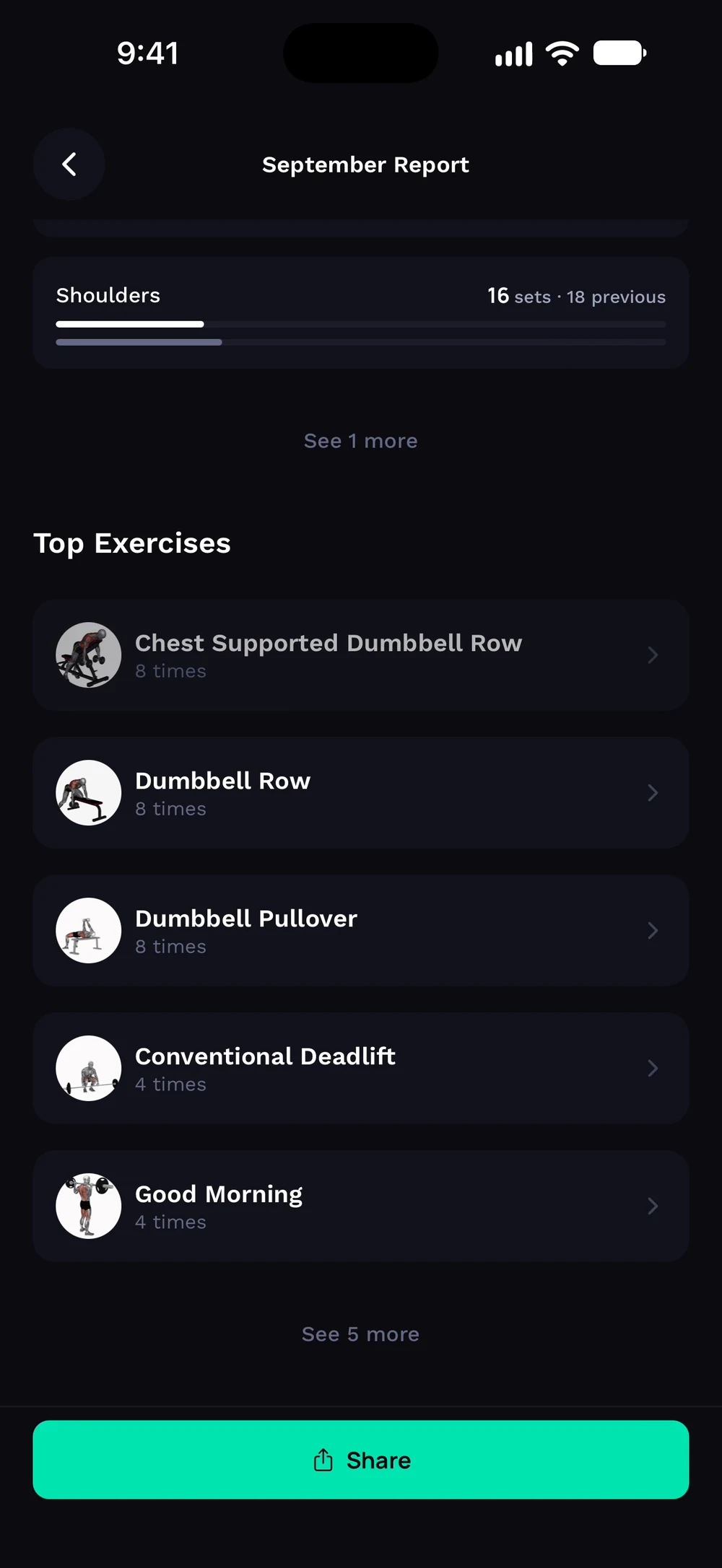
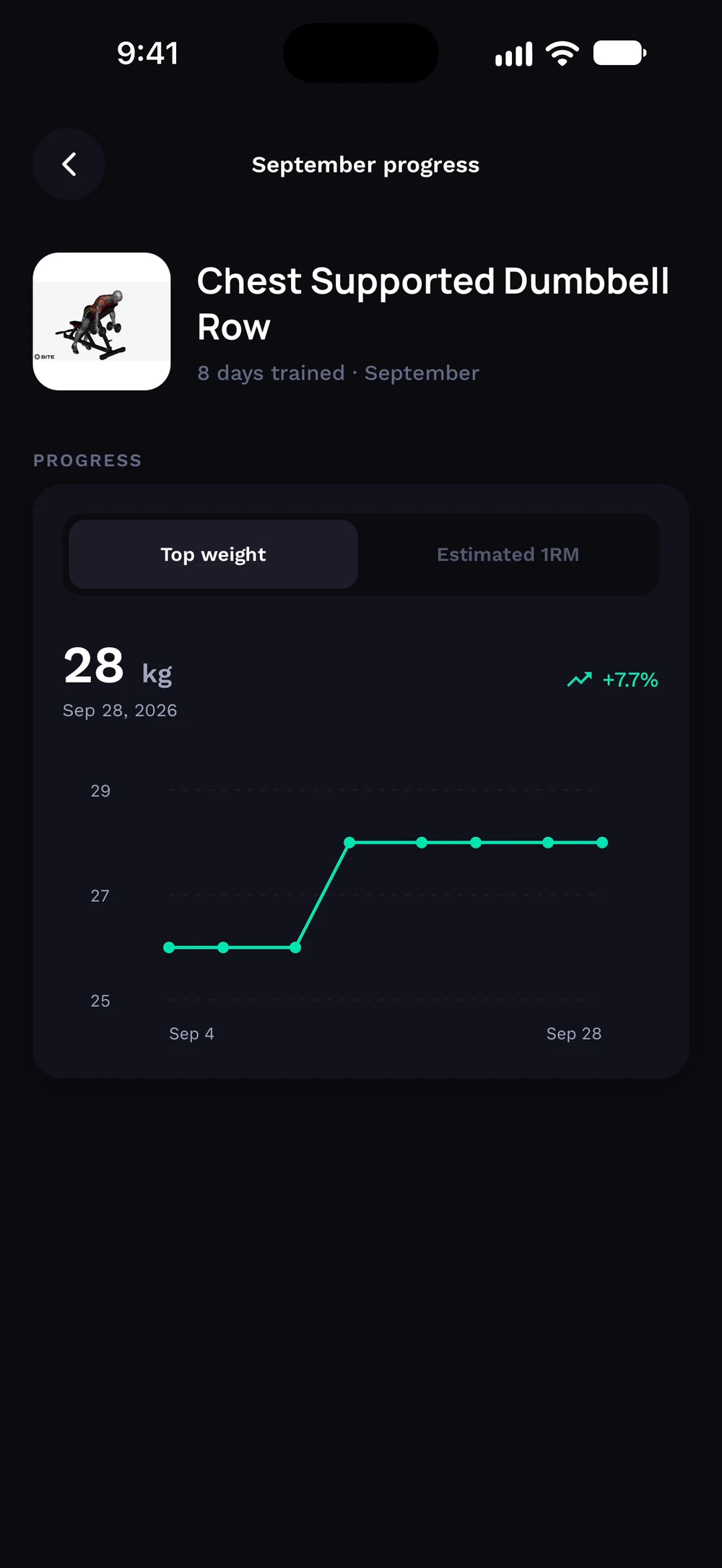
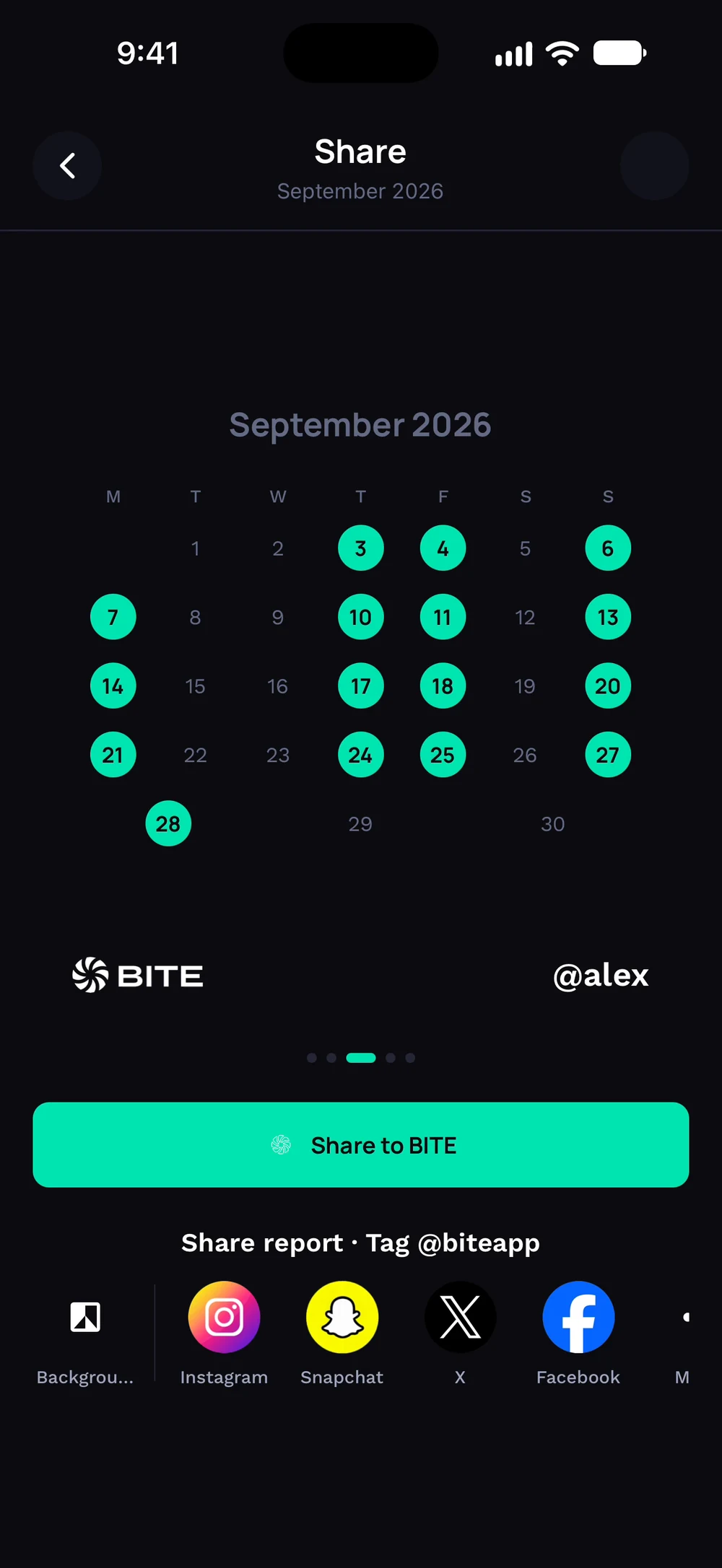
Tap an exercise to see its progress for the month. Tap Share to turn the report into cards.
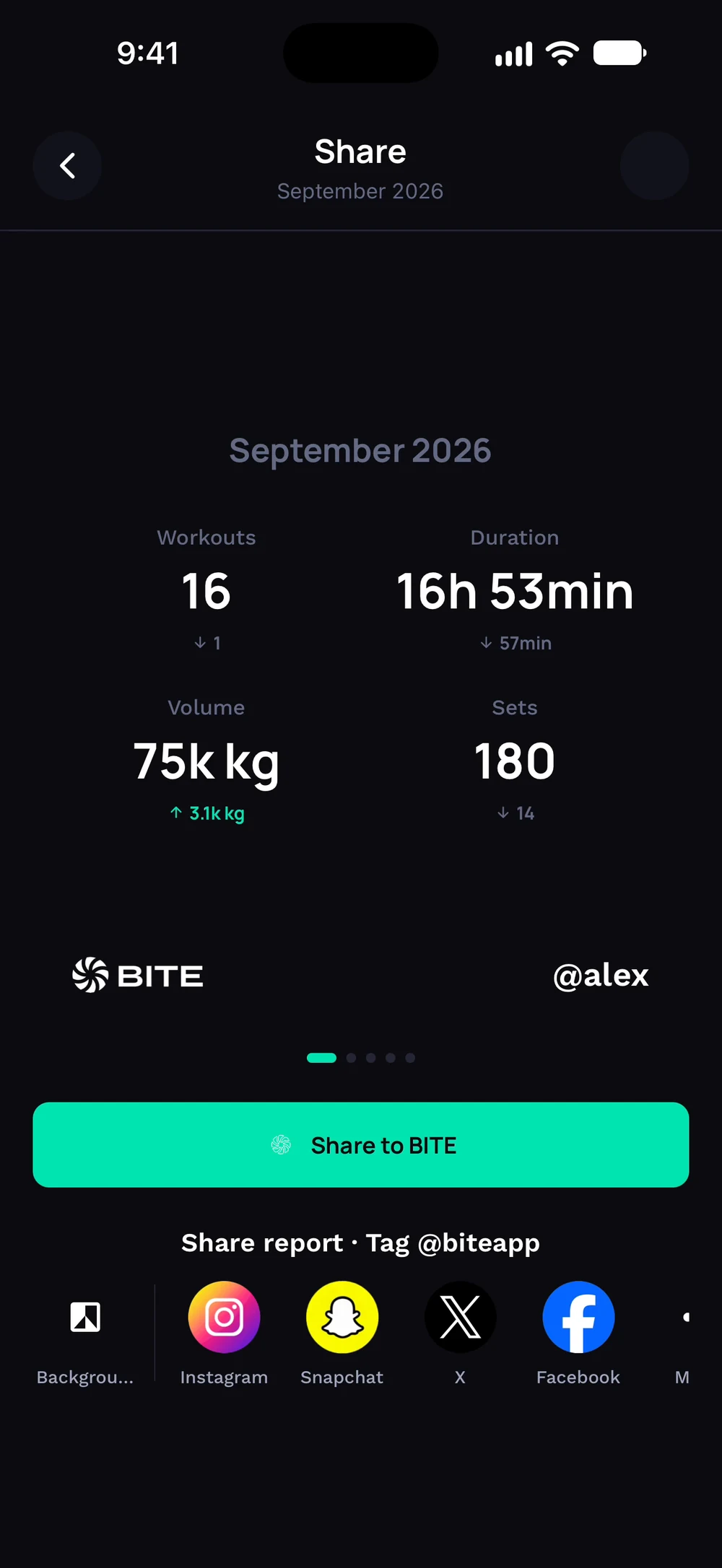
Swipe through cards for your numbers and your training calendar.
Frequently asked questions
What is in the monthly report?
A recap of your month: workouts, volume, PRs and top exercises. Here is how: Open Progress, tap Reports and choose a month. The report starts with your workouts compared with the month before. Scroll to your top exercises and muscle volume. Tap an exercise to see its progress for the month. Tap Share to turn the report into cards. Swipe through cards for your numbers and your training calendar.
Is monthly report free in Bite?
Yes. Monthly report is part of the free Bite app.
Where do I find monthly report in the app?
Go to Progress > Reports.