
Share a report
Share your monthly report as cards on the Bite feed or to other apps.
Free
Find it: Report > Share

 Coming soon

How do I share my monthly report?
Share your monthly report as cards on the Bite feed or to other apps.
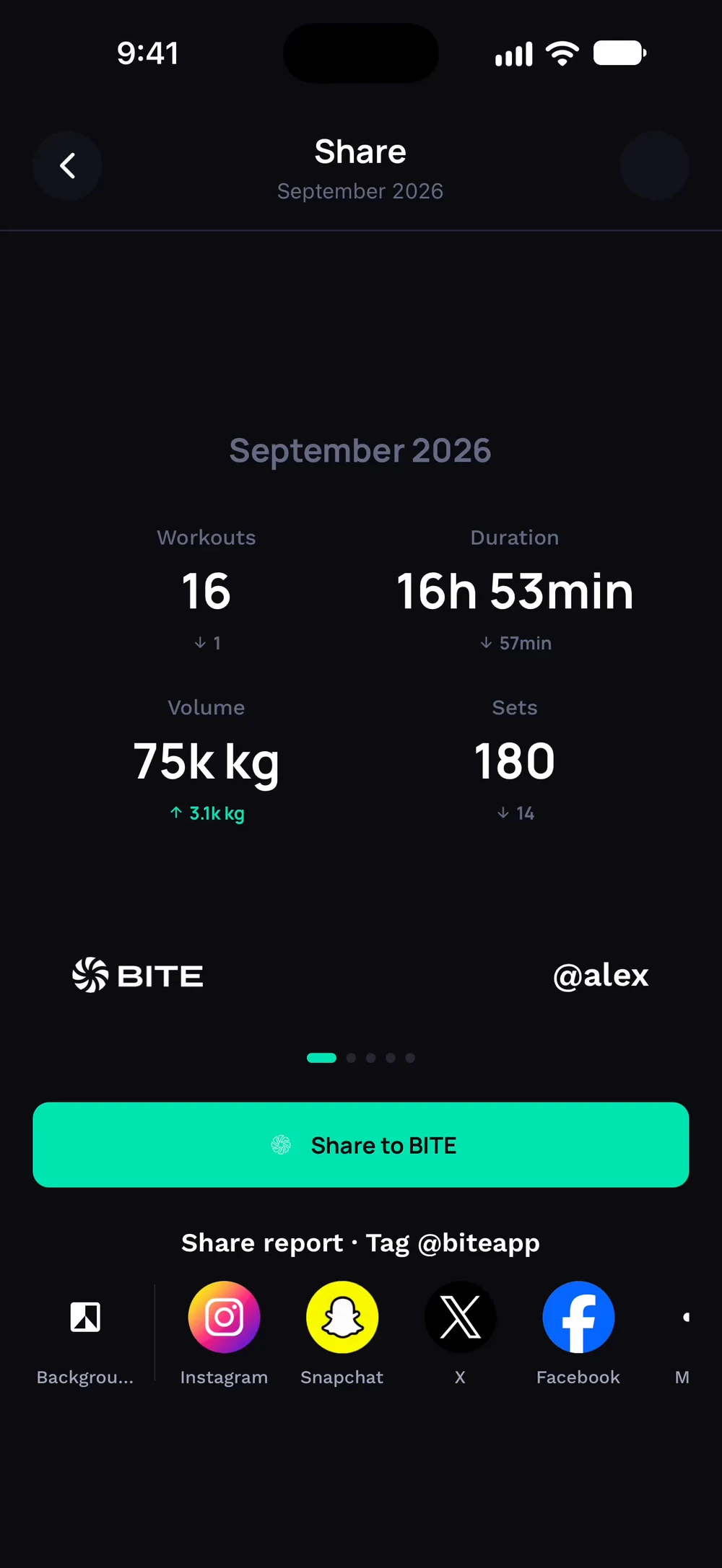
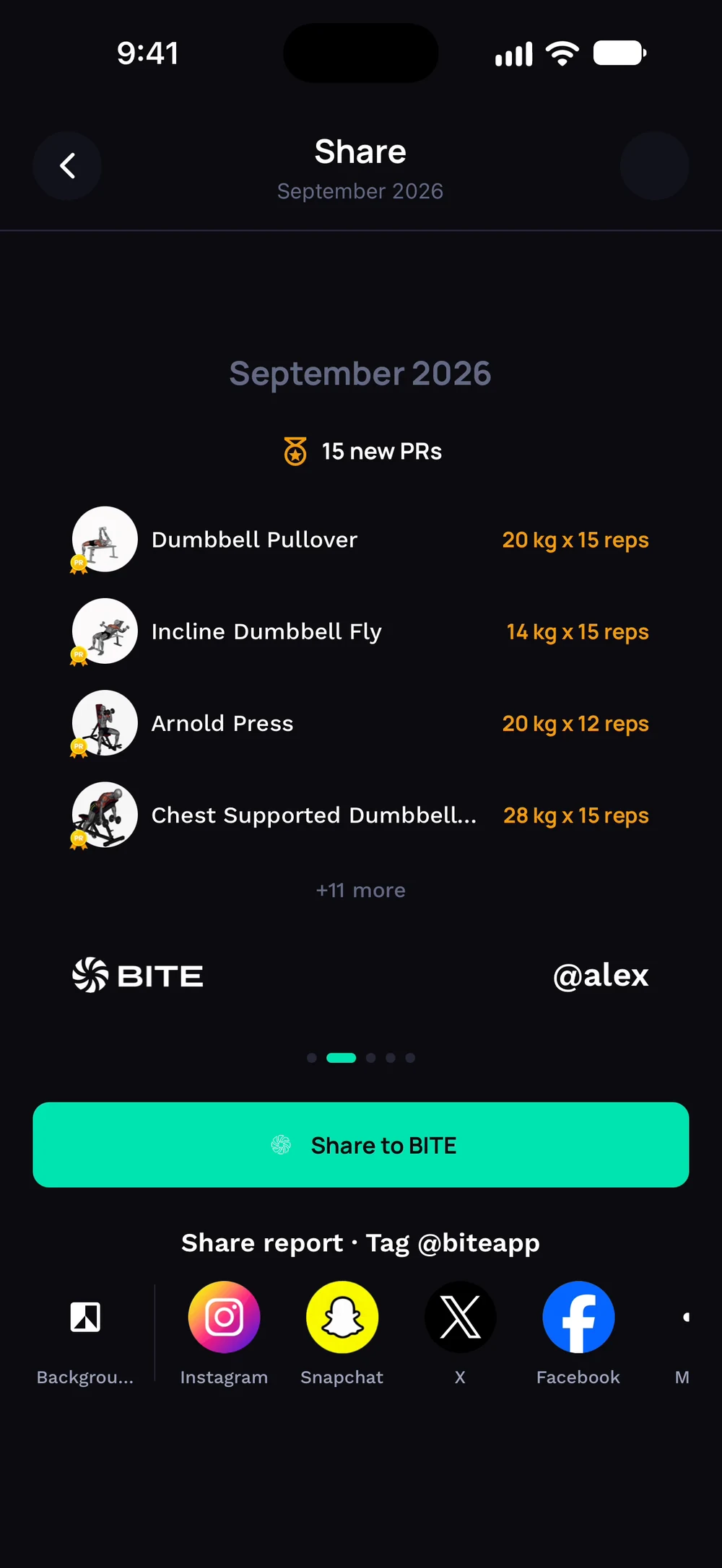
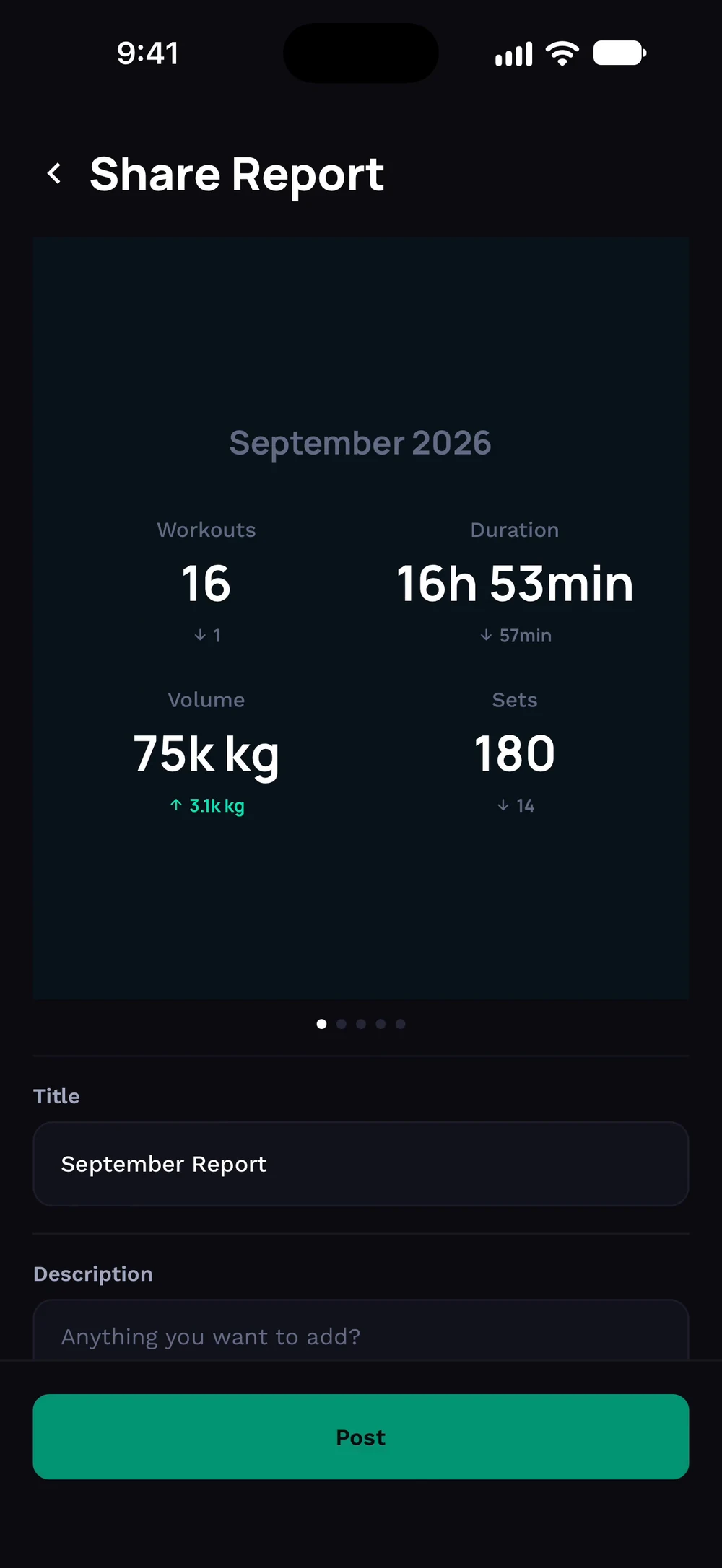
Open a report and tap Share. The first card shows your month in numbers. Swipe for your new personal records.
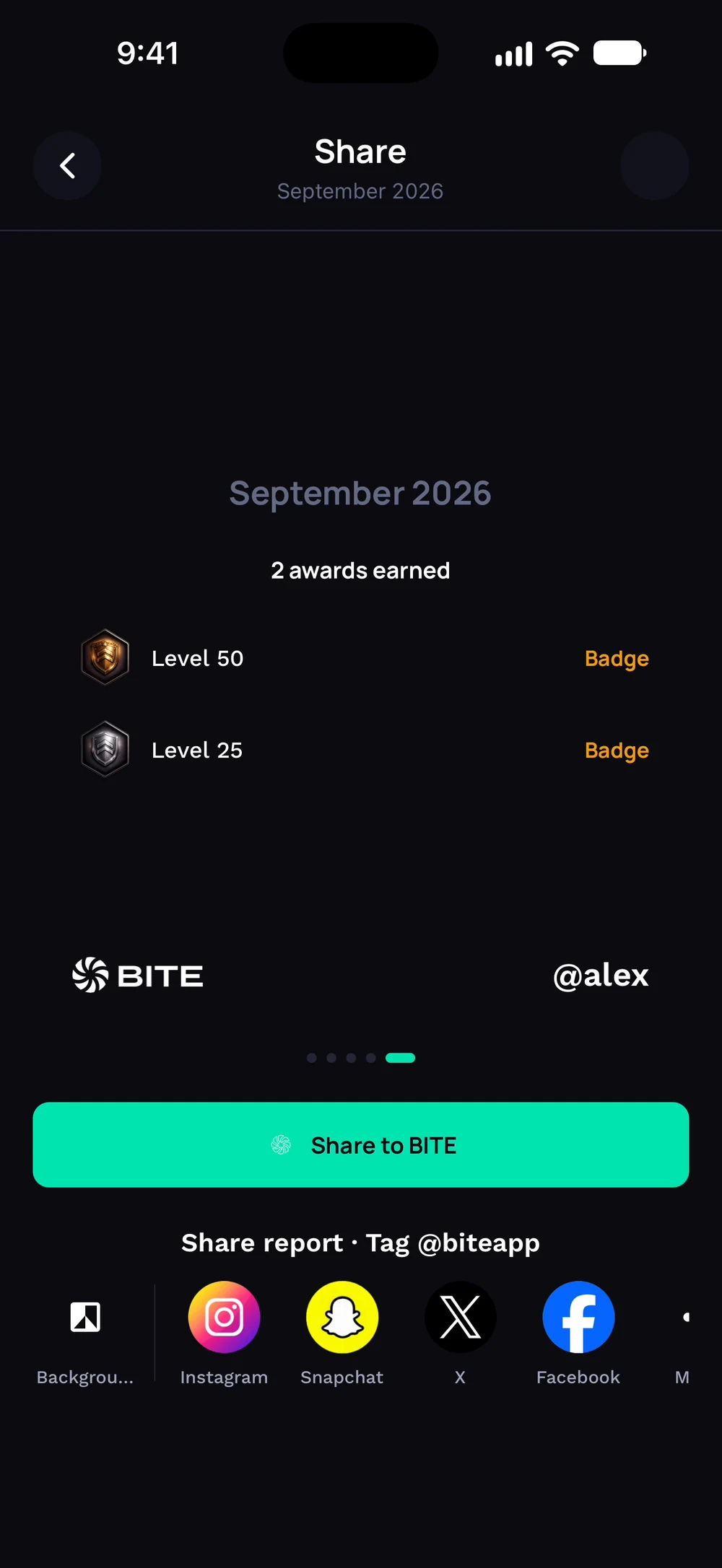
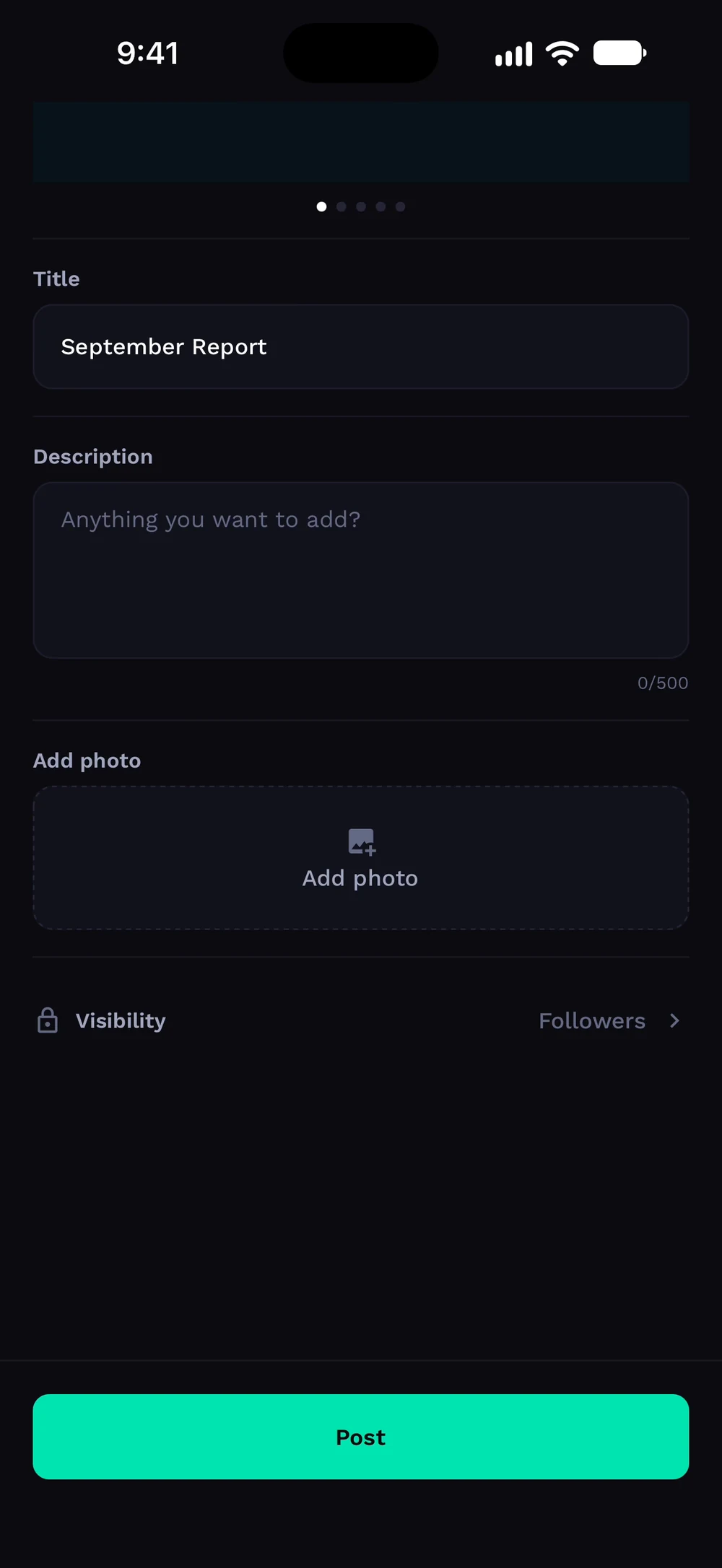
Swipe for the awards you earned. Tap Share to BITE to open the post screen with a title and description.
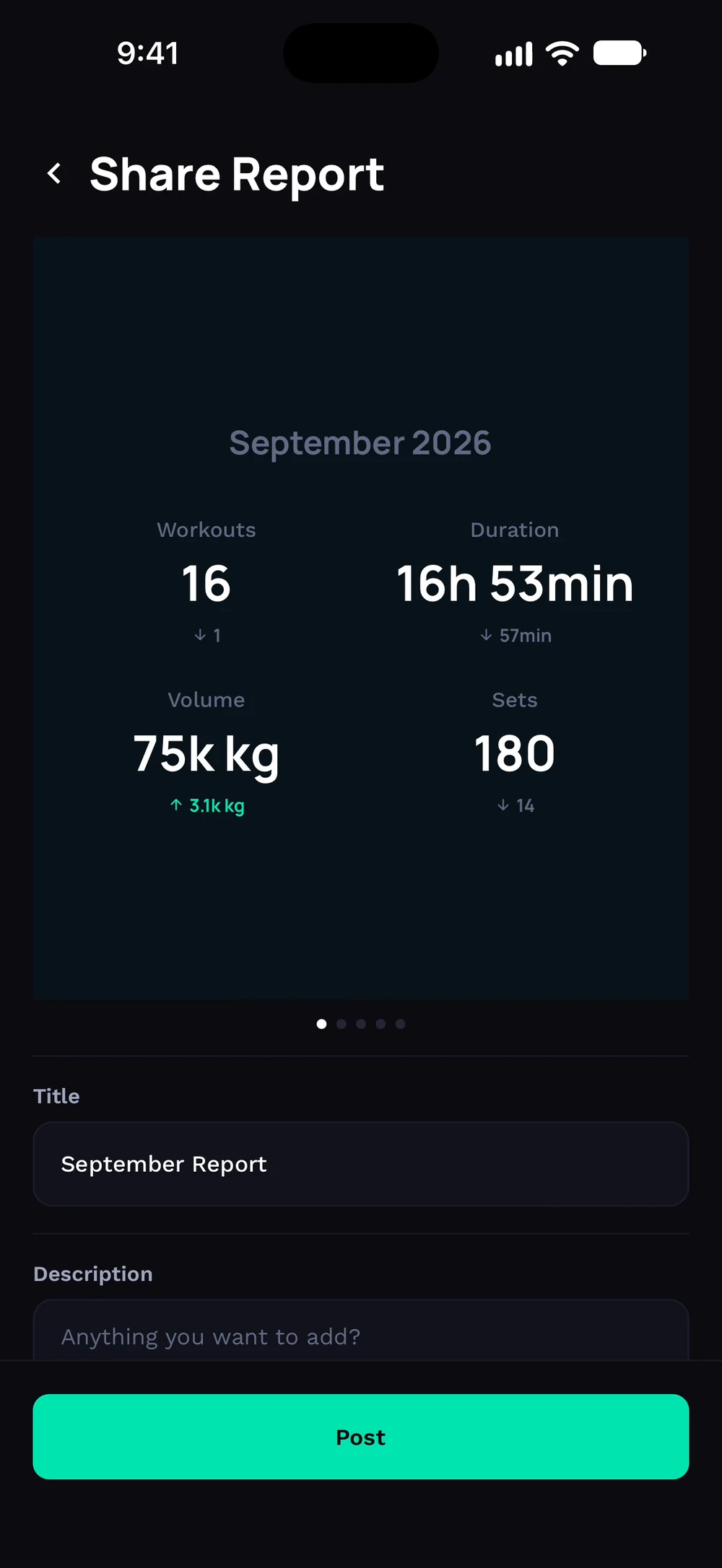
Add a photo and choose who can see it. Tap Post to publish the report to the feed.
Frequently asked questions
How do I share my monthly report?
Share your monthly report as cards on the Bite feed or to other apps. Here is how: Open a report. Tap Share. Swipe through the cards and pick the ones you like. Post or share.
Is share a report free in Bite?
Yes. Share a report is part of the free Bite app.
Where do I find share a report in the app?
Go to Report > Share.