
Add or remove an exercise mid-workout
Change your workout on the spot when the gym is busy or an exercise does not feel right.
Find it: Workout > Add exercise

 Coming soon
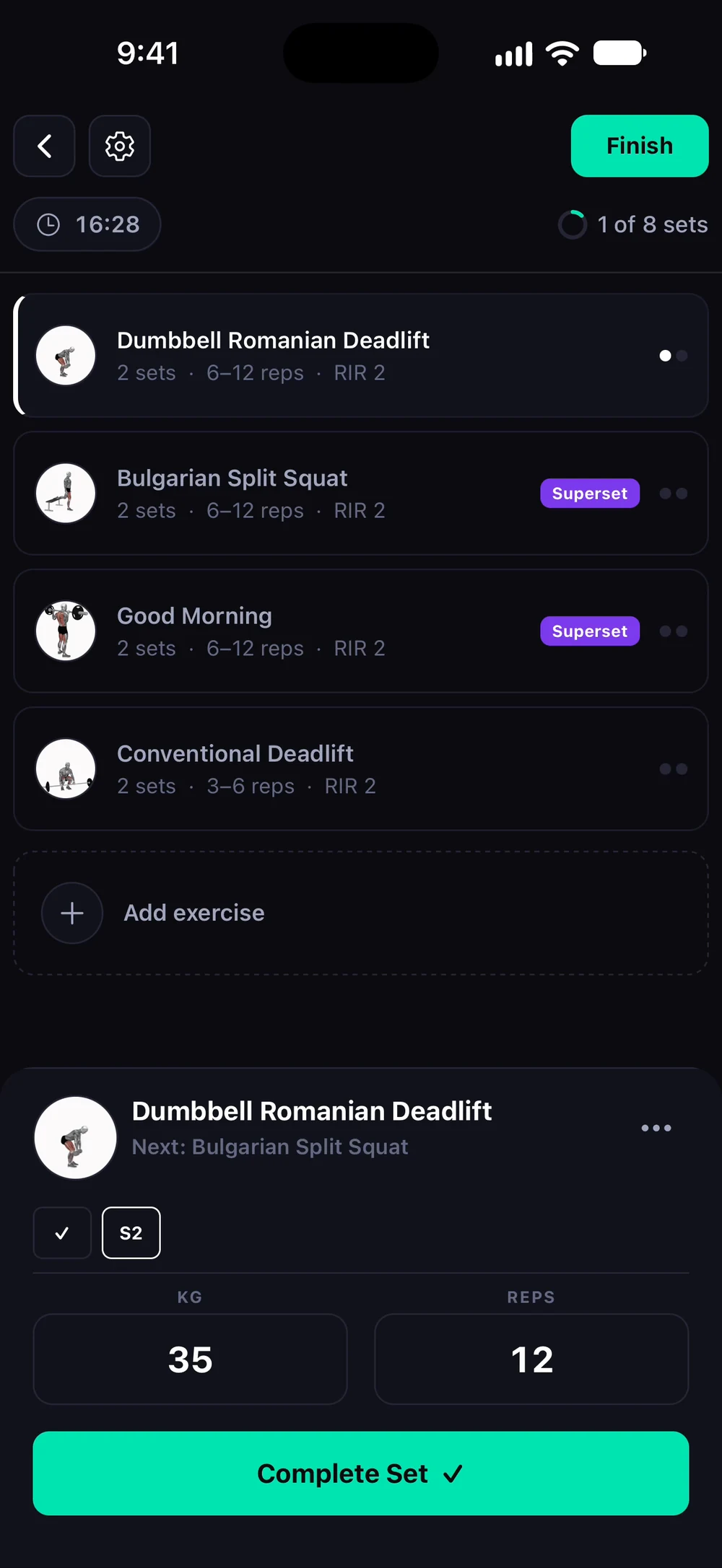

How do I add an exercise during a workout?
Change your workout on the spot when the gym is busy or an exercise does not feel right.
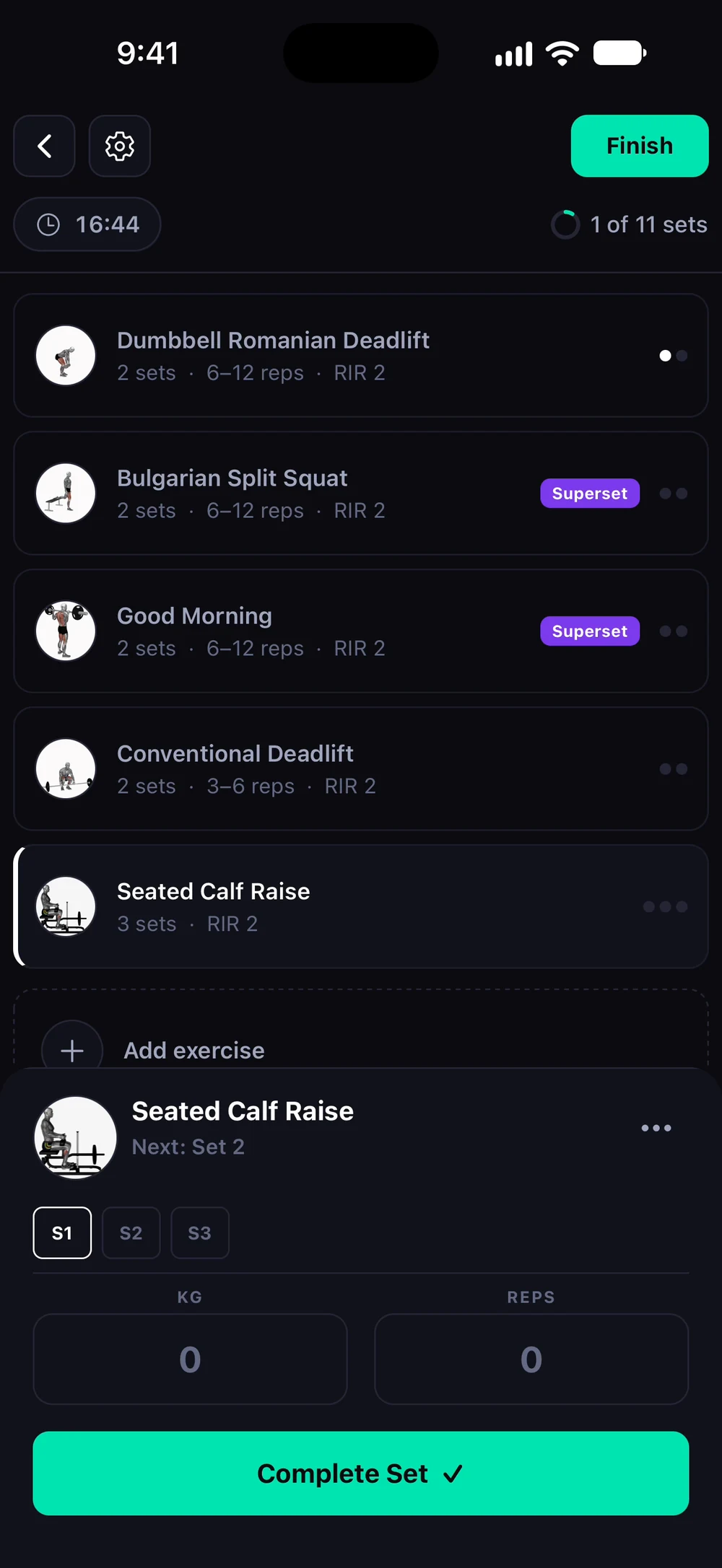
During a workout, tap Add exercise under the exercise list. Search the library or pick from the popular exercises.
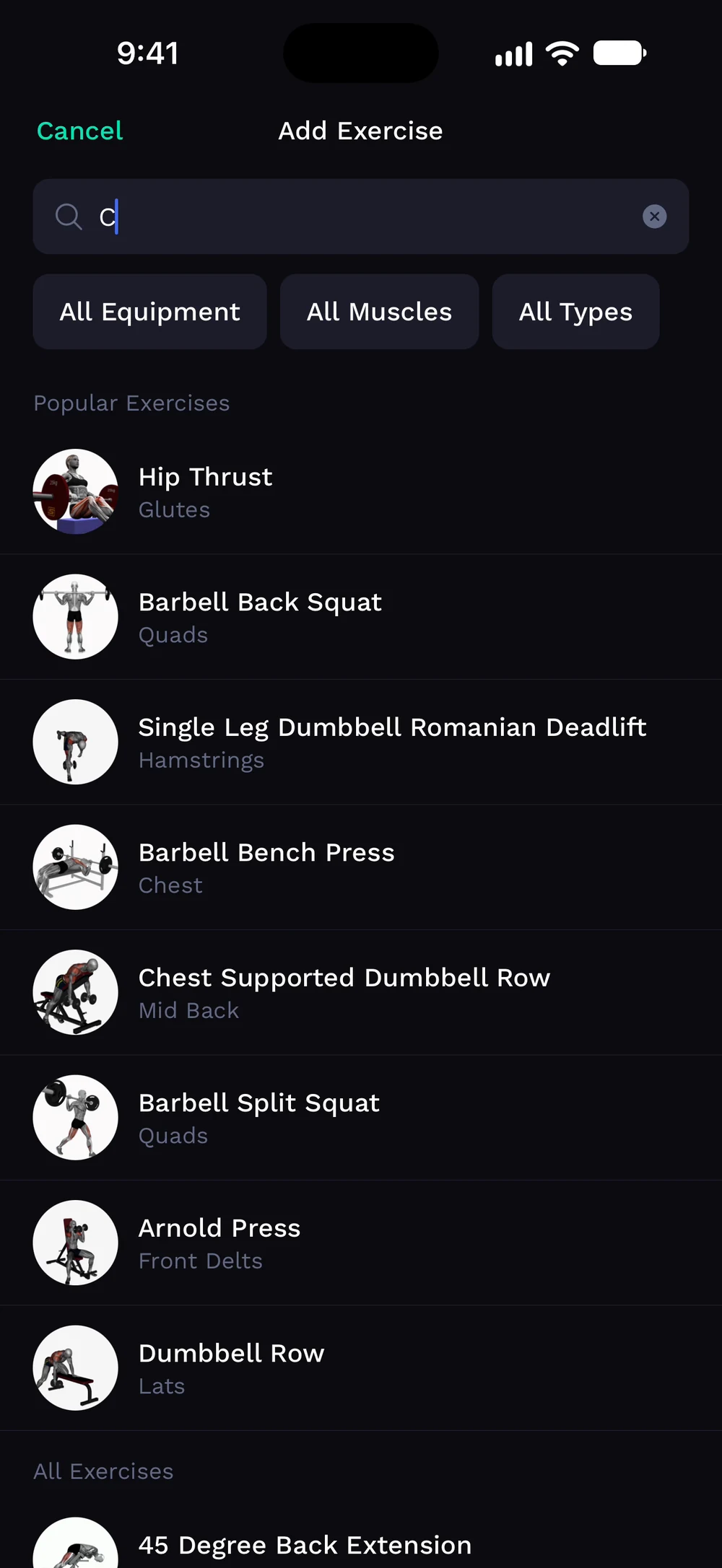
Type a name to filter the list. Here: calf. Tap the exercises you want. The button shows how many you picked.
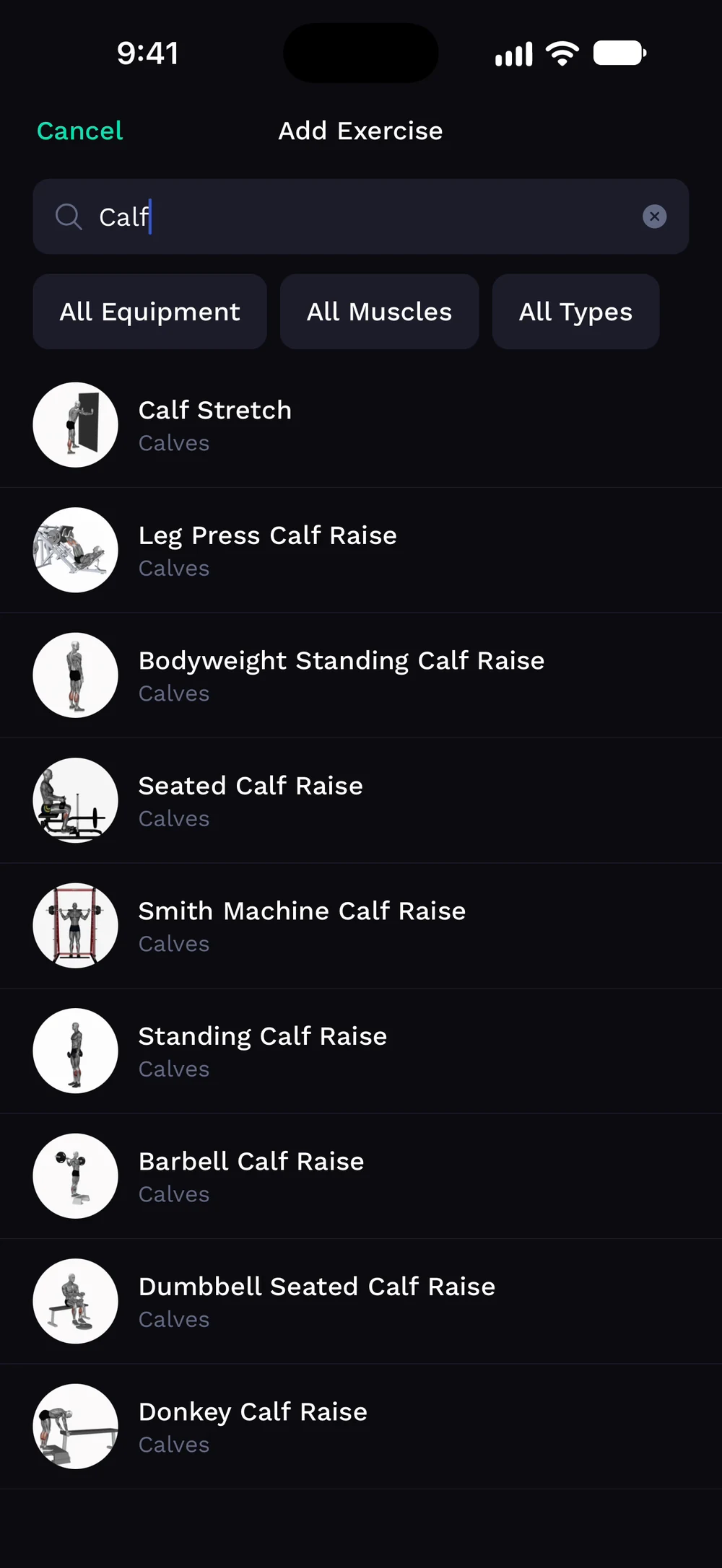
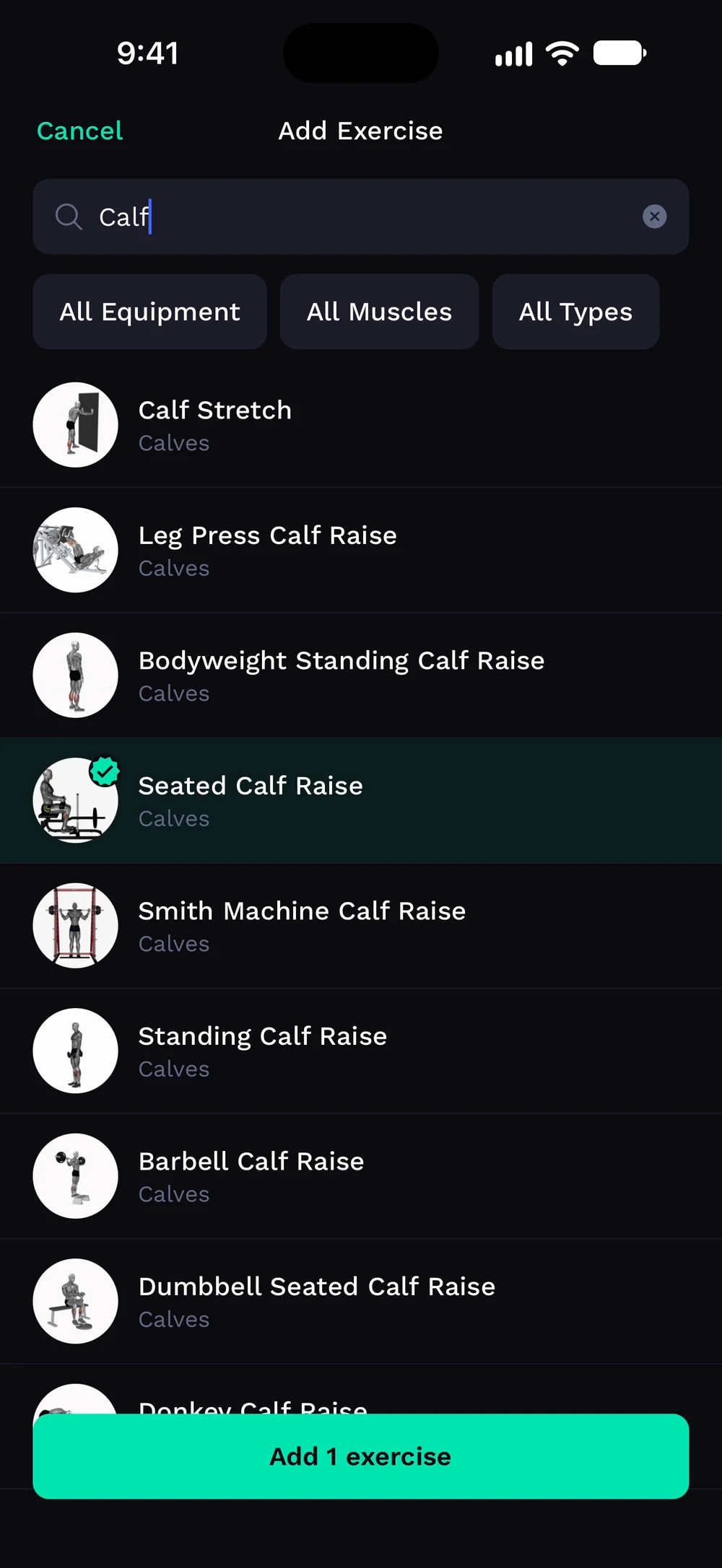
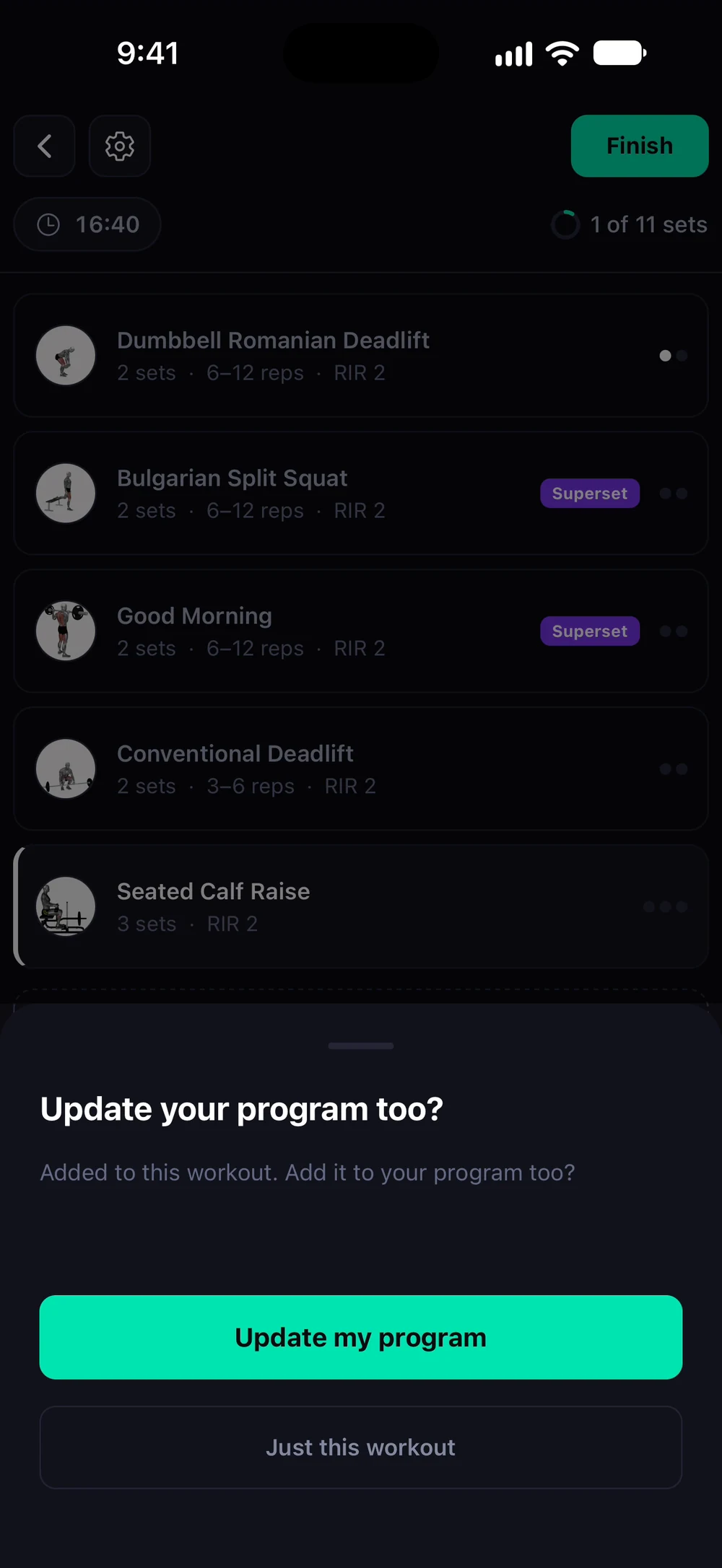
Bite asks if you also want to add them to your program or only to this workout. The new exercise sits in your workout, ready to log.
Frequently asked questions
How do I add an exercise during a workout?
Change your workout on the spot when the gym is busy or an exercise does not feel right. Here is how: Tap Add exercise at the bottom of the exercise list. Search or filter and pick an exercise. To remove one, open its three dots and choose Remove. Your changes only apply to this session.
Is add or remove an exercise mid-workout free in Bite?
Yes. Add or remove an exercise mid-workout is part of the free Bite app.
Where do I find add or remove an exercise mid-workout in the app?
Go to Workout > Add exercise.