
Start a workout
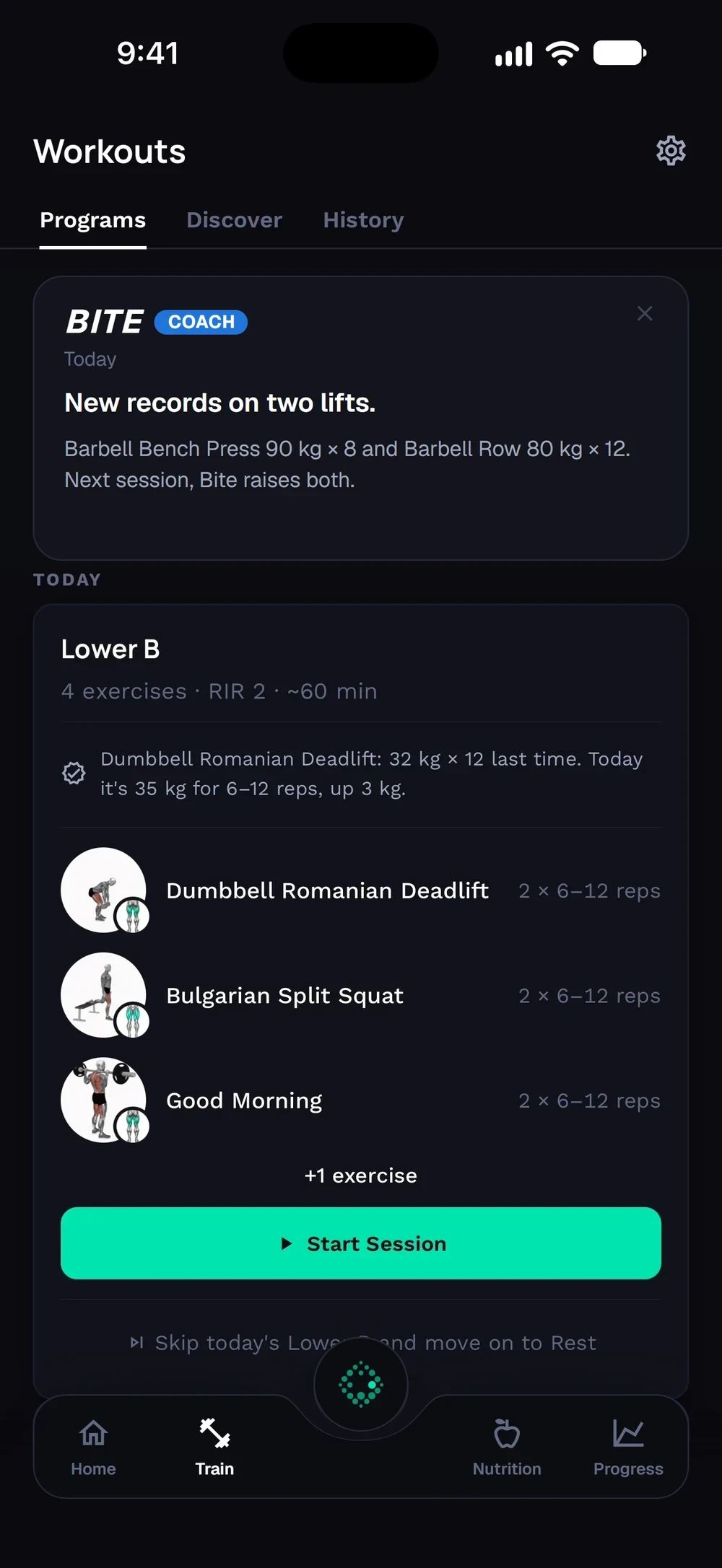
Your next workout sits on the Train tab. One tap starts it with your weights already filled in.
Find it: Train > Today card > Start

 Coming soon

How do I start a workout in Bite?
Your next workout sits on the Train tab. One tap starts it with your weights already filled in.
Today's workout sits in the Today card on the Train tab, with its exercises and a Start Session button. Scroll down to see your week, with each training day and rest day.
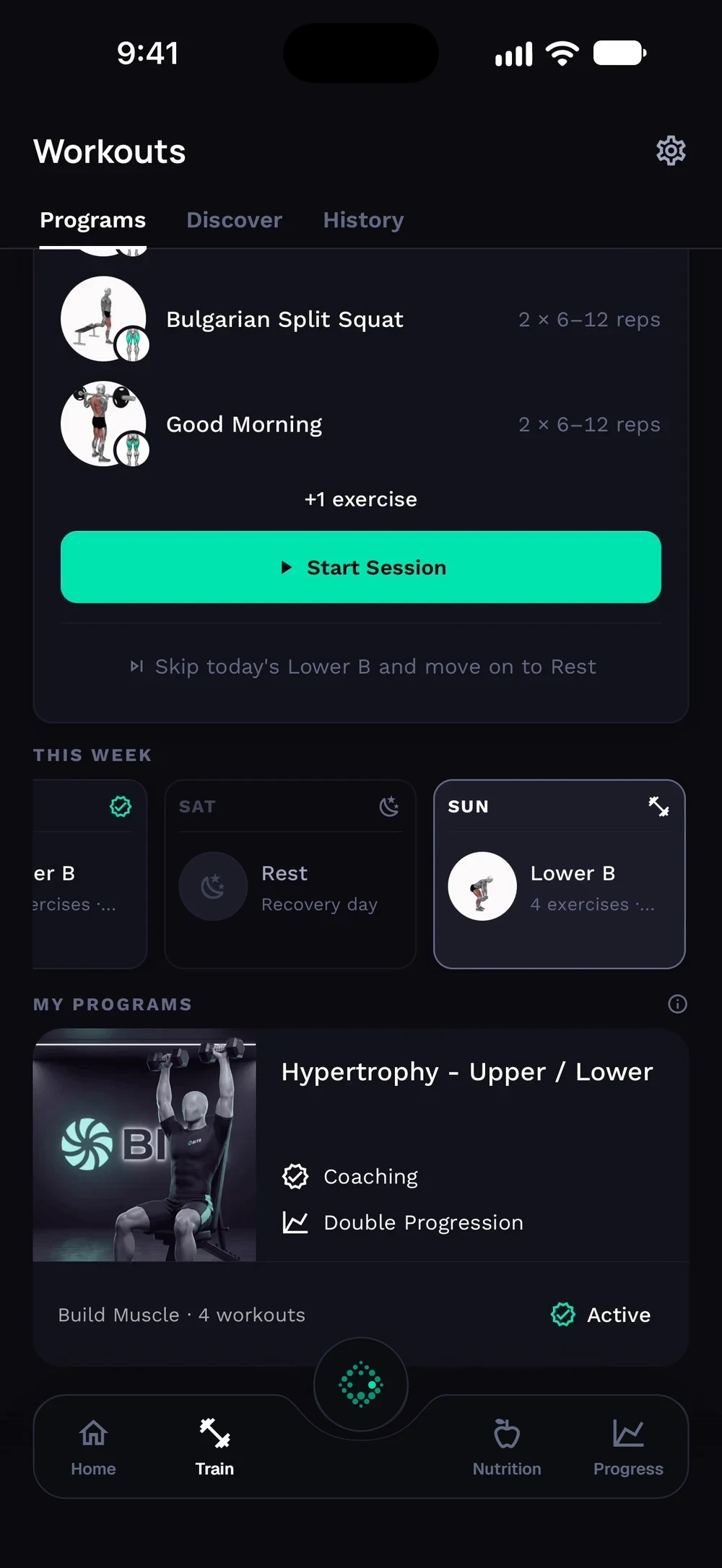
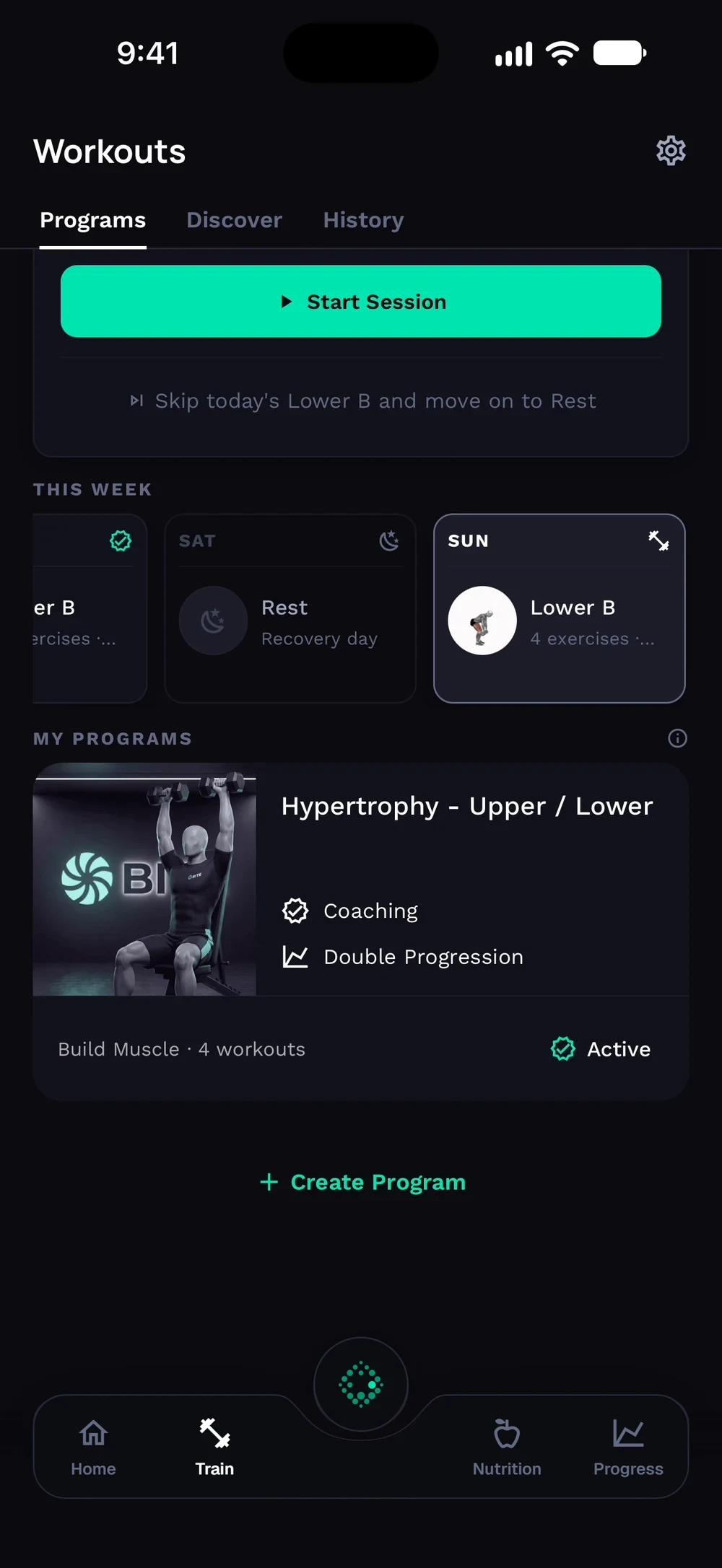
Your programs are listed below the week. The one you are following is marked Active.
Frequently asked questions
How do I start a workout in Bite?
Your next workout sits on the Train tab. One tap starts it with your weights already filled in. Here is how: Open the Train tab. Find today's workout in the Today card. It shows the day name and the exercises. Tap Start. Bite asks how you feel first, then opens the workout. Log your sets from the top exercise down.
Is start a workout free in Bite?
Yes. Start a workout is part of the free Bite app.
Where do I find start a workout in the app?
Go to Train > Today card > Start.