
Log a set
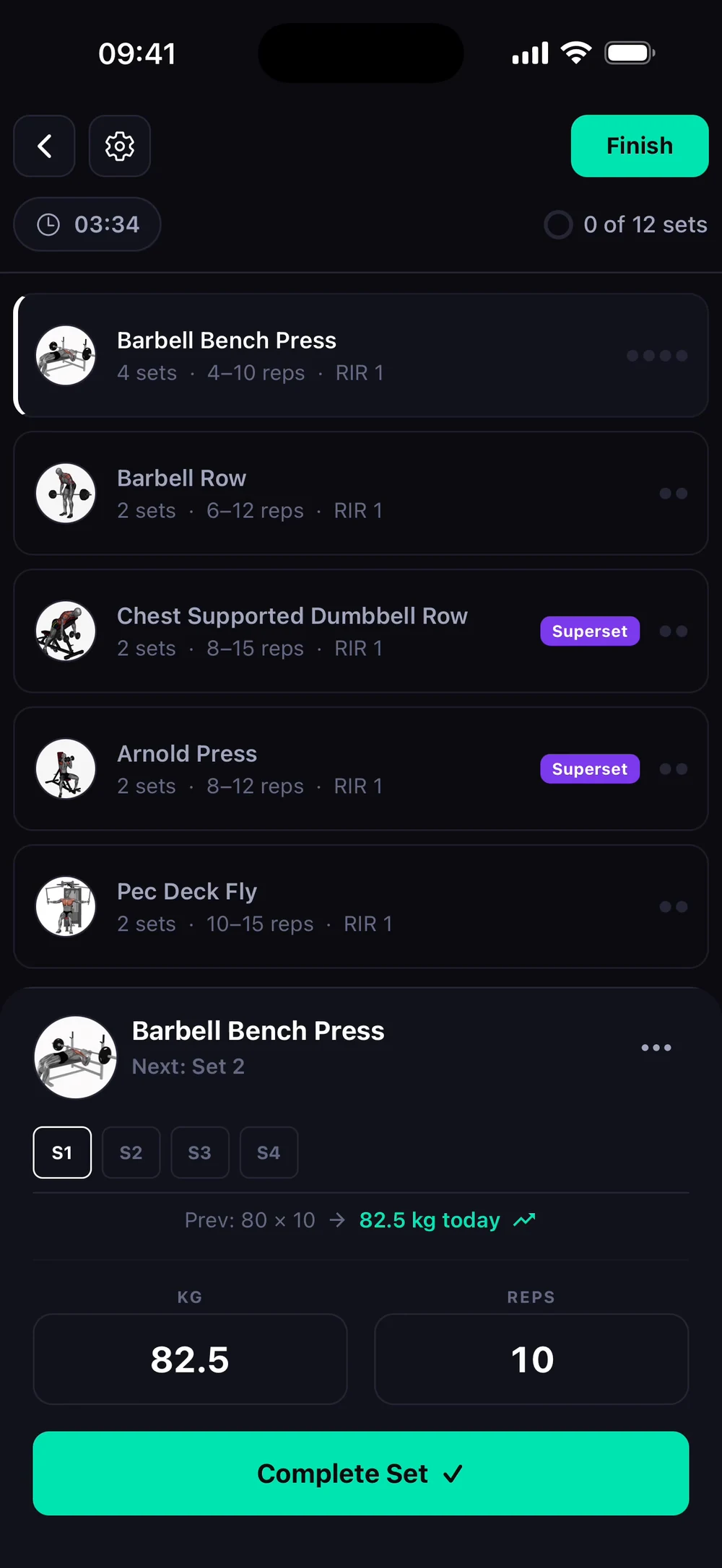
Weight and reps are filled in from your last session. Change them if you need to and tap Complete Set.
Find it: Workout > enter weight and reps > check

 Coming soon

How do I log a set?
Weight and reps are filled in from your last session. Change them if you need to and tap Complete Set.
The current exercise shows its sets. Check the weight and reps, then tap Complete Set. After the set, Bite asks how many reps you had left in reserve.
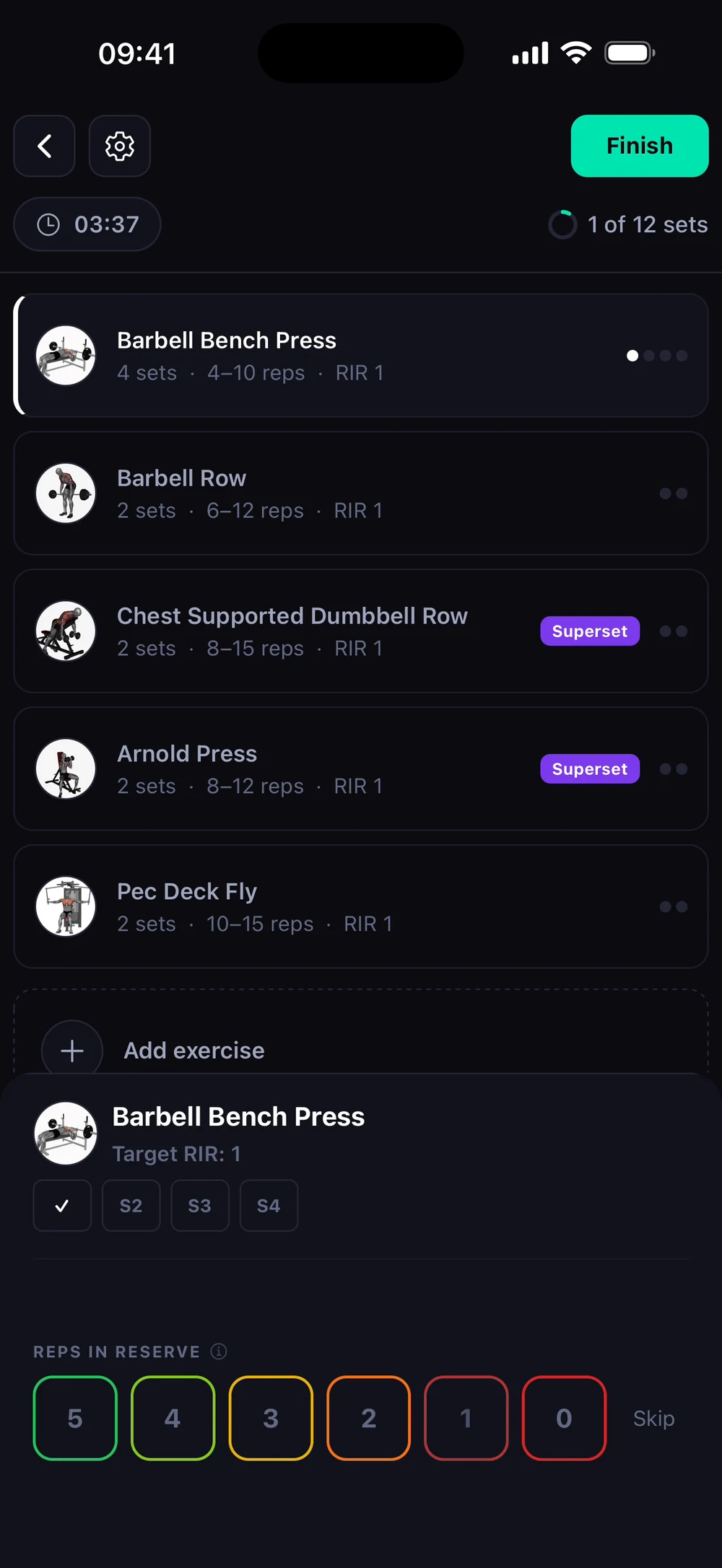
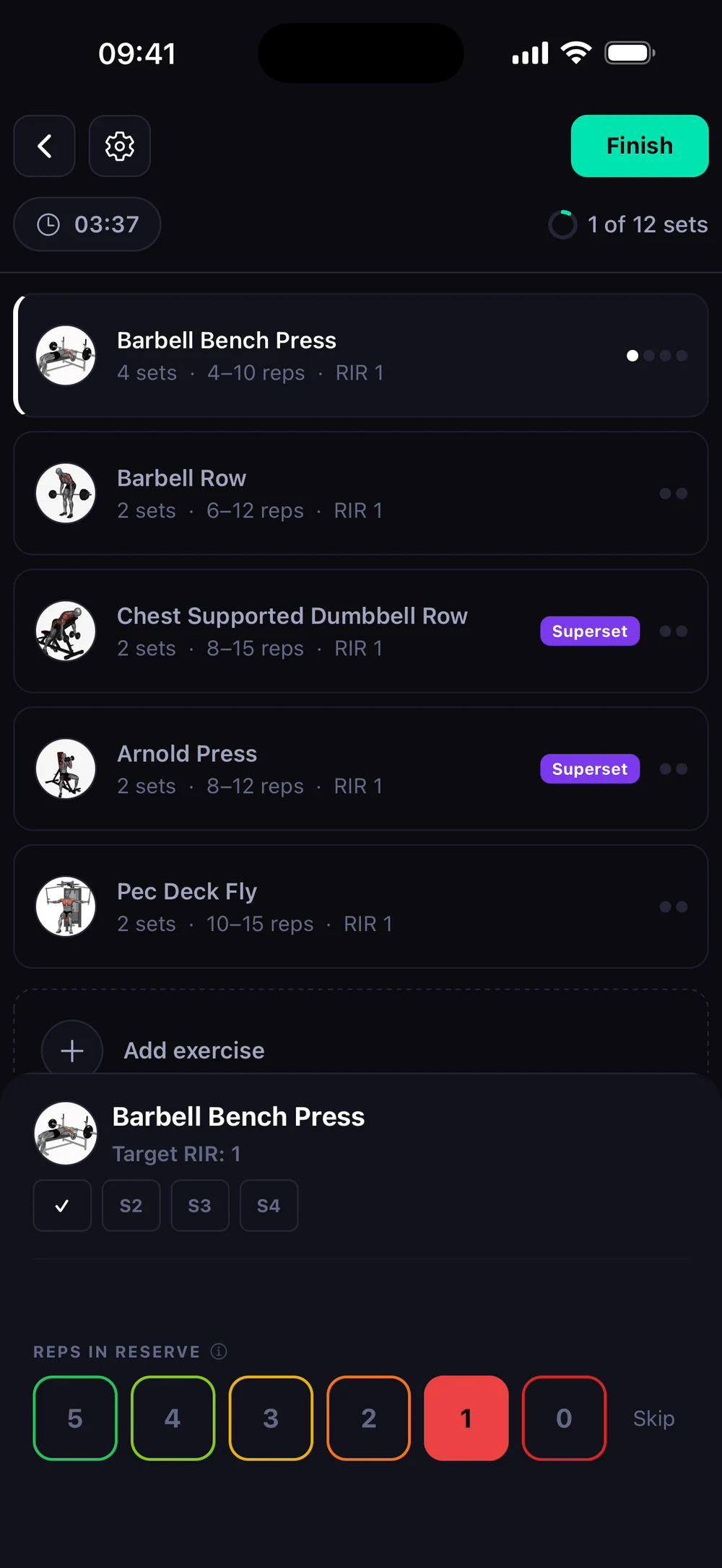
Tap a number to rate the set. The rest timer starts and the next set is ready.
Frequently asked questions
How do I log a set?
Weight and reps are filled in from your last session. Change them if you need to and tap Complete Set. Here is how: Open the exercise you are on. Its sets sit at the bottom of the screen. Check the weight and reps. Both are editable. Tap Complete Set. Rate how hard the set was if Bite asks. The rest timer starts.
Is log a set free in Bite?
Yes. Log a set is part of the free Bite app.
Where do I find log a set in the app?
Go to Workout > enter weight and reps > check.