
Build a program with AI
Answer a few questions and Bite builds a full program for your goal, schedule and equipment.
Find it: Train > Programs > Bite builds it

 Coming soon
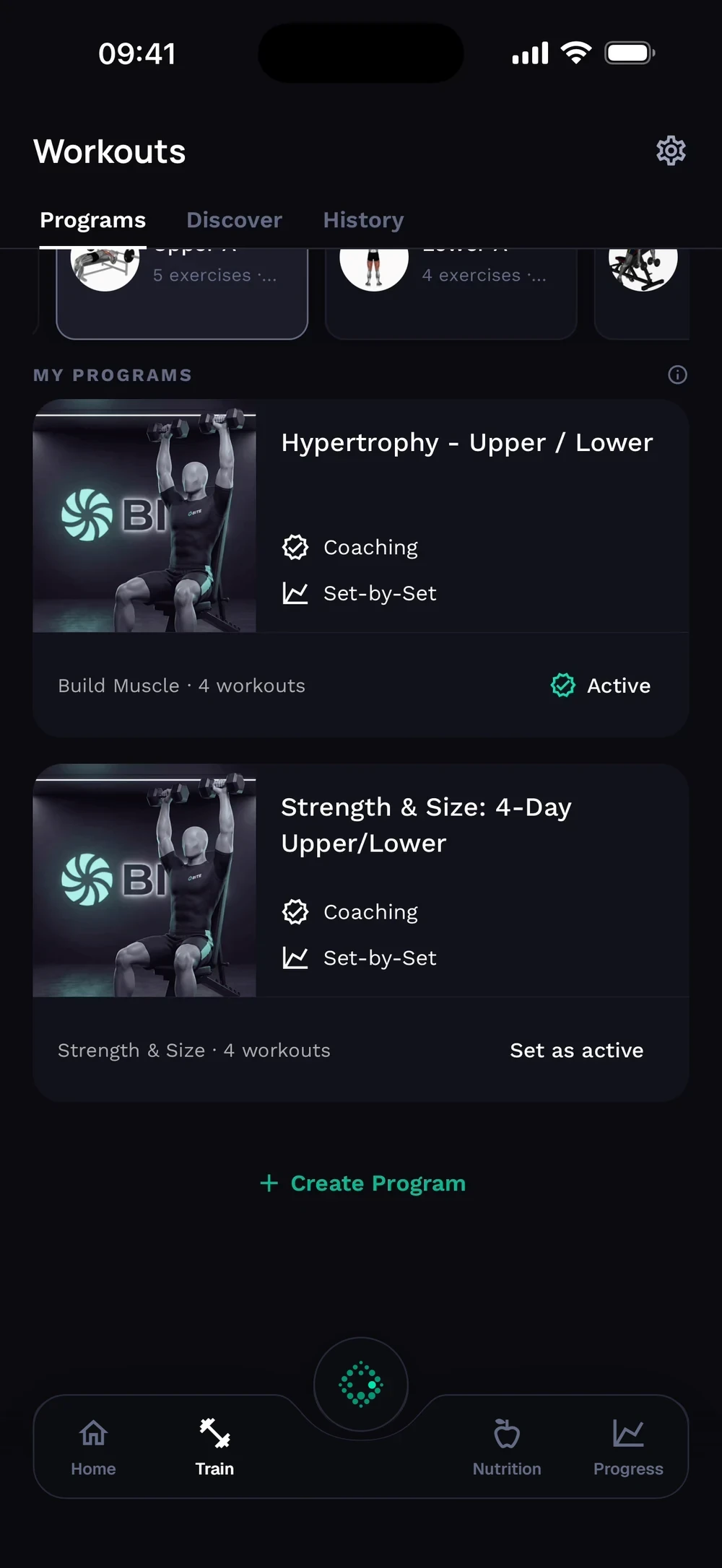

How do I get an AI-generated program?
Answer a few questions and Bite builds a full program for your goal, schedule and equipment.
Open Train, then Programs, and tap Create Program. Choose Bite Builds It for a full program built around your goal and equipment.
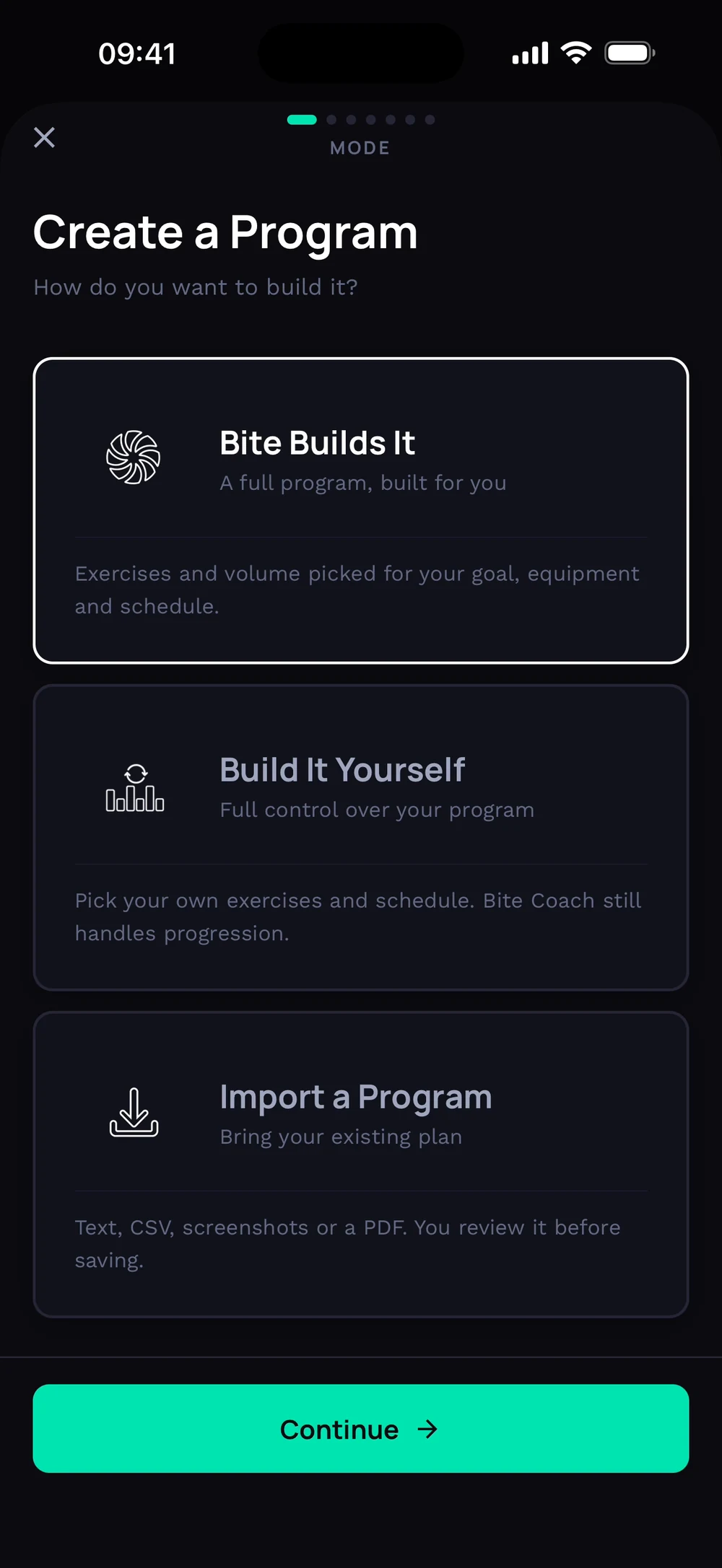
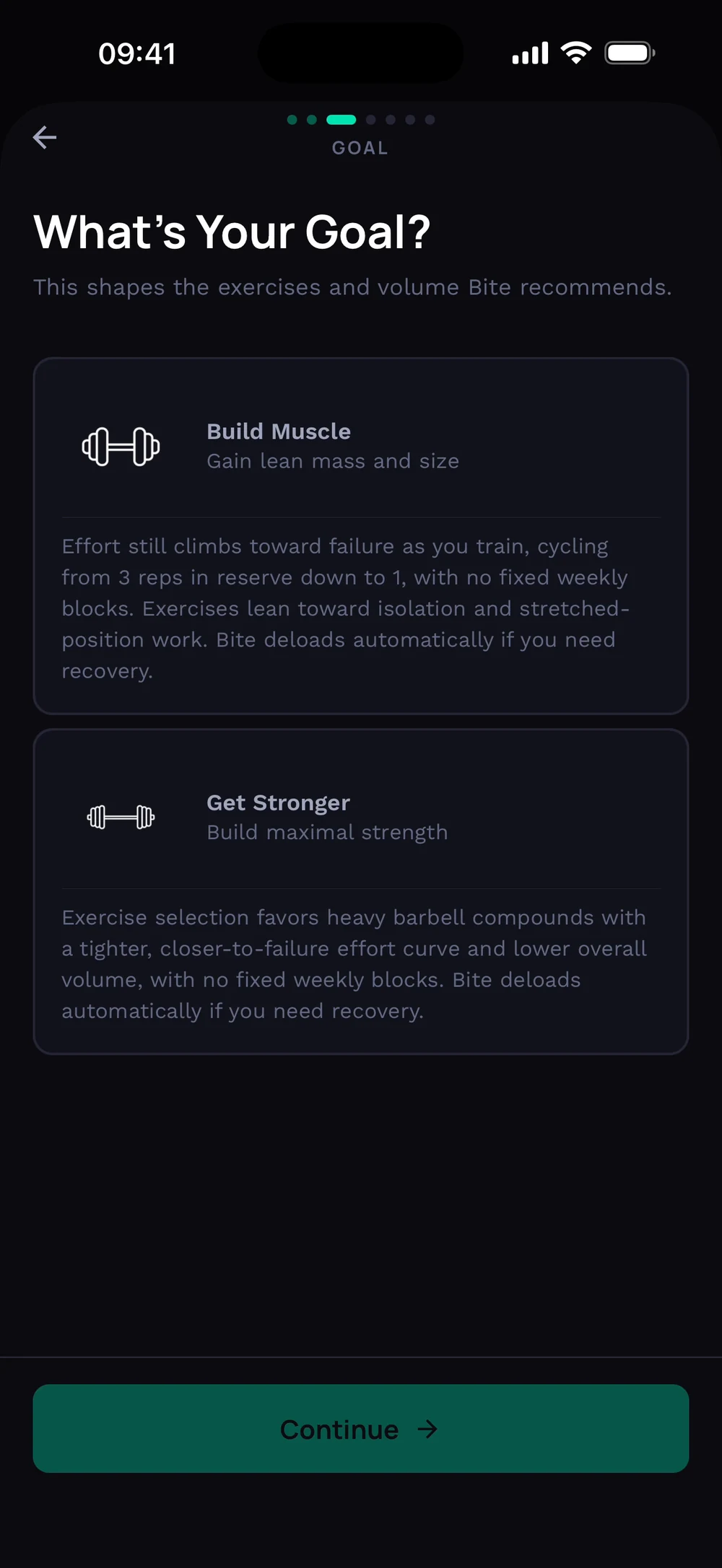
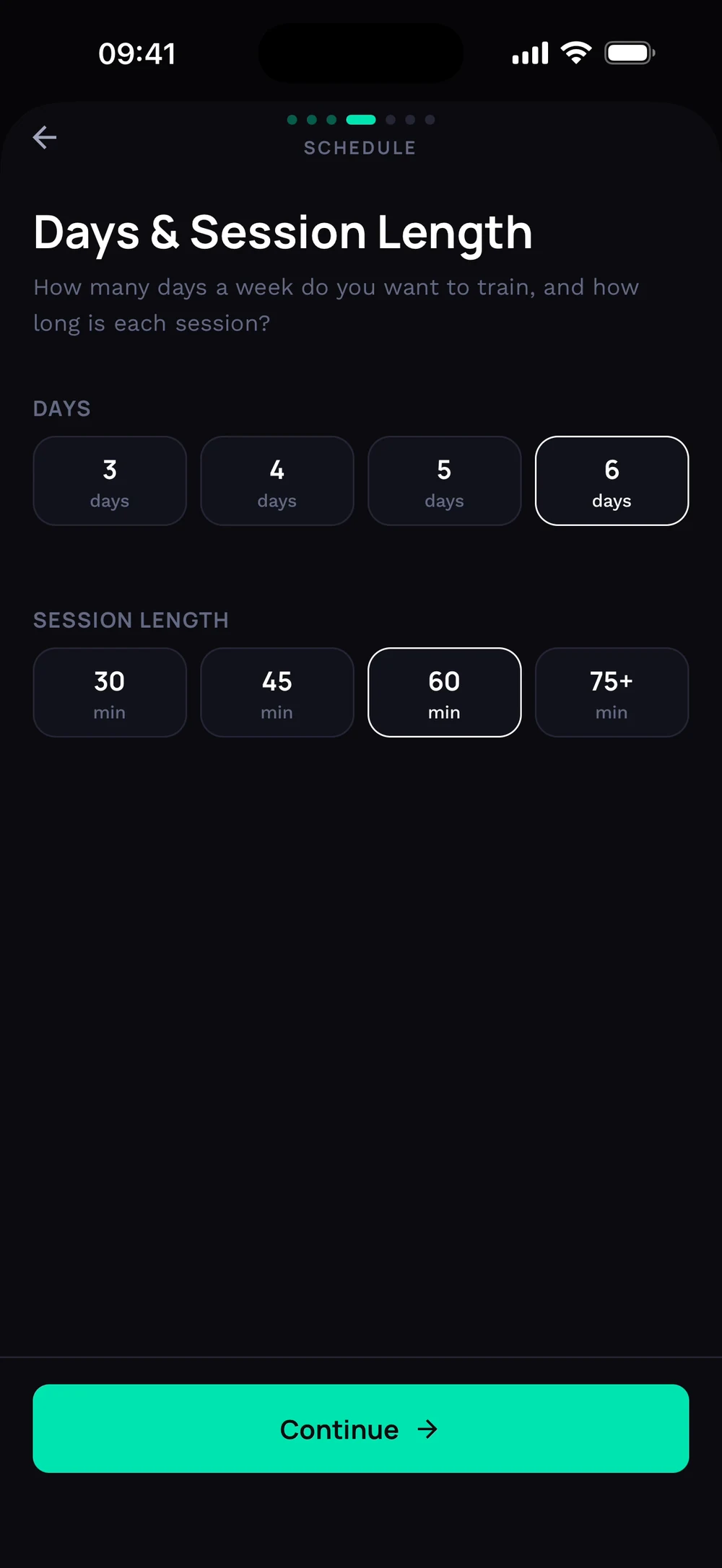
Pick your goal: build muscle or get stronger. Choose how many days a week you train and how long each session is.
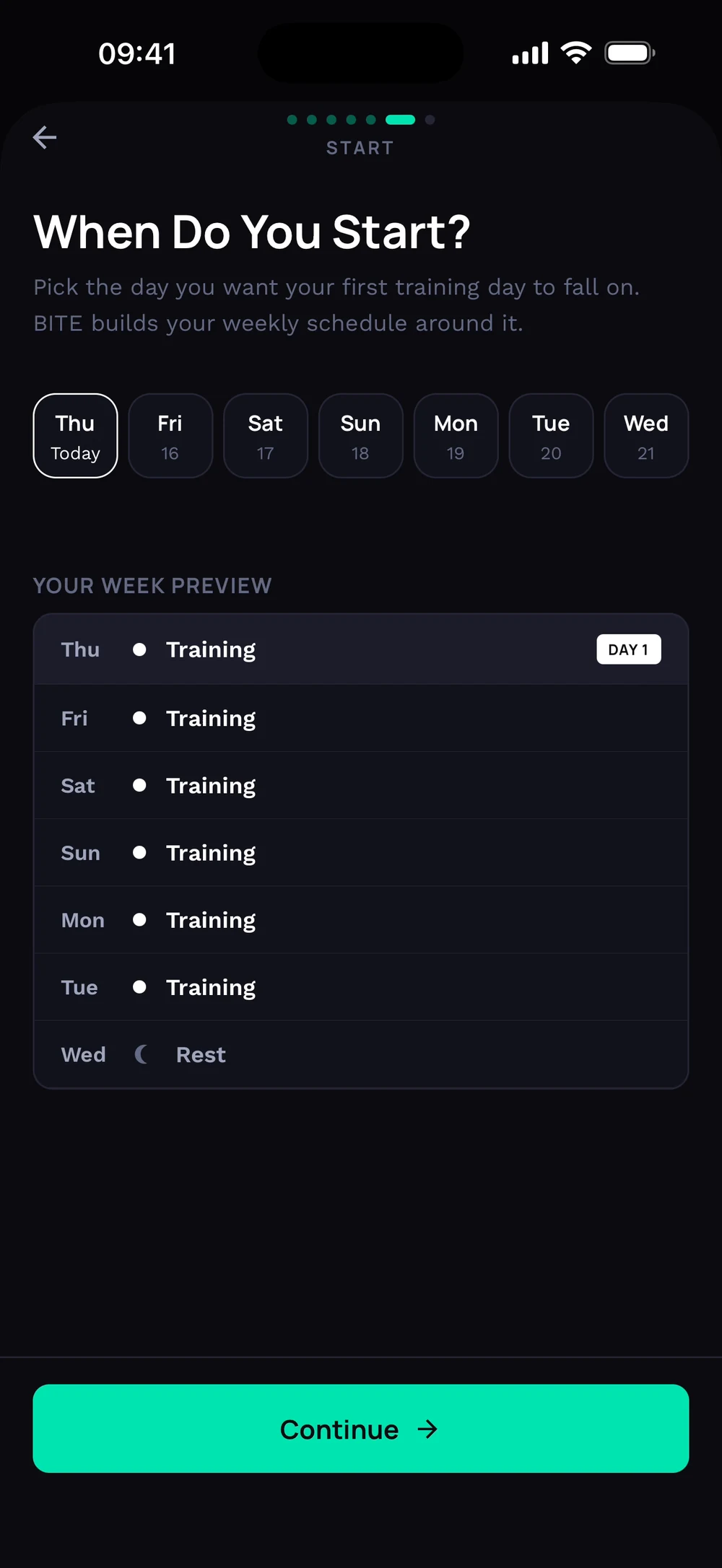
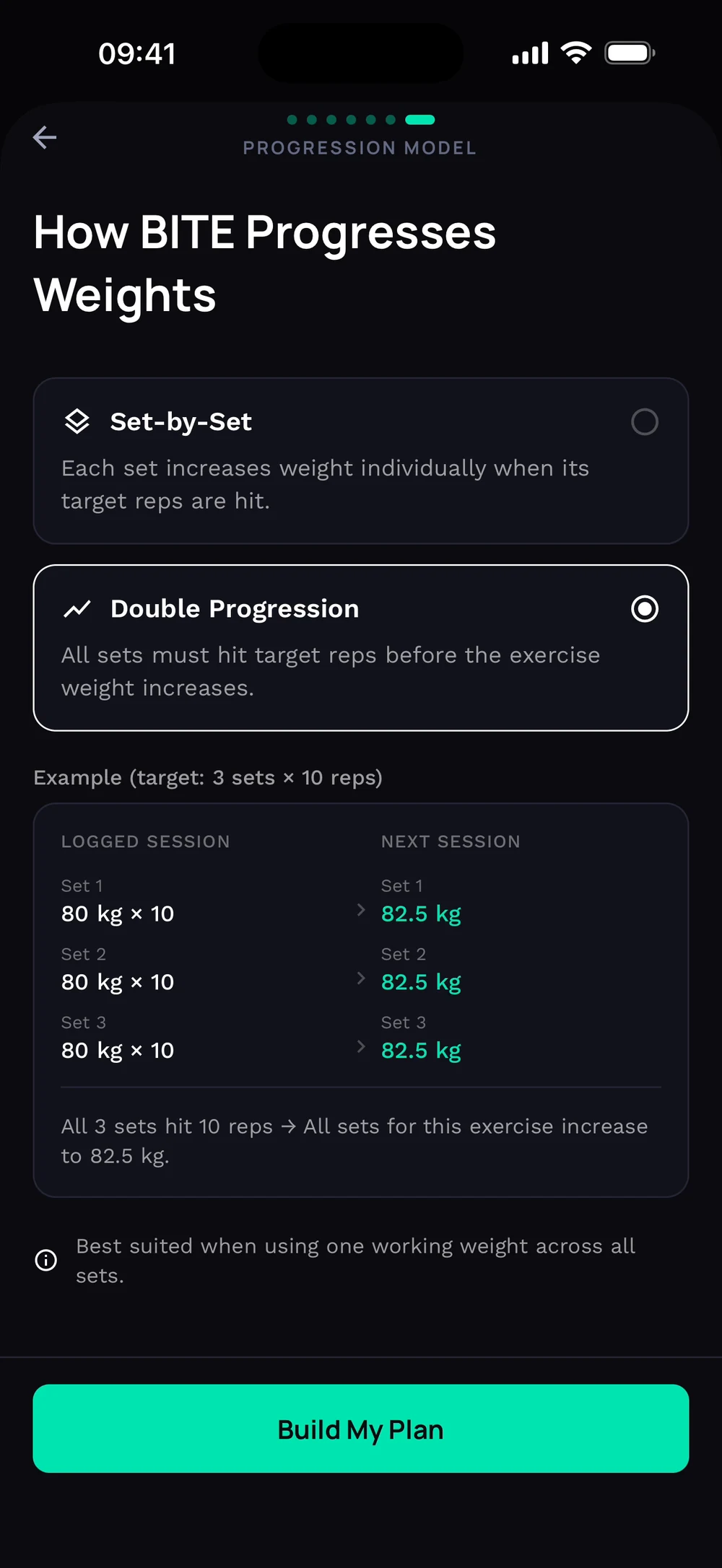
Pick the day you want to start. Bite shows a preview of your week. Choose how weights progress, set by set or double progression, then tap Build My Plan.
Frequently asked questions
How do I get an AI-generated program?
Answer a few questions and Bite builds a full program for your goal, schedule and equipment. Here is how: Open Train, then Programs, then the plus button. Choose Bite builds it. Pick mesocycle or freeform, your goal, days per week and session length. Choose your equipment and start day. Pick how weights progress and tap Build my plan.
Is build a program with ai free in Bite?
Build a program with AI is part of Bite Coach. The free app covers workout logging, programs and progress tracking.
Where do I find build a program with ai in the app?
Go to Train > Programs > Bite builds it.