
Rename, duplicate, move and remove days
Rename, duplicate, reorder or remove days in a program.
Free
Find it: Program > day menu

 Coming soon

How do I rename or reorder days?
Rename, duplicate, reorder or remove days in a program.
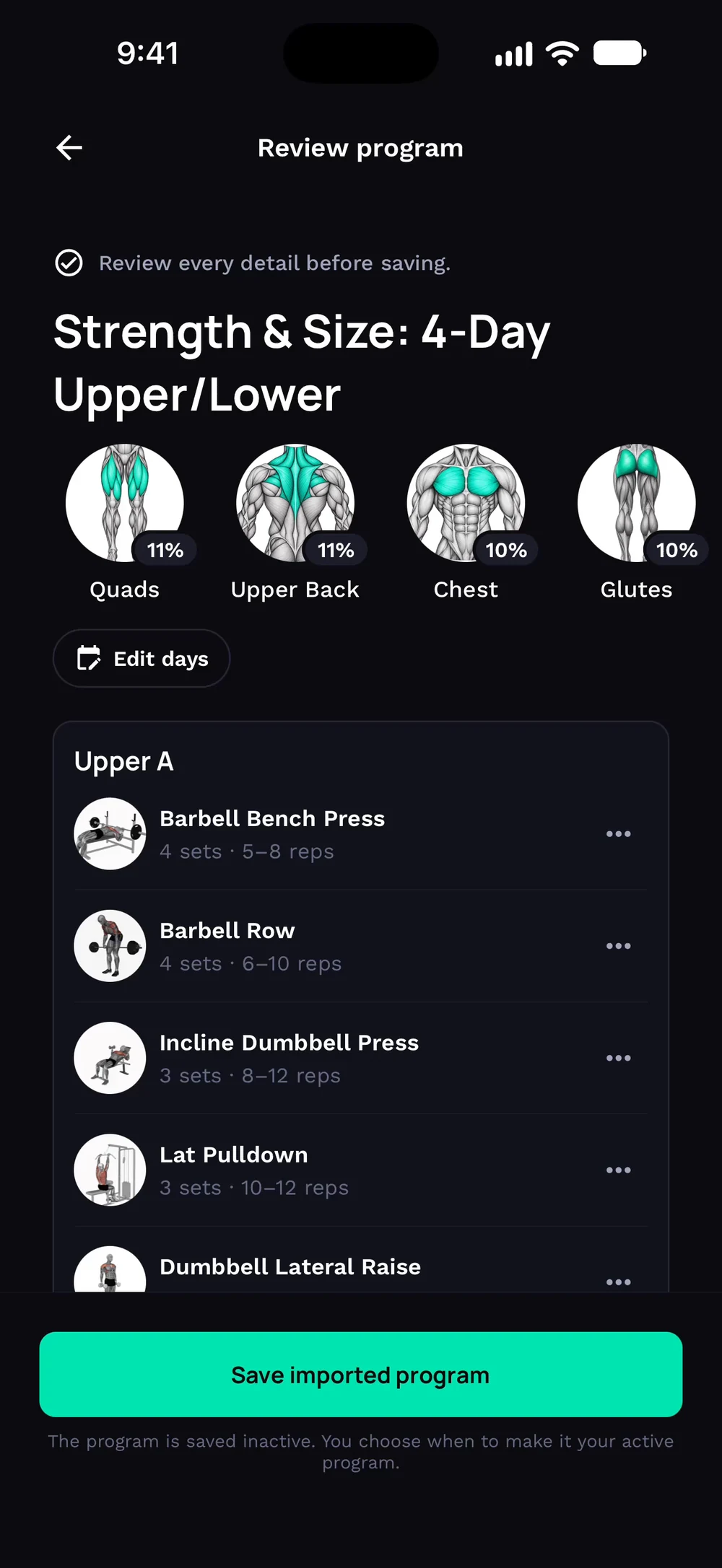
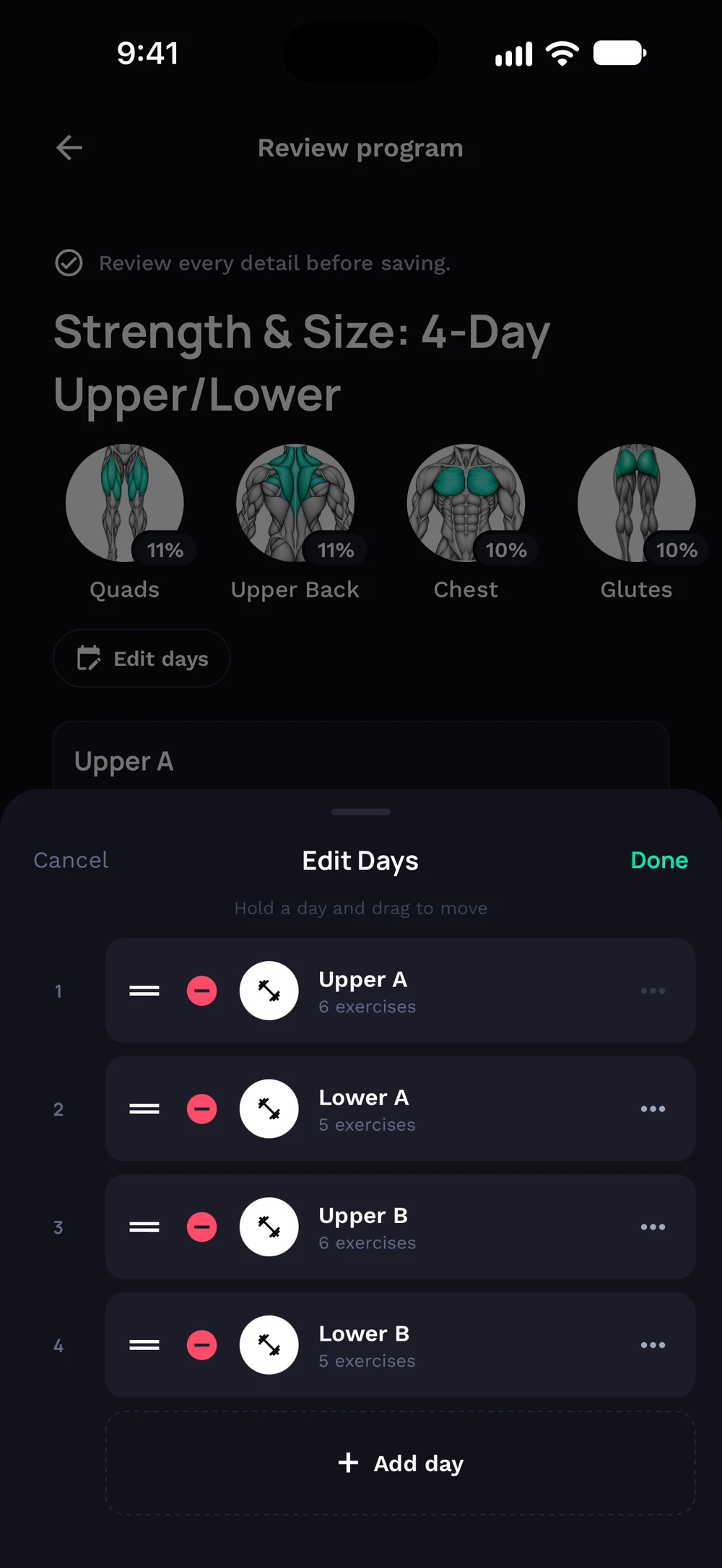
Review your program and tap Edit days to change the days. Hold a day and drag it to move it, or add and remove days in the Edit Days sheet.
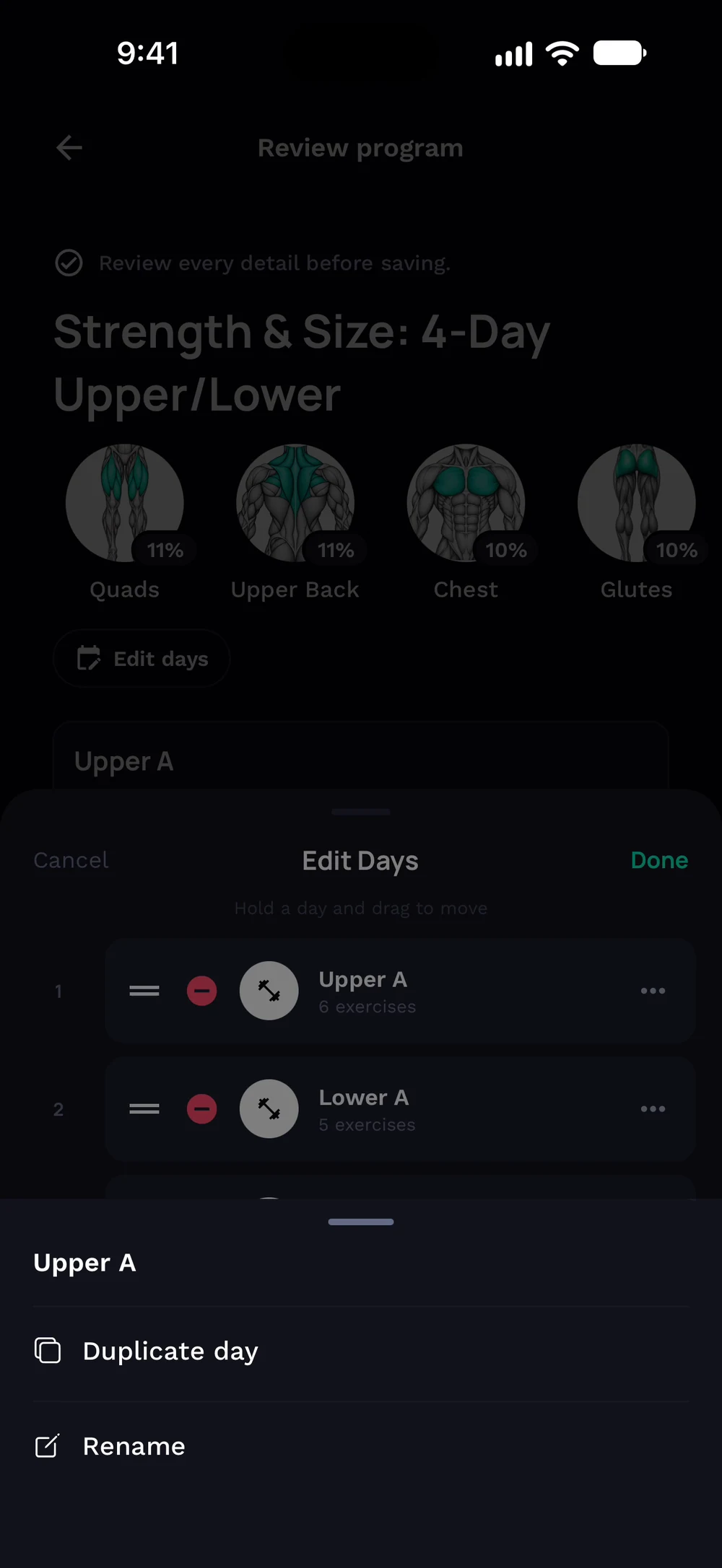
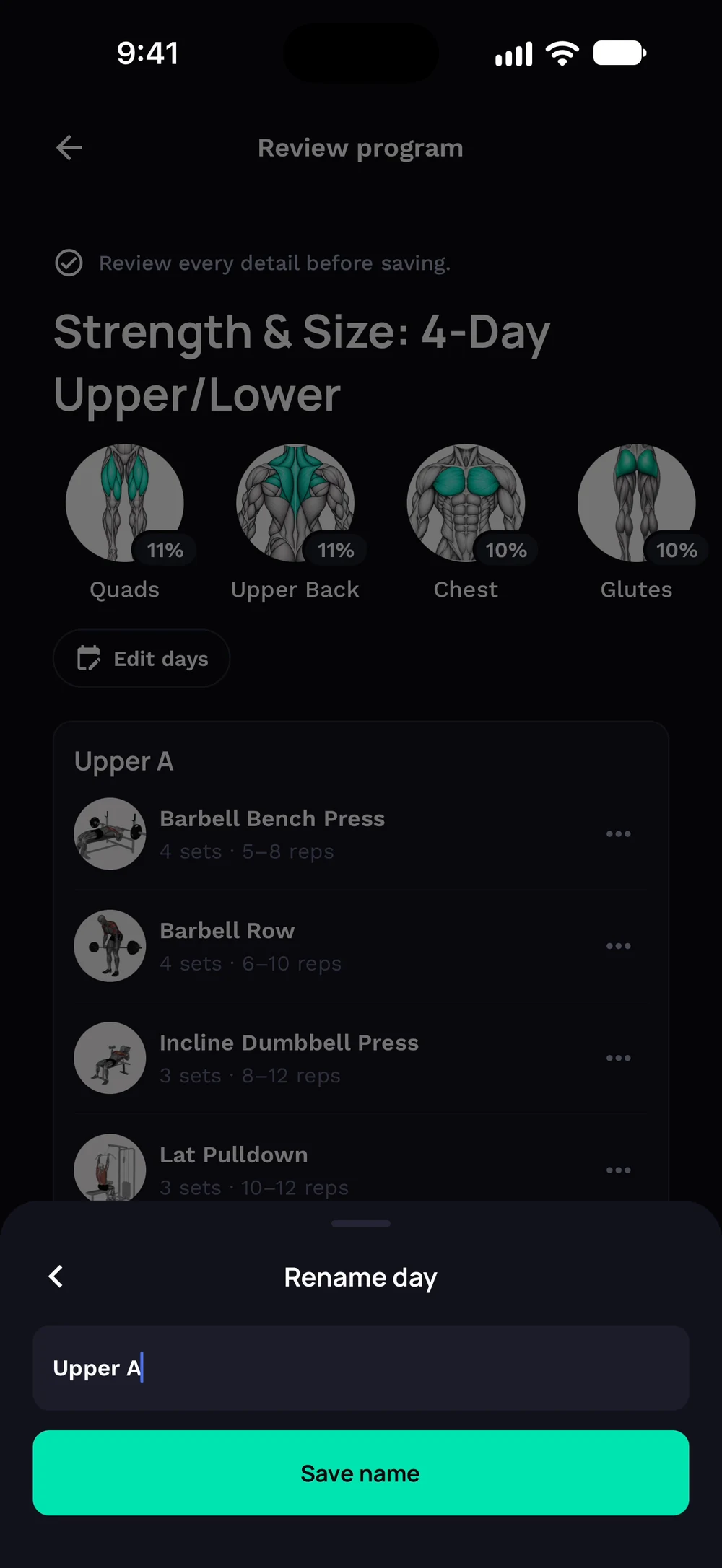
Tap a day's menu to duplicate or rename it. Type a new name and tap Save name.
Frequently asked questions
How do I rename or reorder days?
Rename, duplicate, reorder or remove days in a program. Here is how: Open a program. Tap the three dots on a day. Choose rename, duplicate, move or remove. Your changes save straight away.
Is rename, duplicate, move and remove days free in Bite?
Yes. Rename, duplicate, move and remove days is part of the free Bite app.
Where do I find rename, duplicate, move and remove days in the app?
Go to Program > day menu.