
Import a workout day
Found a good workout? Add it to the program you already have, from text, a PDF or a screenshot.
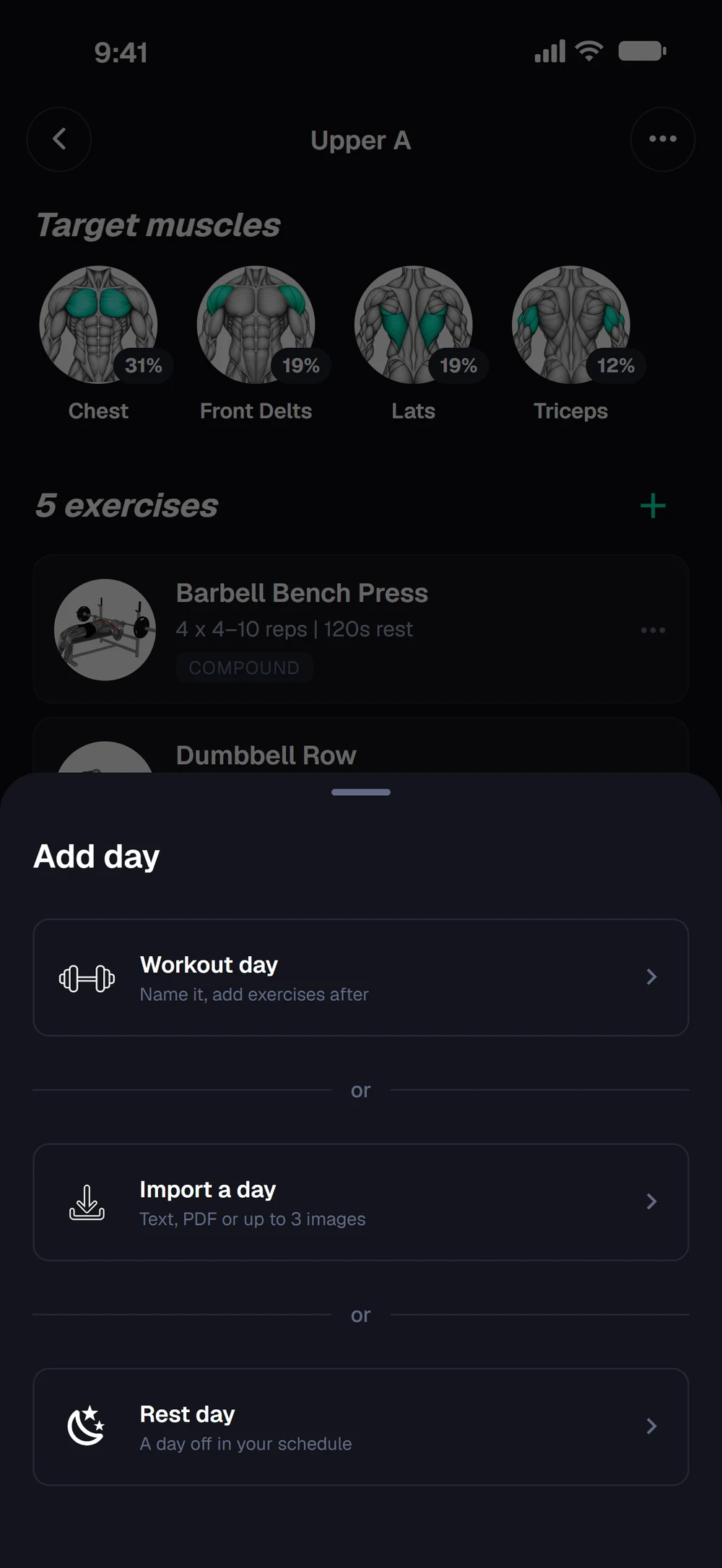
Find it: Program > Edit Days > Add day > Import a day

 Coming soon

Can I import a single workout day into my program?
Found a good workout? Add it to the program you already have, from text, a PDF or a screenshot.
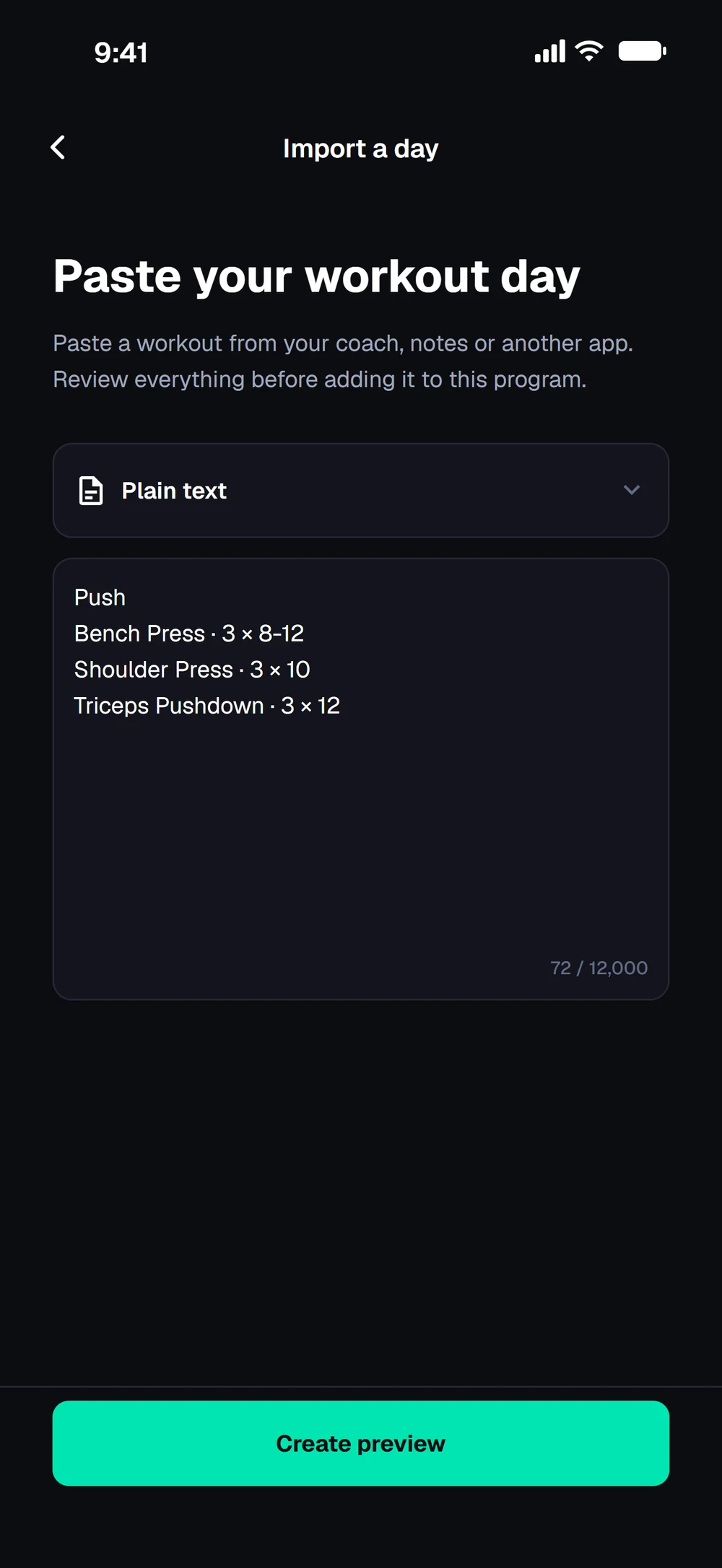
In your program, open Edit Days and tap Add day. Choose Import a day. Paste the workout, or switch to a PDF or up to 3 images. Tap Create preview and review it before it joins your program.
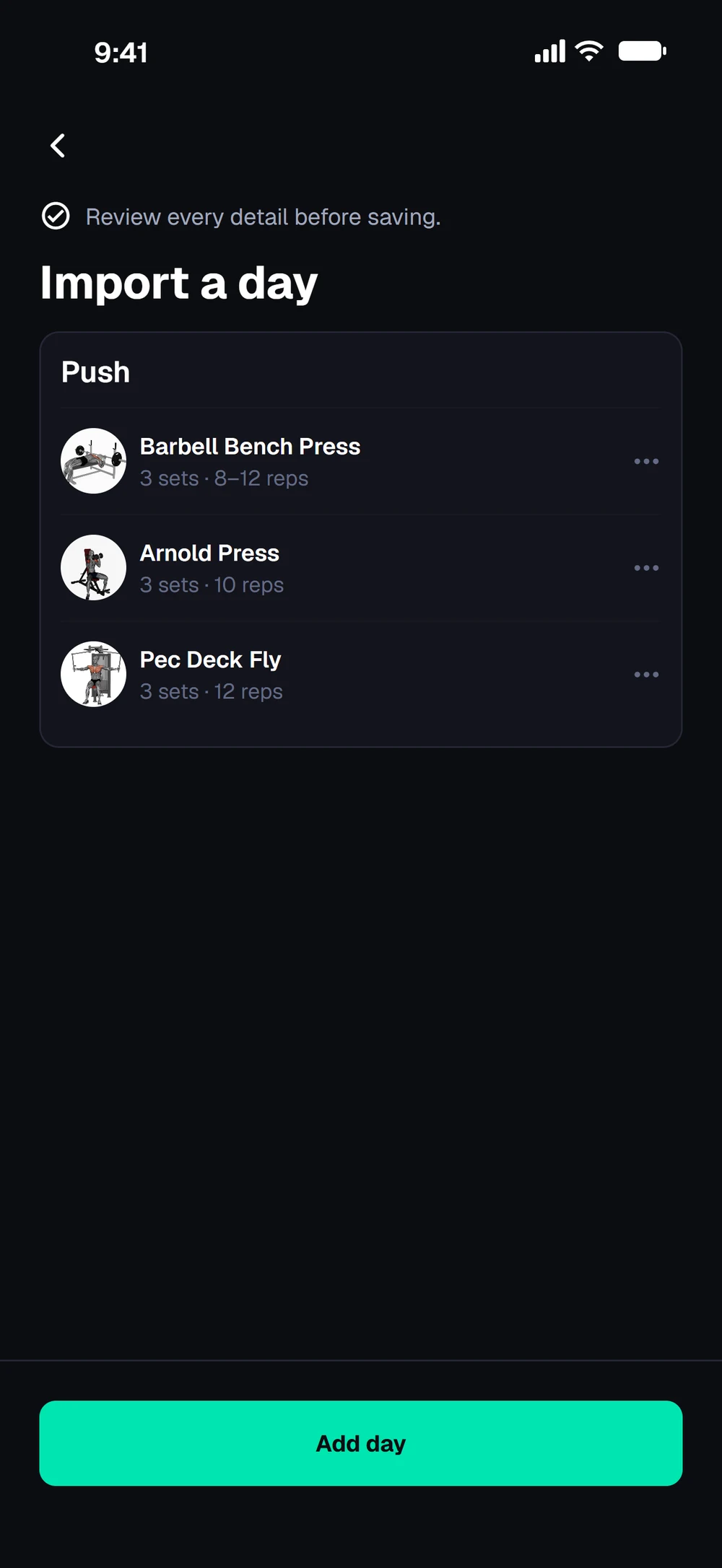
Check the exercises and sets. Hold a row to move it, swipe it left to remove it, and tap Add day.
Frequently asked questions
Can I import a single workout day into my program?
Found a good workout? Add it to the program you already have, from text, a PDF or a screenshot. Here is how: Open your program and tap Edit Days. Tap Add day, then Import a day. Paste the workout, or choose a PDF or up to 3 images. Tap Create preview, check the exercises and sets, and add the day.
Is import a workout day free in Bite?
Import a workout day is part of Bite Coach. The free app covers workout logging, programs and progress tracking.
Where do I find import a workout day in the app?
Go to Program > Edit Days > Add day > Import a day.