
Import a program from a PDF or photo
Already have a program? Bring in a PDF, a photo or pasted text and Bite turns it into a workable plan.
Find it: Train > Programs > Import

 Coming soon

Can I import a program into Bite?
Already have a program? Bring in a PDF, a photo or pasted text and Bite turns it into a workable plan.
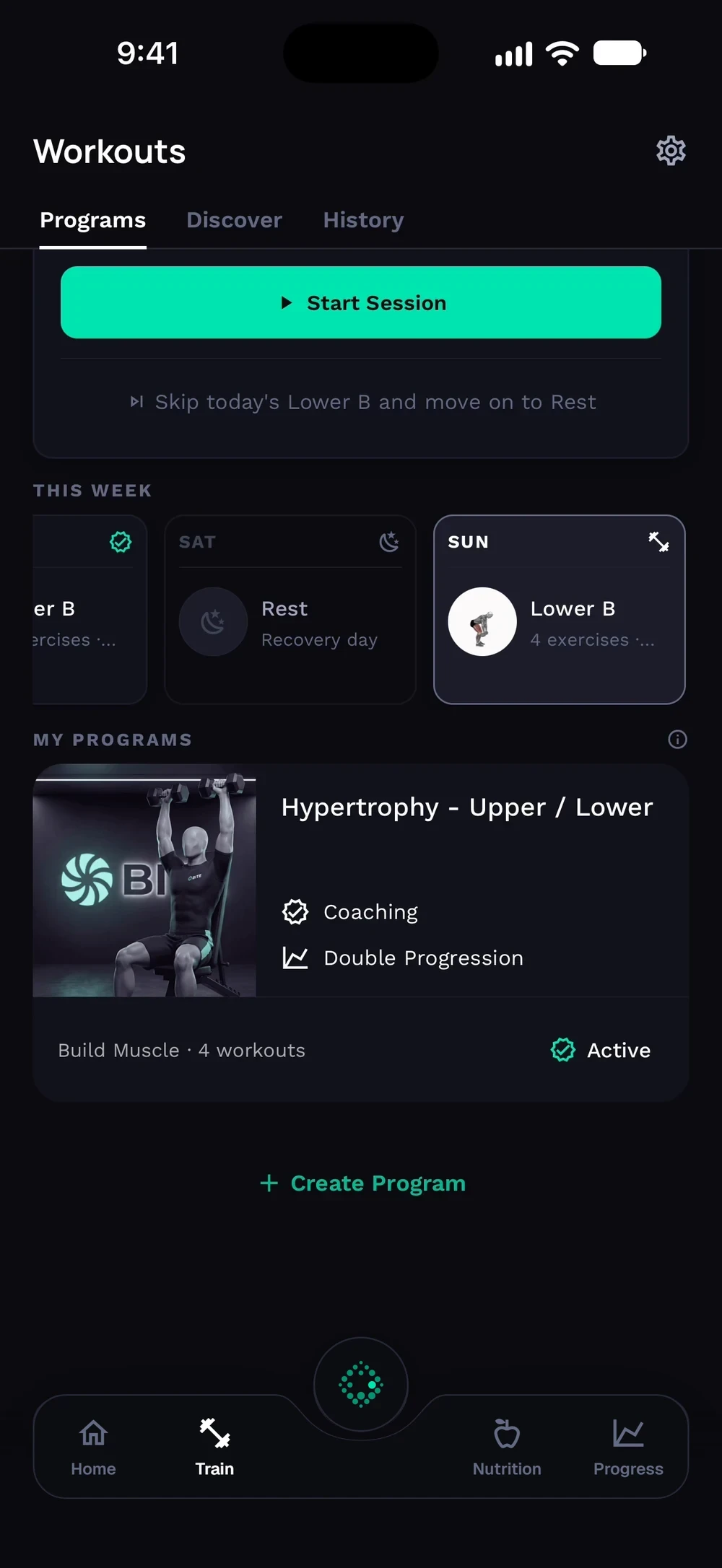
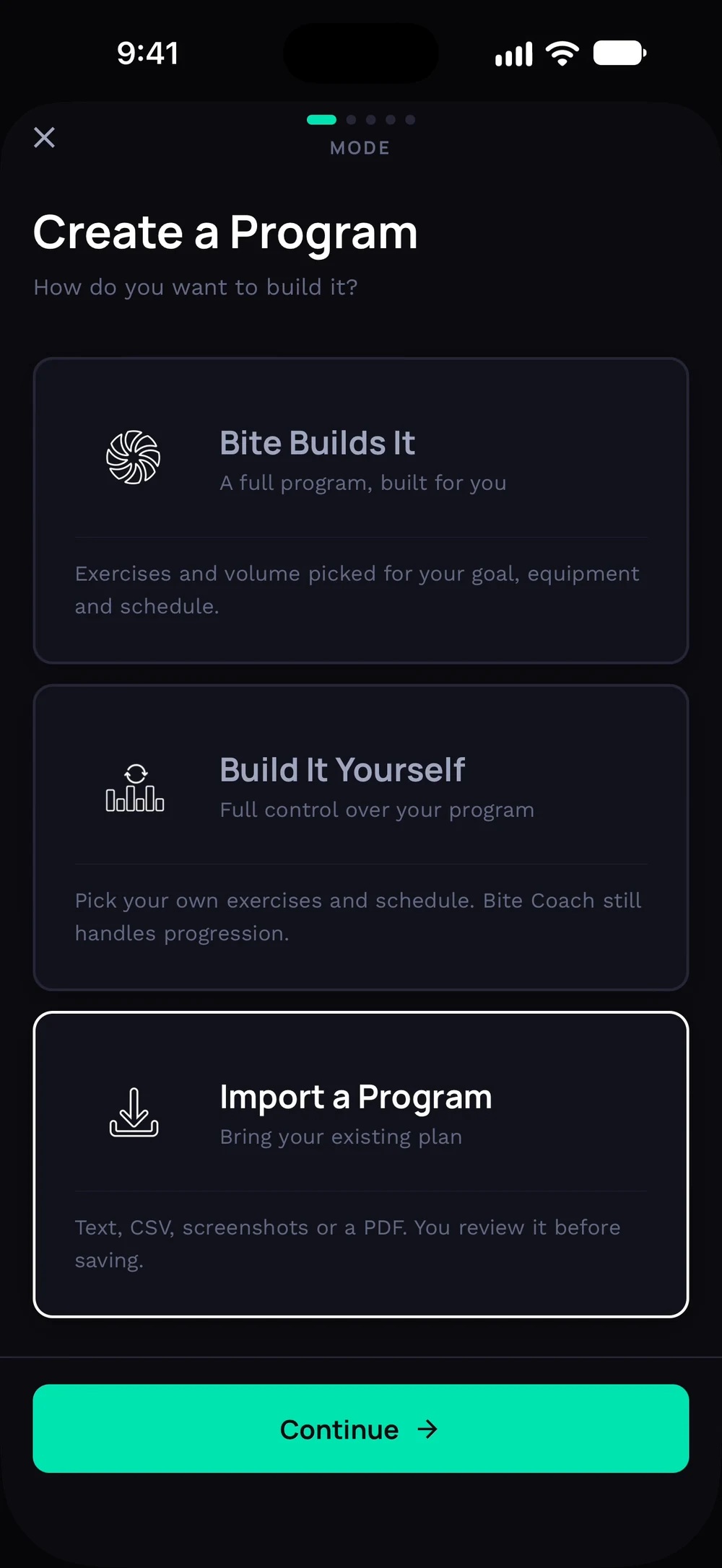
Tap Create Program under your programs. Choose Import a Program.
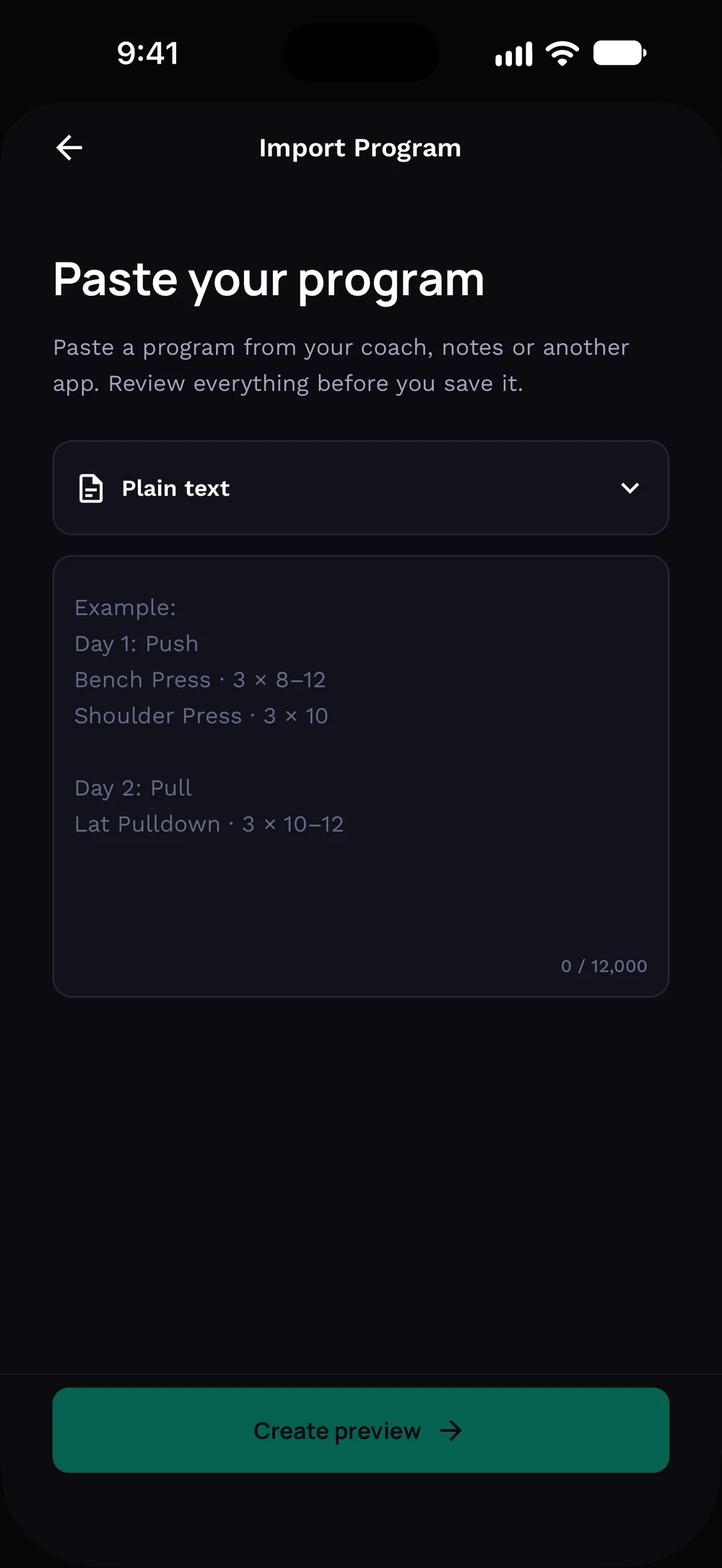
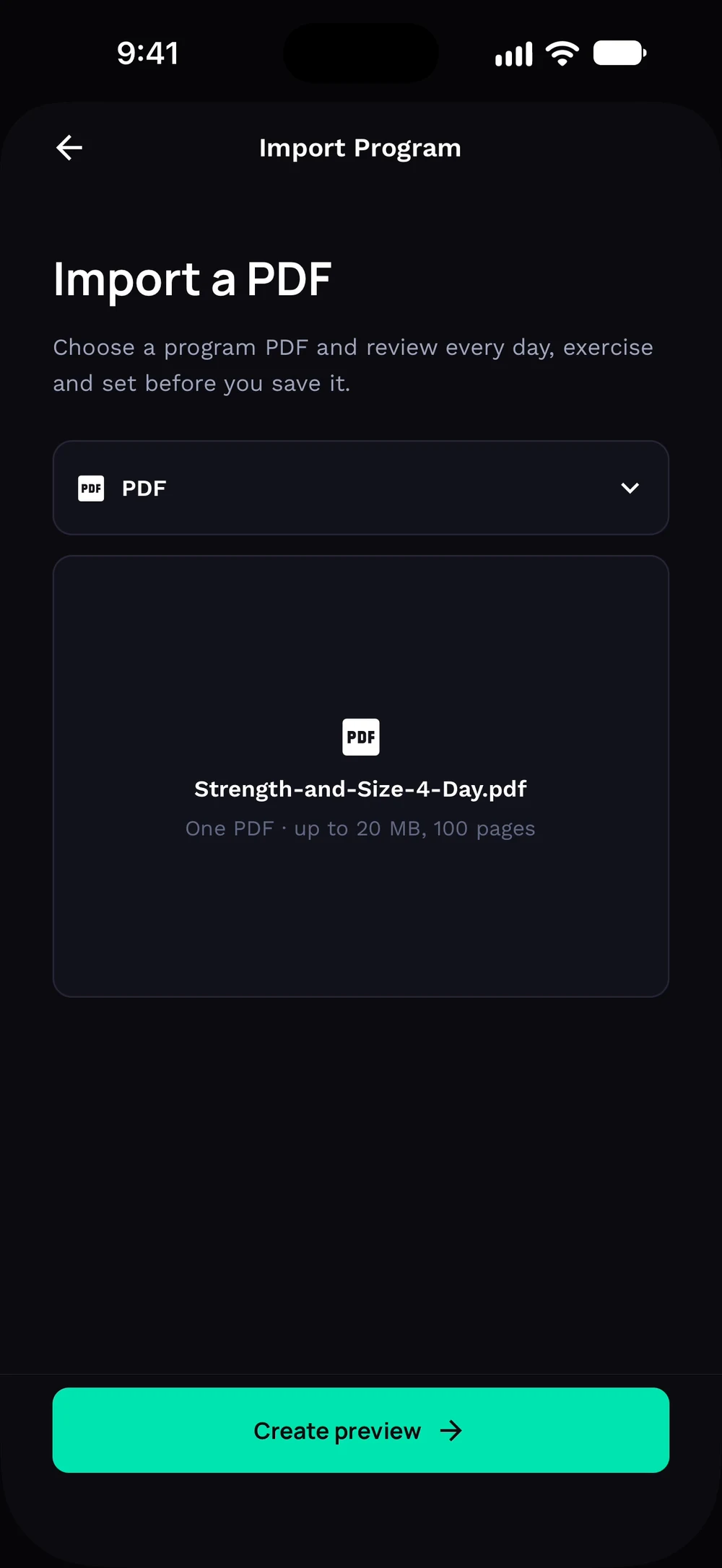
Paste text from your coach or another app, or switch to a file. Switch the source to PDF and tap Choose PDF.
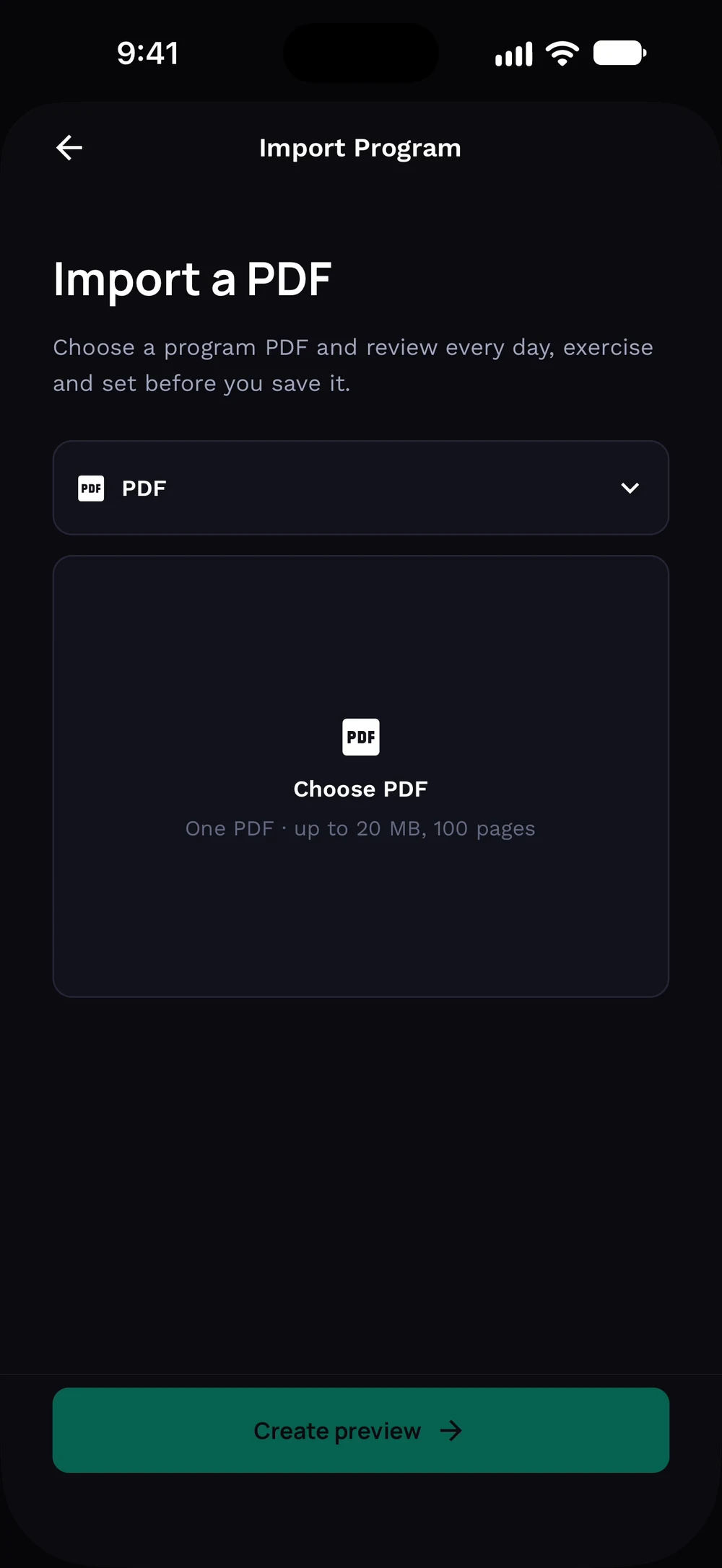
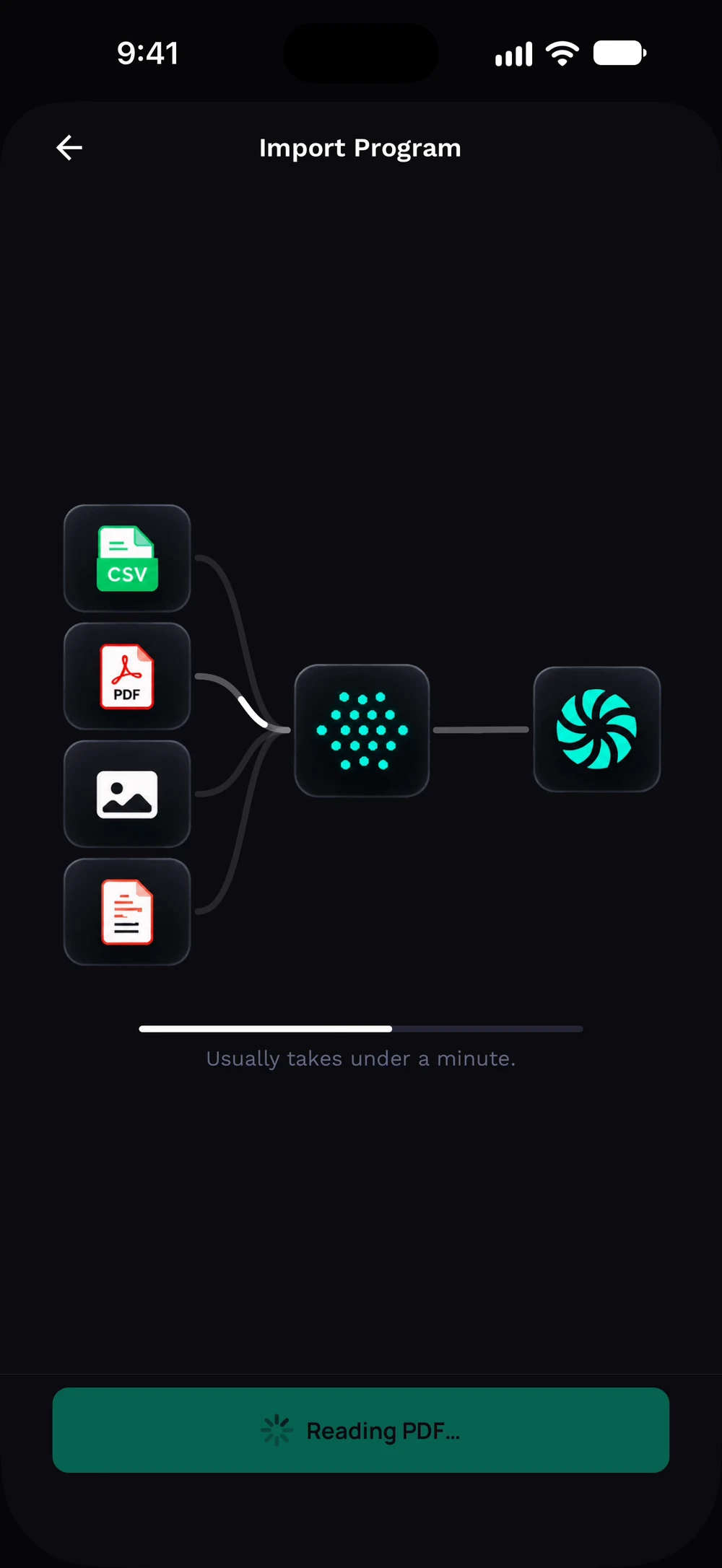
Pick your file and tap Create preview. Bite reads the file and builds your program. This usually takes under a minute.
Frequently asked questions
Can I import a program into Bite?
Already have a program? Bring in a PDF, a photo or pasted text and Bite turns it into a workable plan. Here is how: Open Train, then Programs, then the plus button. Choose Import a program. Pick a PDF, photos or paste the text. Review the days and exercises Bite found. Fix anything that looks off and save.
Is import a program from a pdf or photo free in Bite?
Import a program from a PDF or photo is part of Bite Coach. The free app covers workout logging, programs and progress tracking.
Where do I find import a program from a pdf or photo in the app?
Go to Train > Programs > Import.