
Open a program and its days
See all days of a program and open any day to edit its exercises.
Free
Find it: Train > Programs > program

 Coming soon

How do I view a program?
See all days of a program and open any day to edit its exercises.
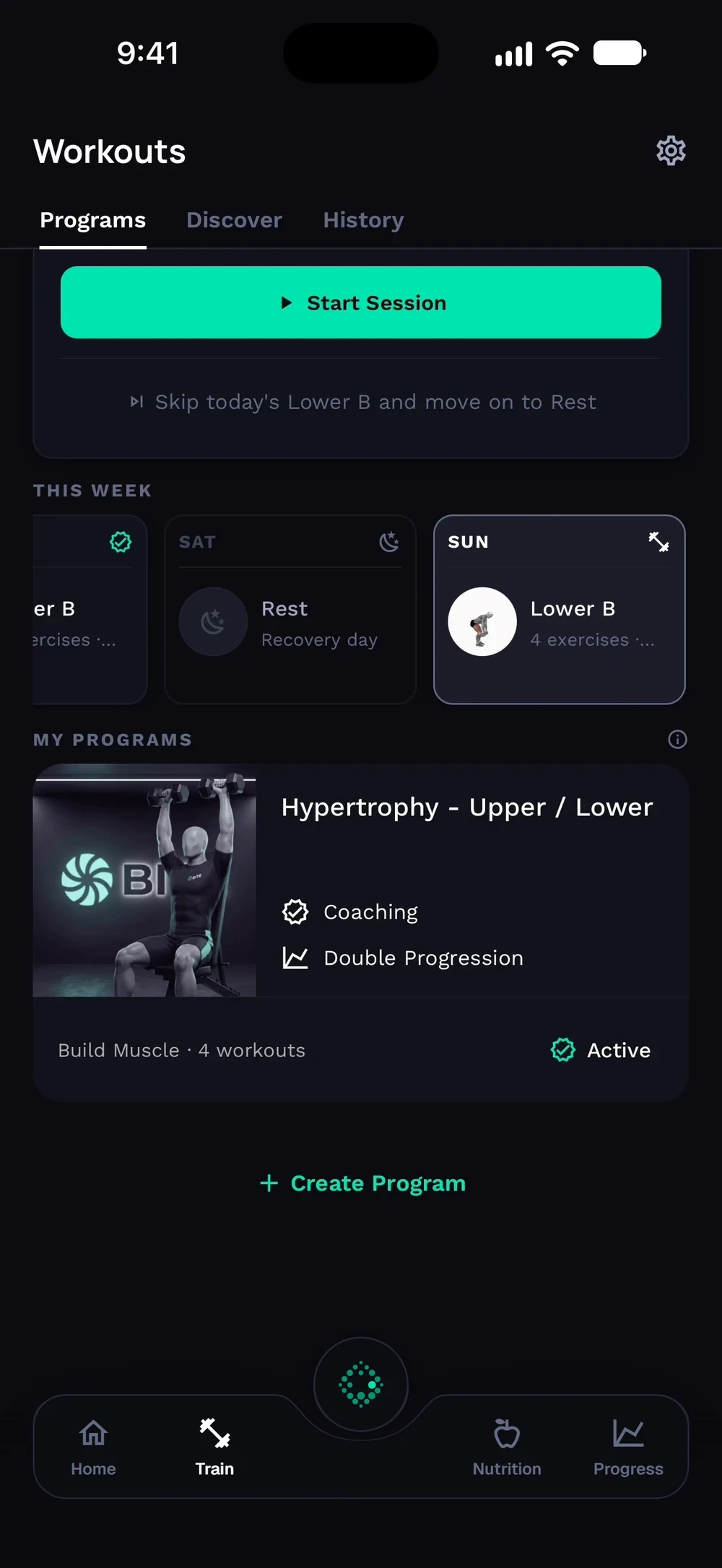
On Train, tap your program under My programs. The program shows its progression model and every training day.
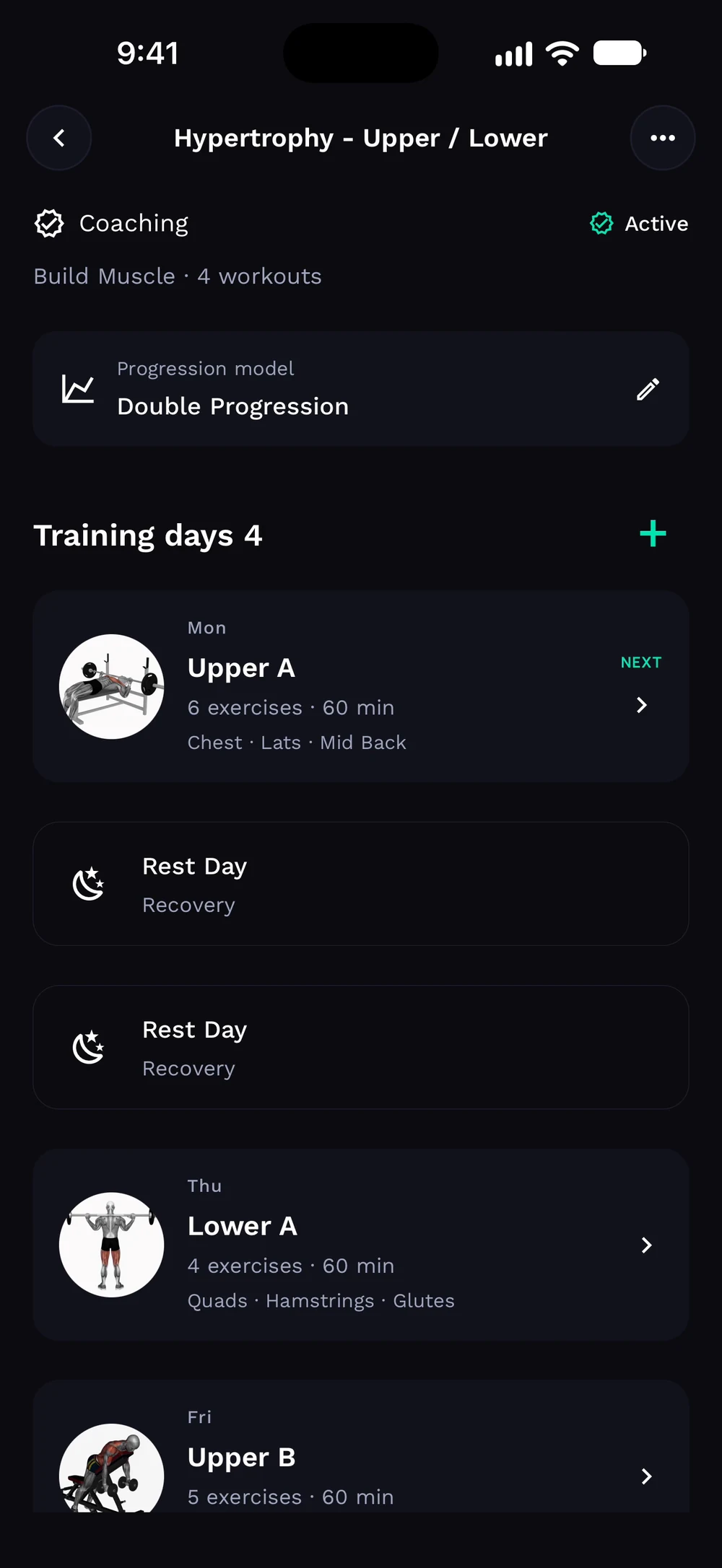
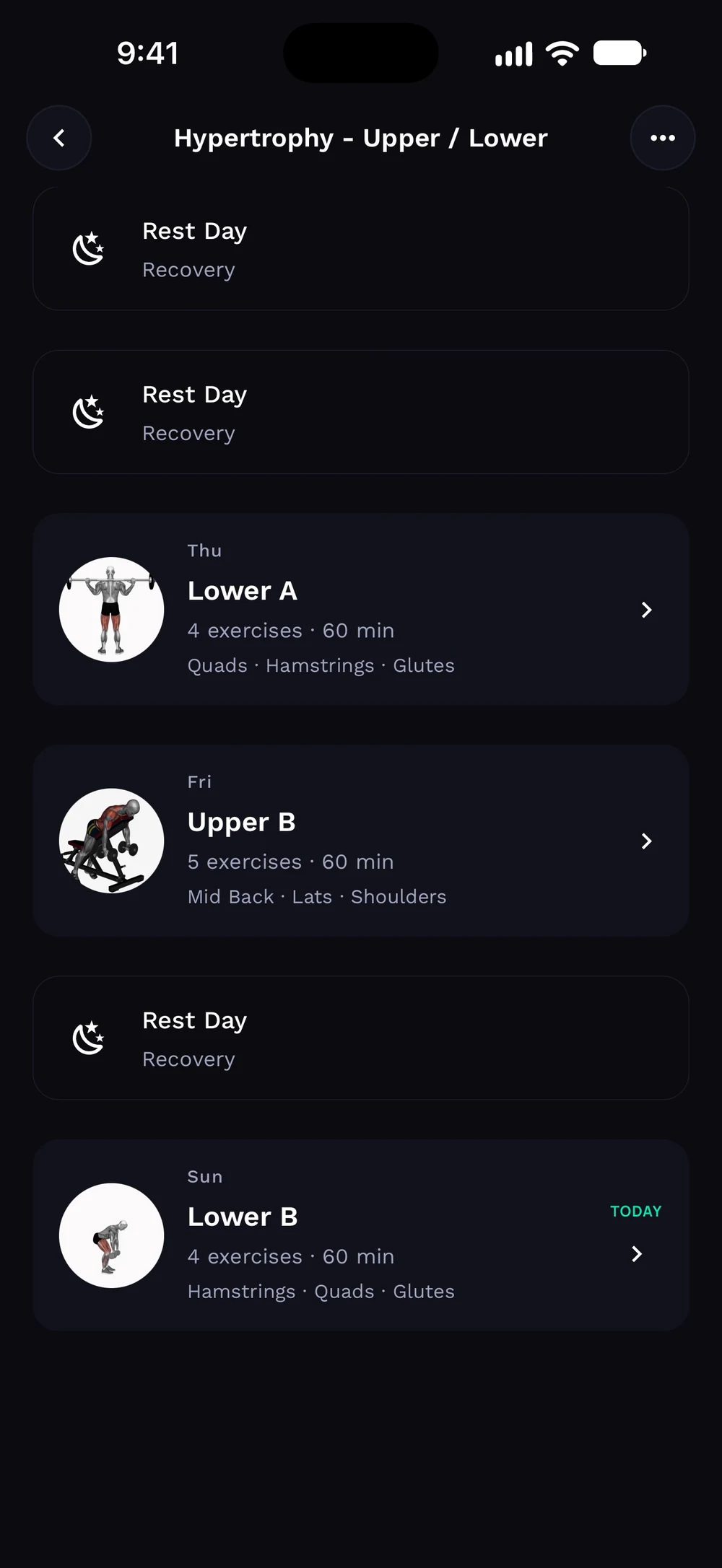
Scroll to see the whole week, with rest days between the training days.
Frequently asked questions
How do I view a program?
See all days of a program and open any day to edit its exercises. Here is how: Open Train, then Programs. Tap a program. Tap a day to see and edit its exercises.
Is open a program and its days free in Bite?
Yes. Open a program and its days is part of the free Bite app.
Where do I find open a program and its days in the app?
Go to Train > Programs > program.