
Create a custom exercise
Missing an exercise? Create your own with muscles, equipment and tracking type.
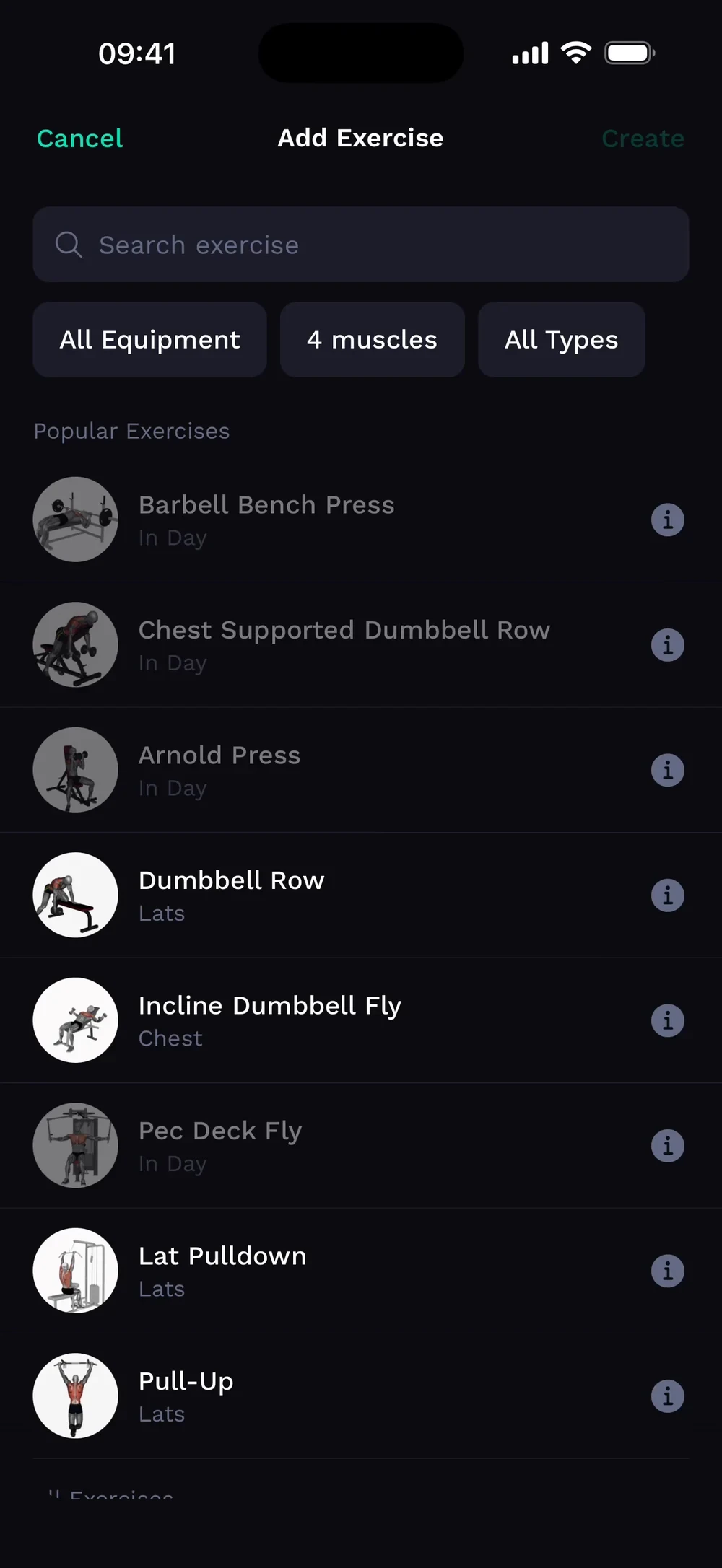
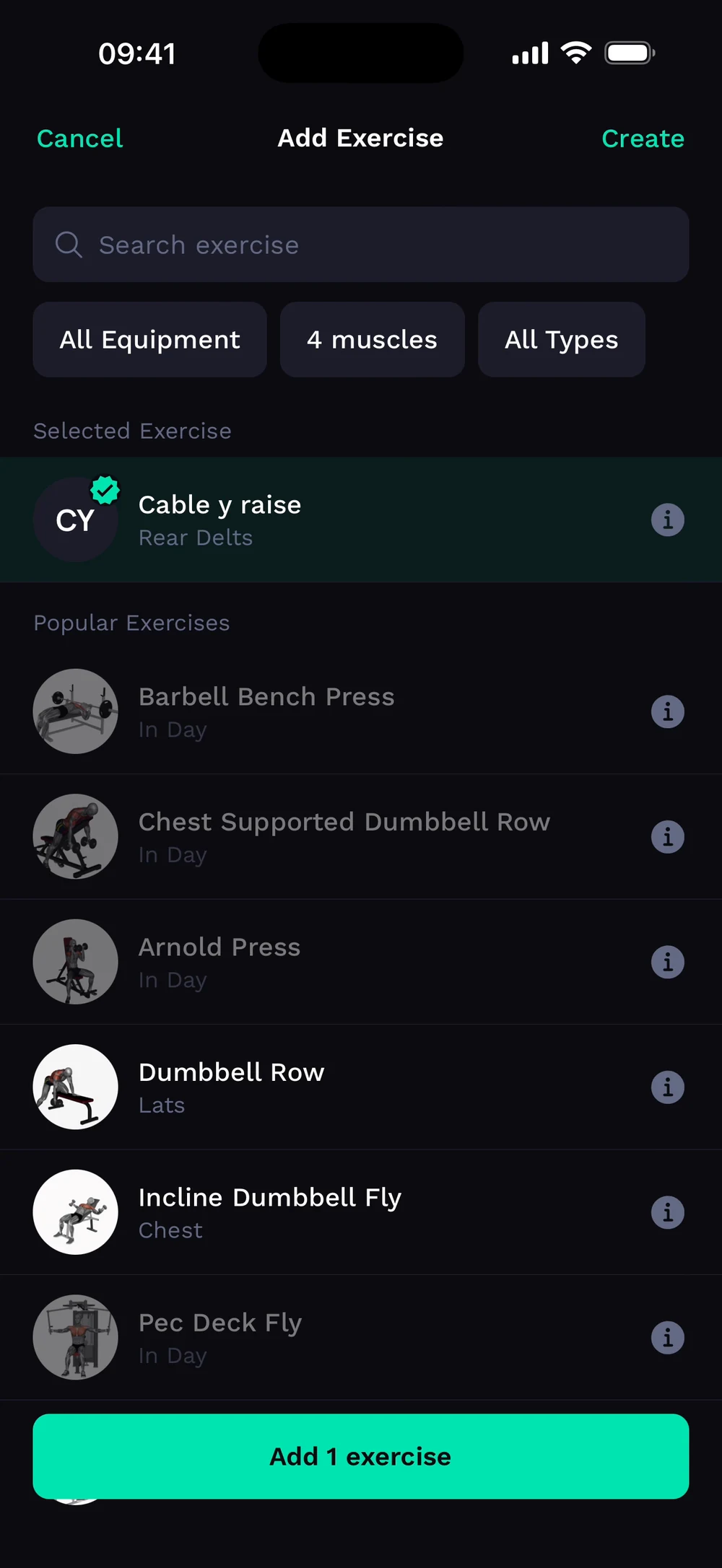
Find it: Add exercise > Create

 Coming soon

Can I add my own exercise?
Missing an exercise? Create your own with muscles, equipment and tracking type.
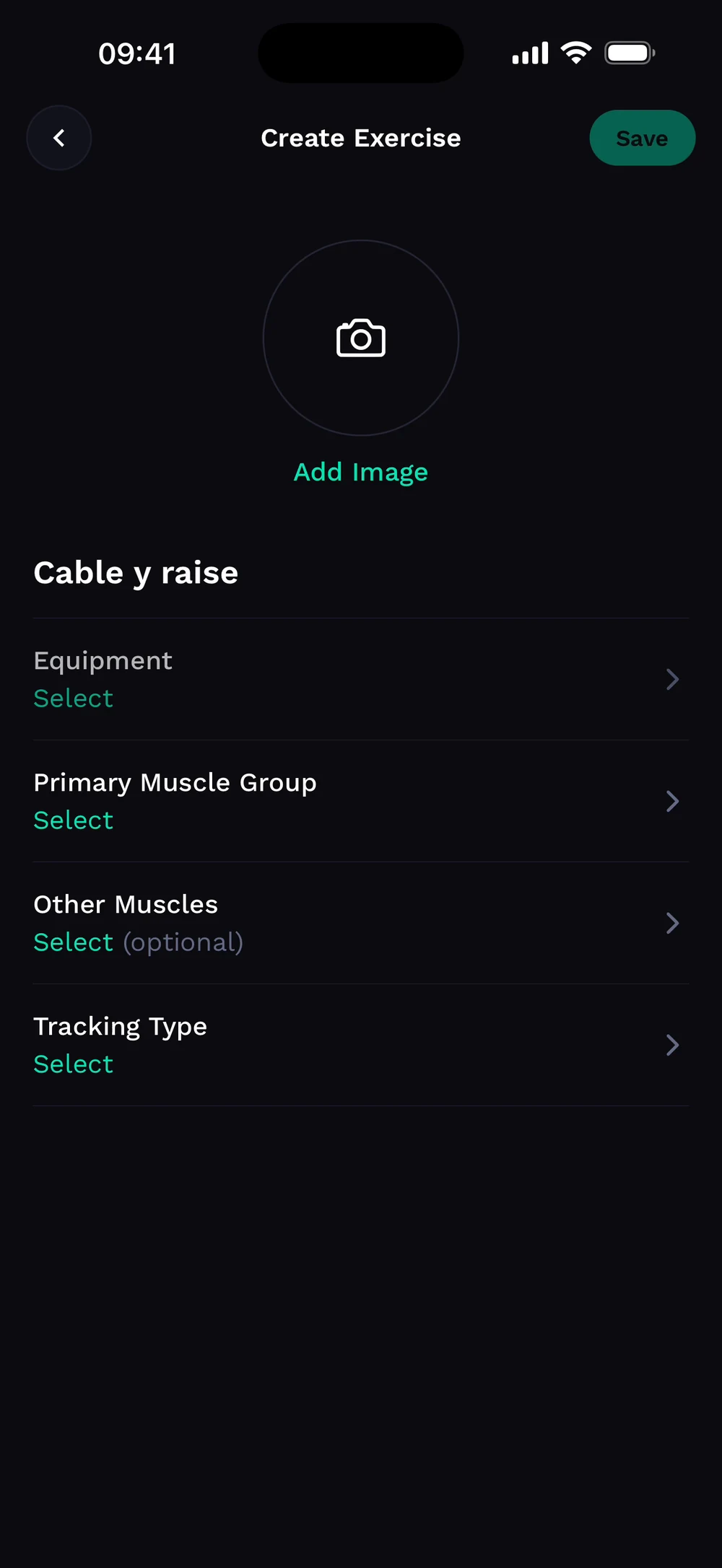
Open the exercise picker and tap Create. Give the exercise a name, then choose its equipment, muscles and tracking type.
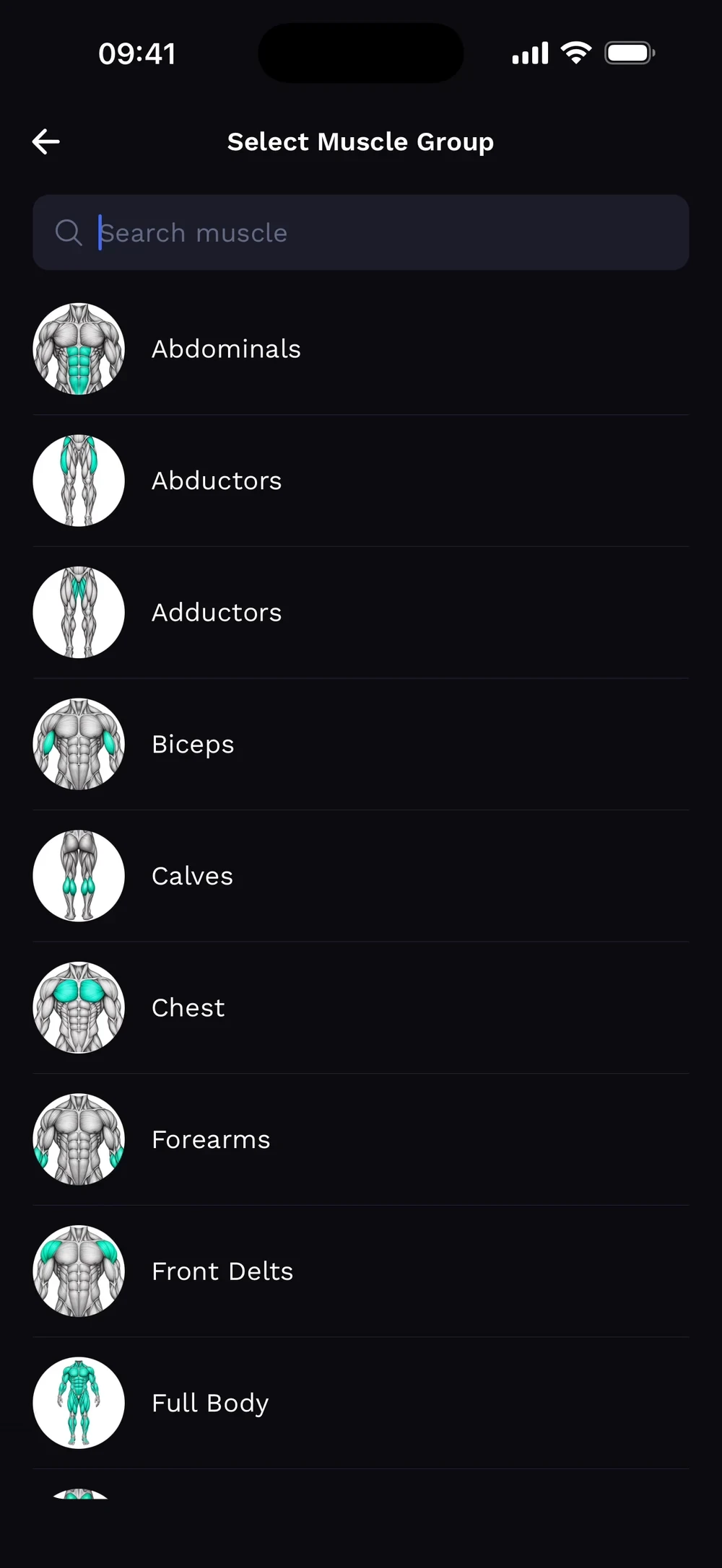
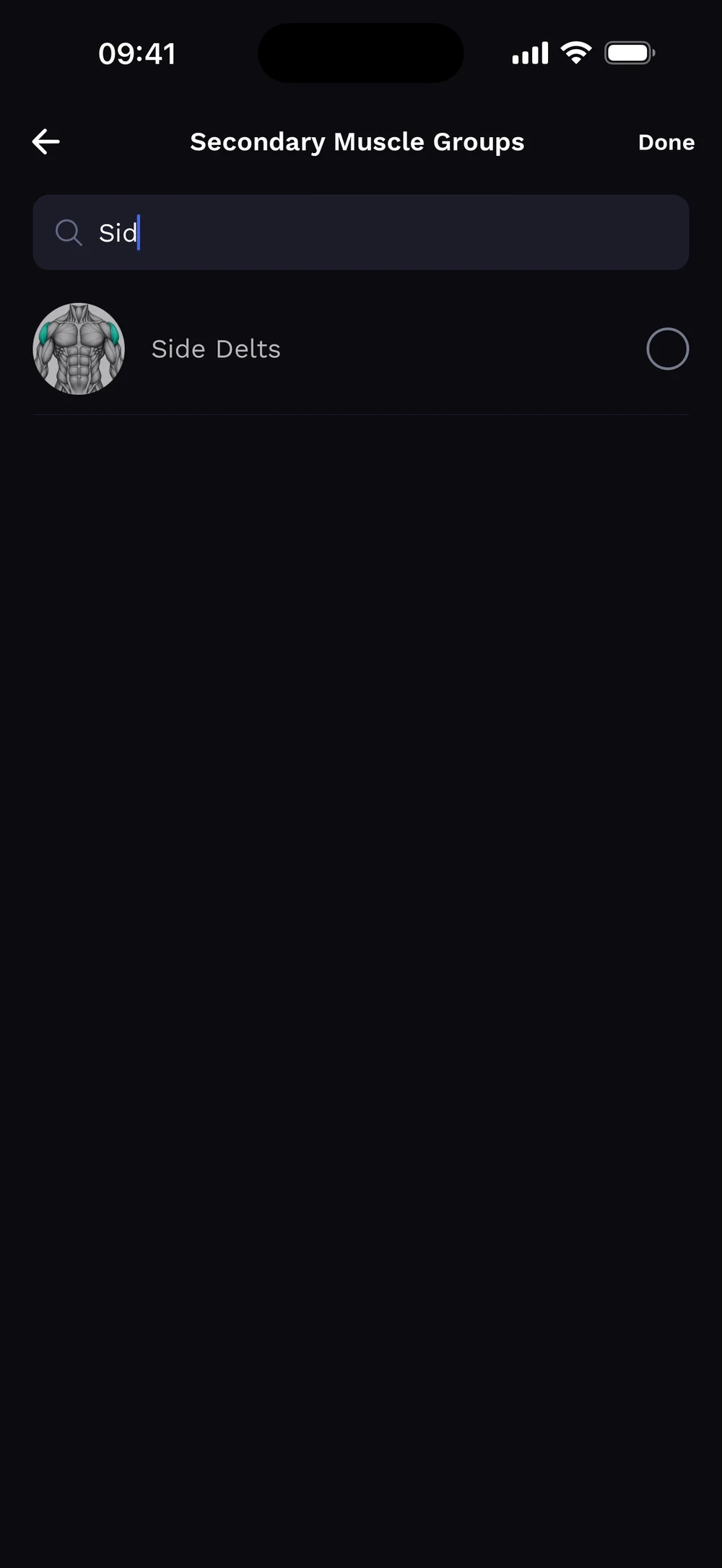
Pick the primary muscle group. Optionally add other muscles. Search to find them fast.
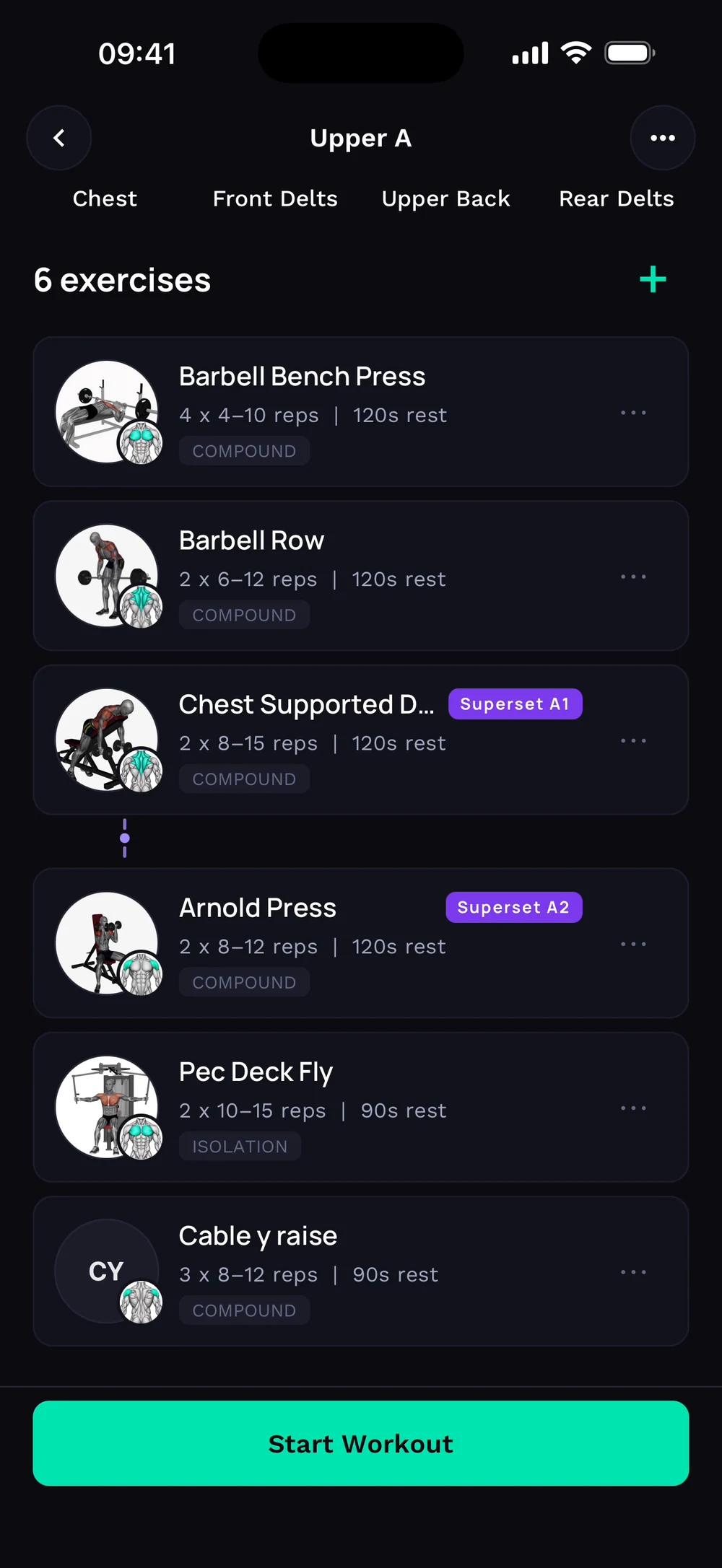
Your exercise shows up in the picker. Select it and tap Add. The custom exercise sits in your day like any other exercise.
Frequently asked questions
Can I add my own exercise?
Missing an exercise? Create your own with muscles, equipment and tracking type. Here is how: Open the exercise picker and tap Create exercise. Give it a name. Choose equipment, primary muscle and optional other muscles. Pick a tracking type, then tap Save.
Is create a custom exercise free in Bite?
Create a custom exercise is part of Bite Coach. The free app covers workout logging, programs and progress tracking.
Where do I find create a custom exercise in the app?
Go to Add exercise > Create.