
Search and filter exercises
Find any exercise by name, muscle, equipment or type.
Free
Find it: Add or Replace > filters

 Coming soon

How do I find an exercise?
Find any exercise by name, muscle, equipment or type.
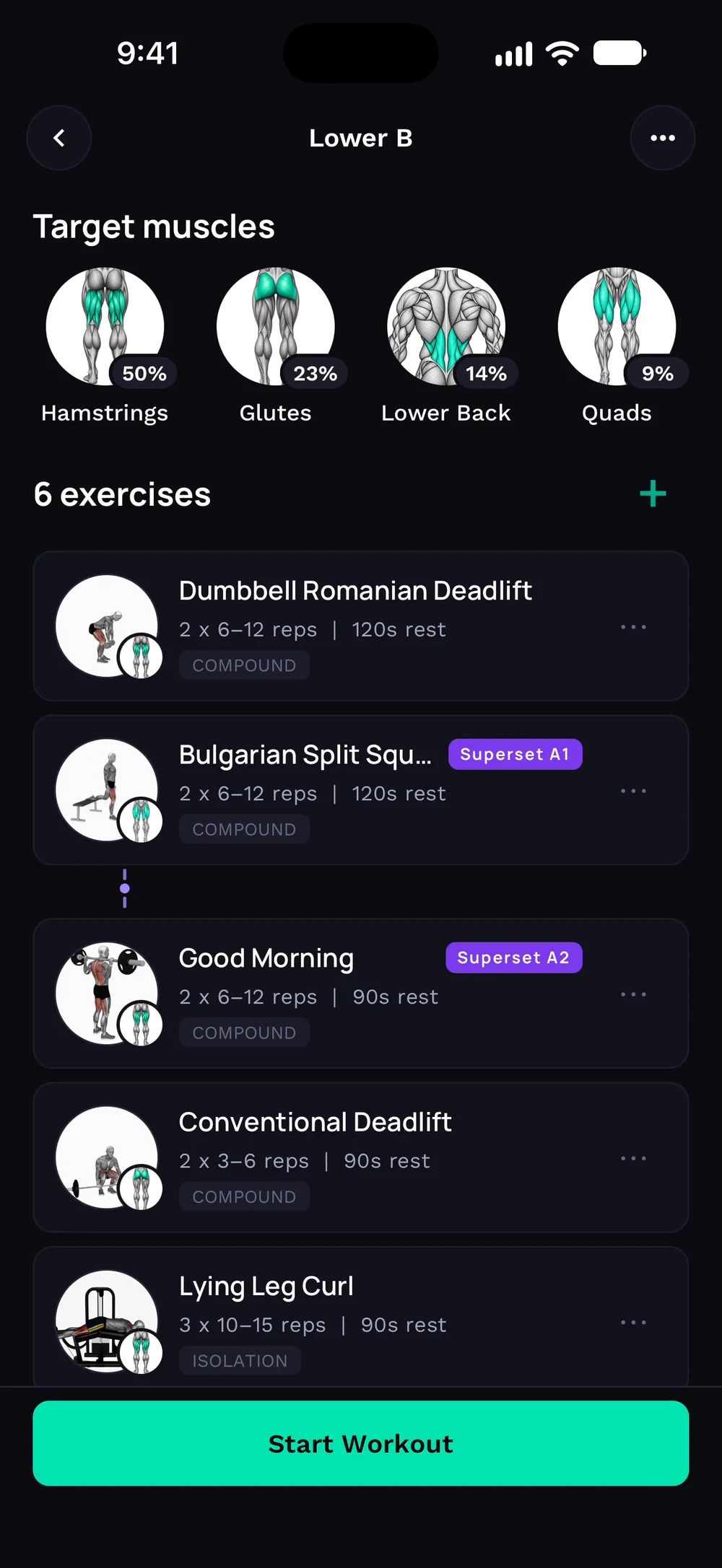
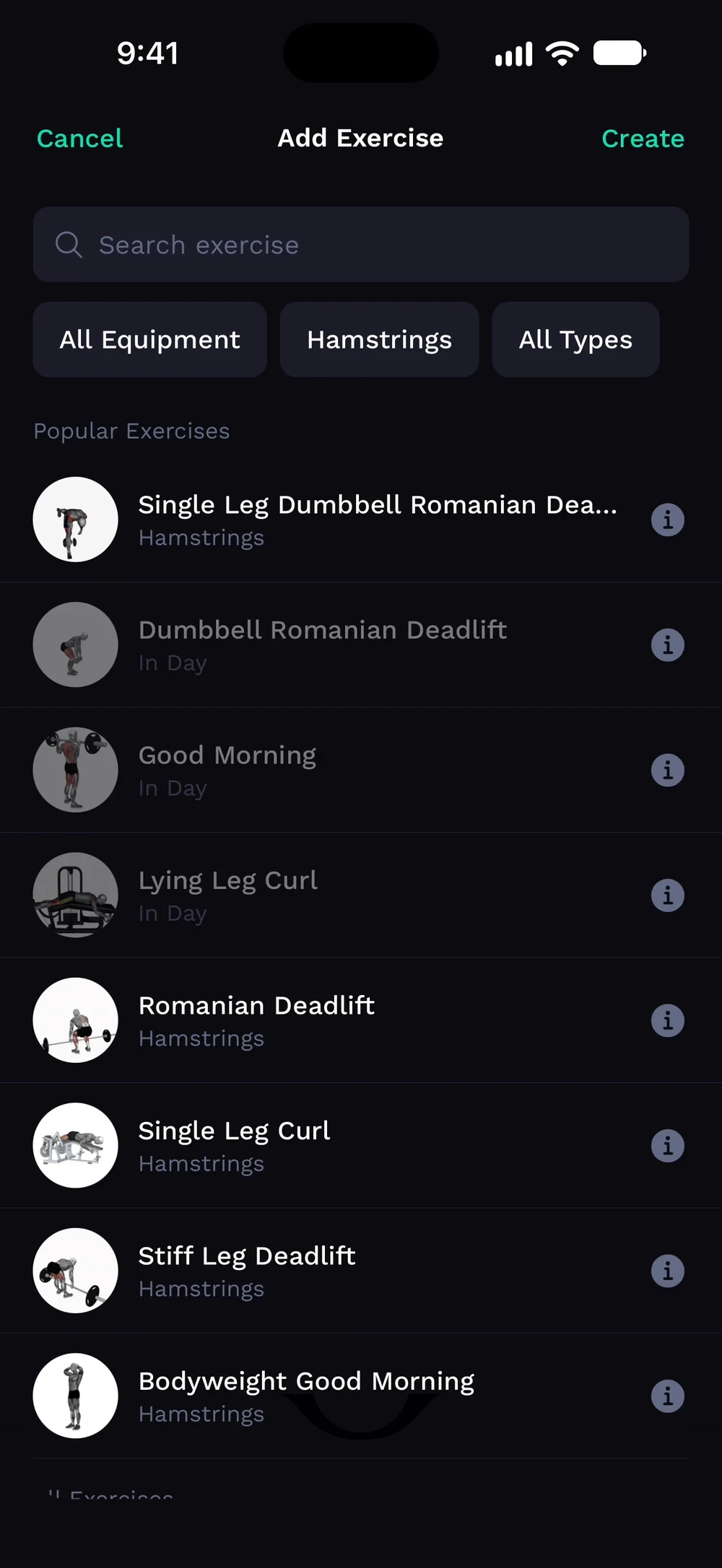
Tap the plus on a day to add an exercise. Search by name, or use the filters for equipment, muscles and type.
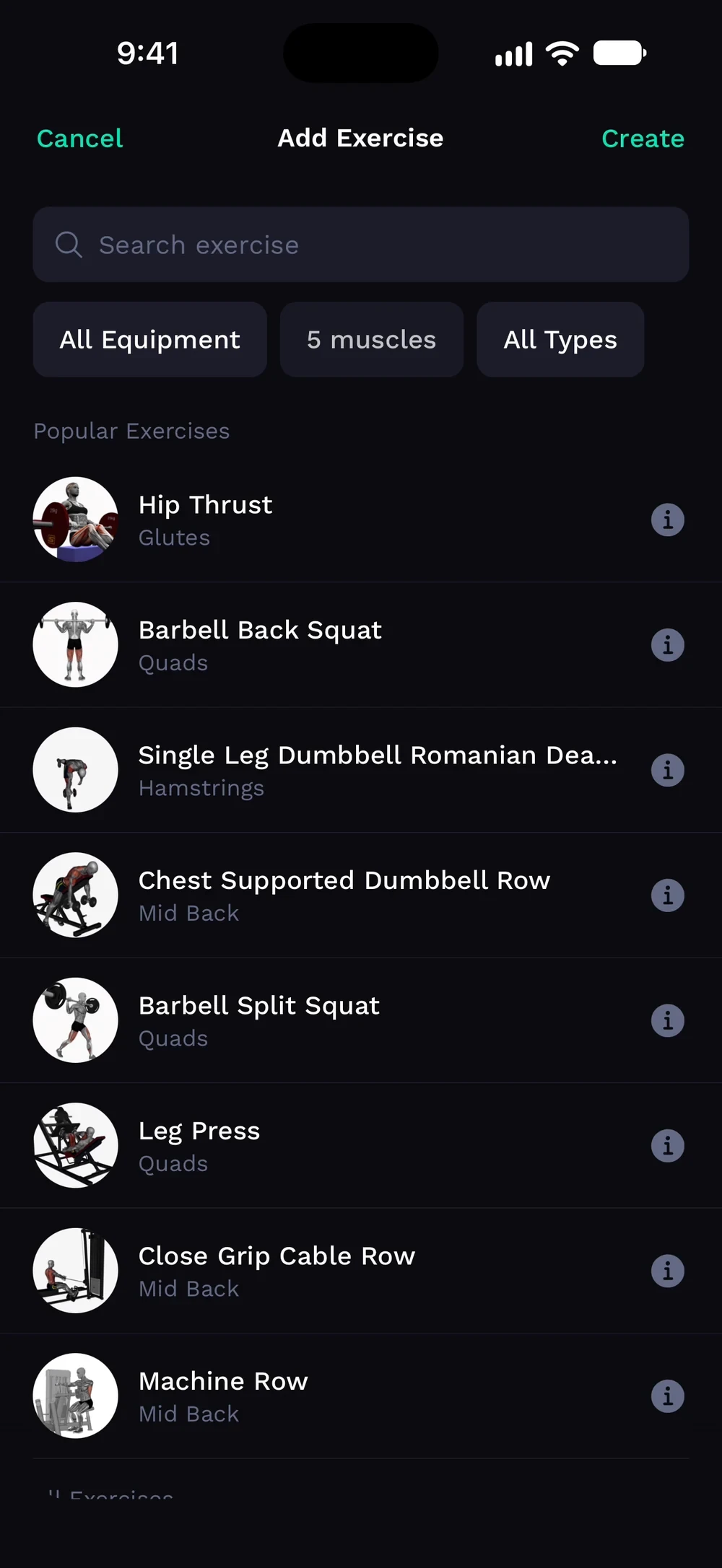
Open Muscle Group to pick one or more muscles. Scroll for the lower body muscles. The button shows how many exercises match.
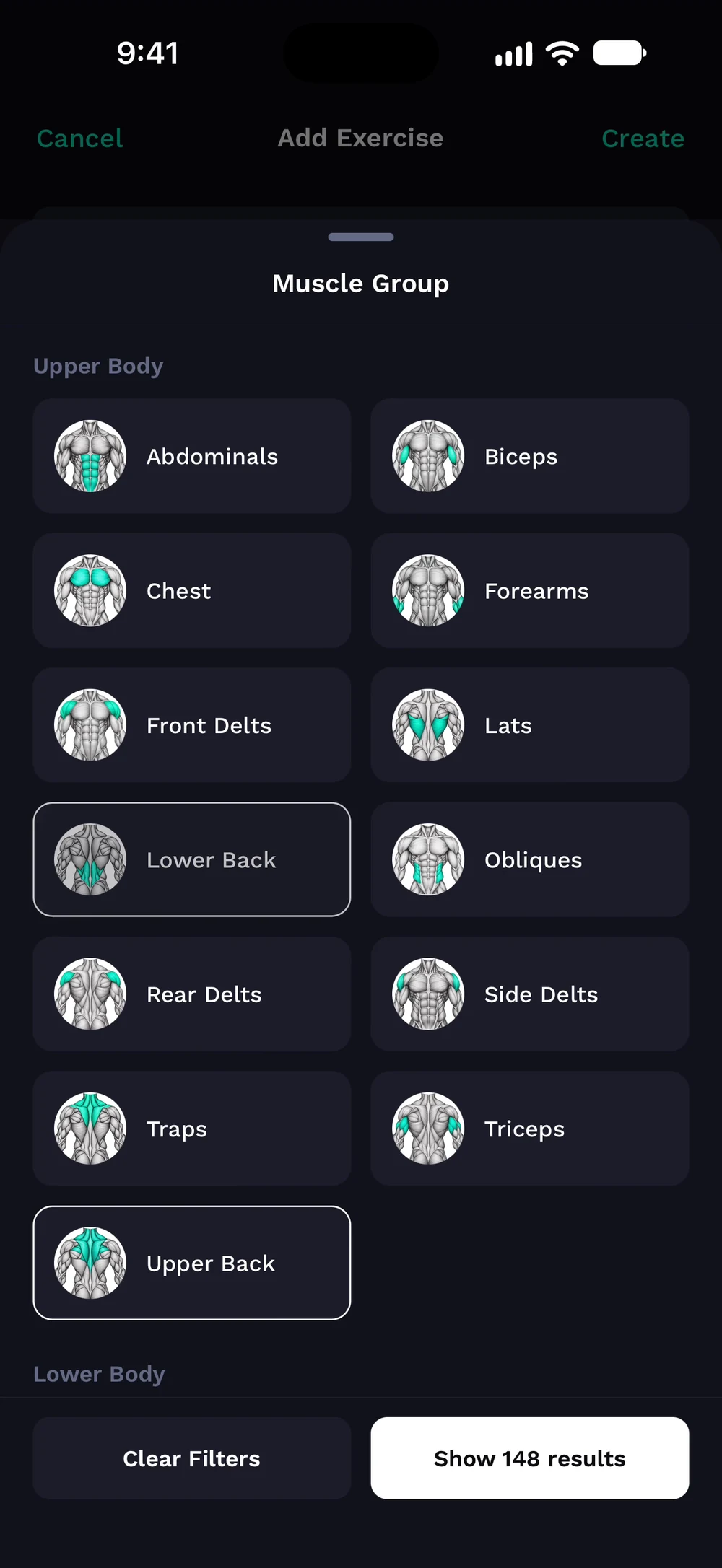
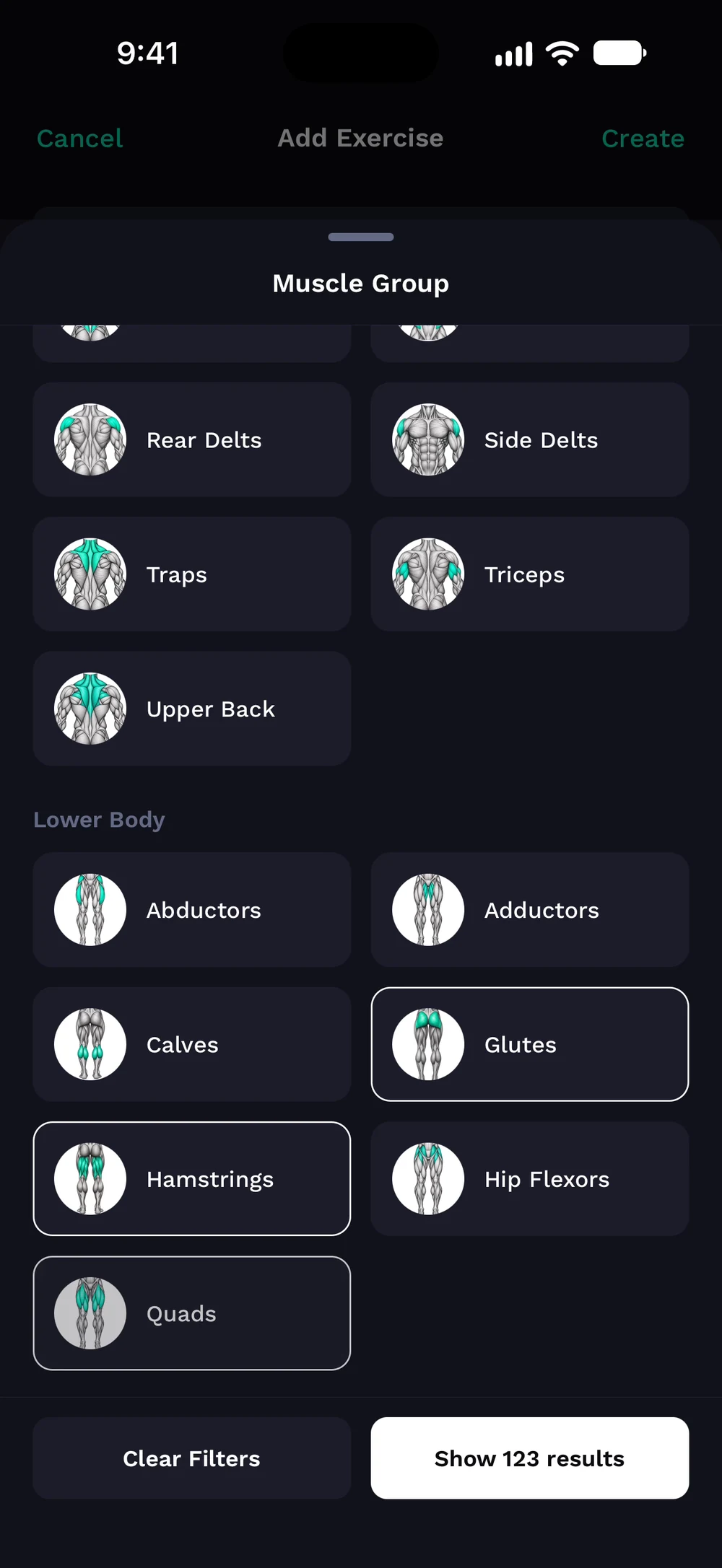
The list narrows to the muscles you picked.
Frequently asked questions
How do I find an exercise?
Find any exercise by name, muscle, equipment or type. Here is how: Open the picker from Add or Replace. Type in the search field. Use the filters for muscle group, equipment and type. Tap an exercise to add it.
Is search and filter exercises free in Bite?
Yes. Search and filter exercises is part of the free Bite app.
Where do I find search and filter exercises in the app?
Go to Add or Replace > filters.