
Finish a workout
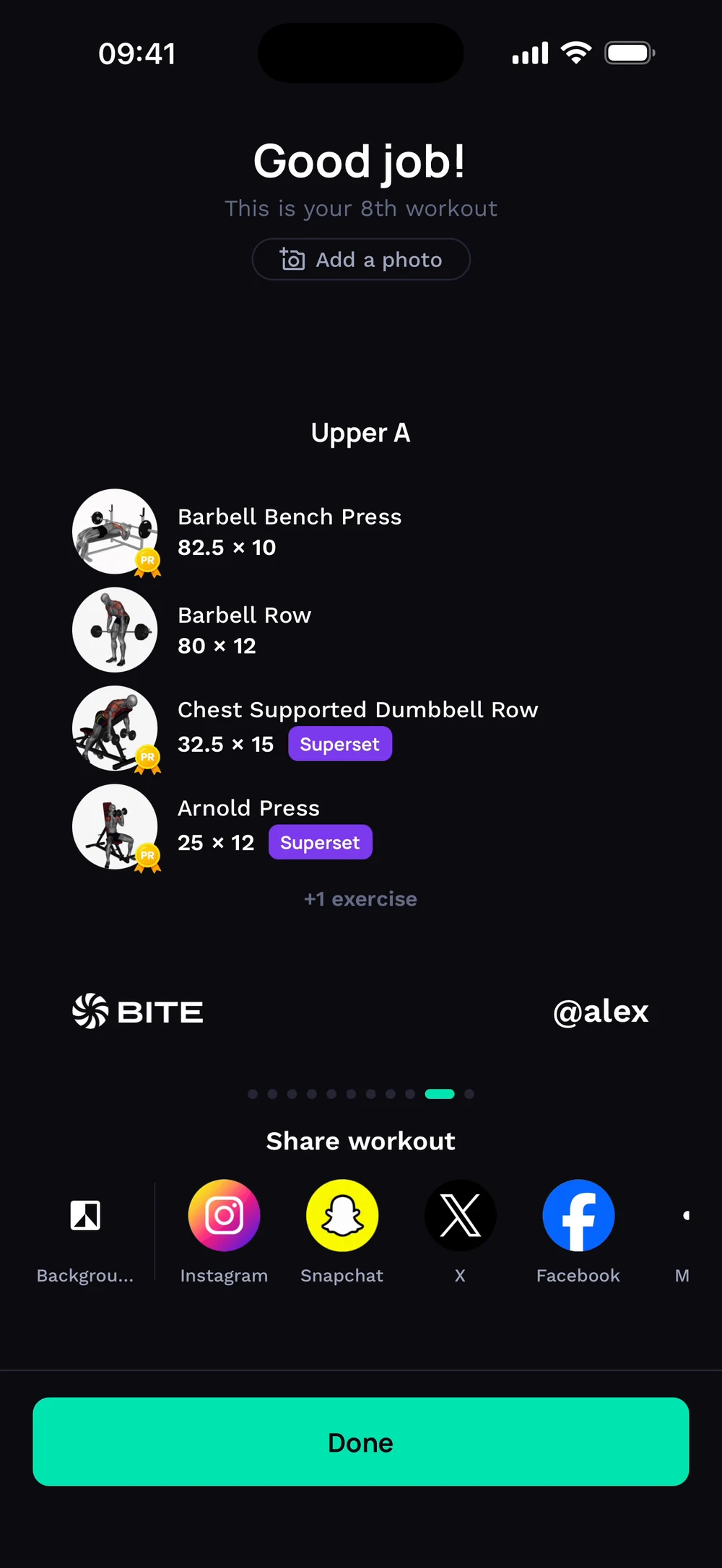
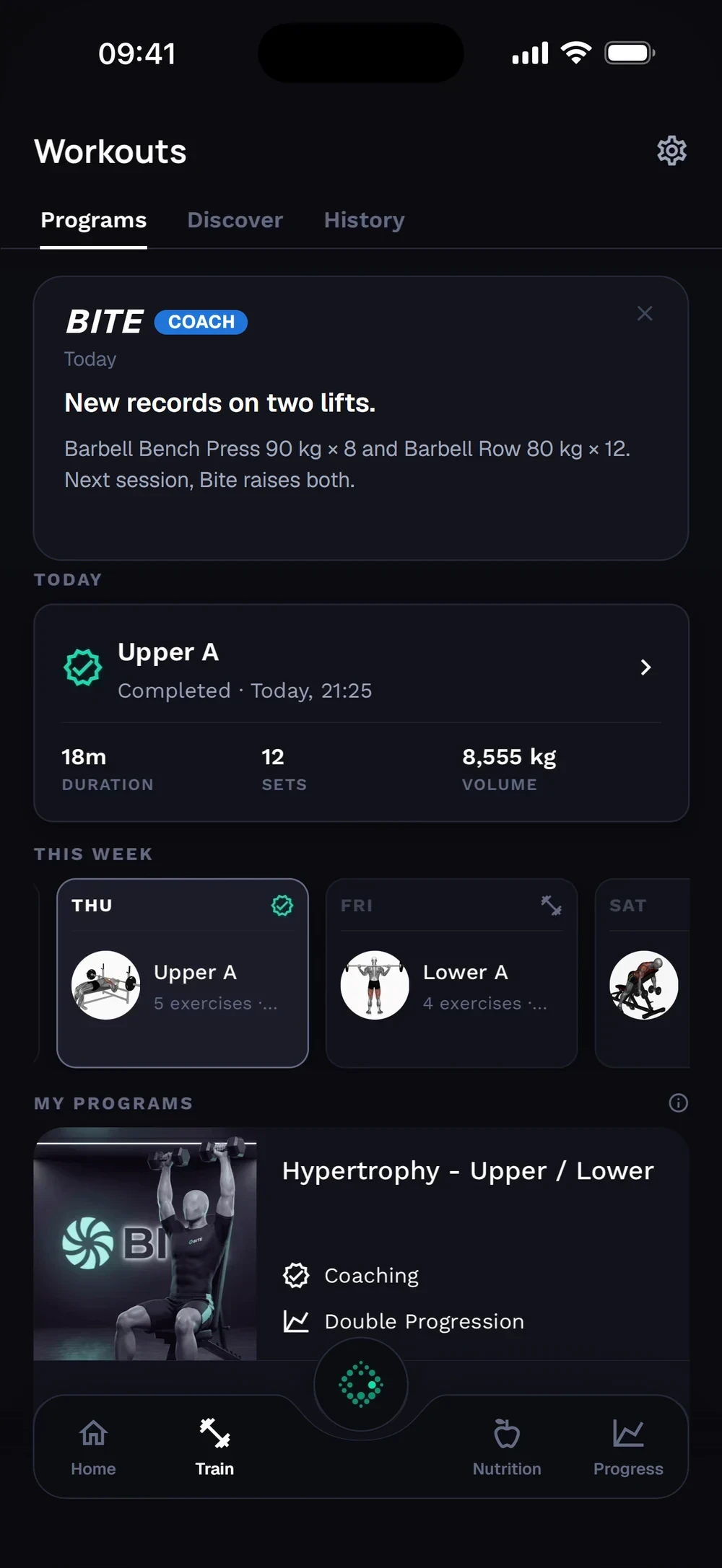
Finish when you are done. Bite shows your volume, new PRs and XP.
Find it: Workout > Finish

 Coming soon
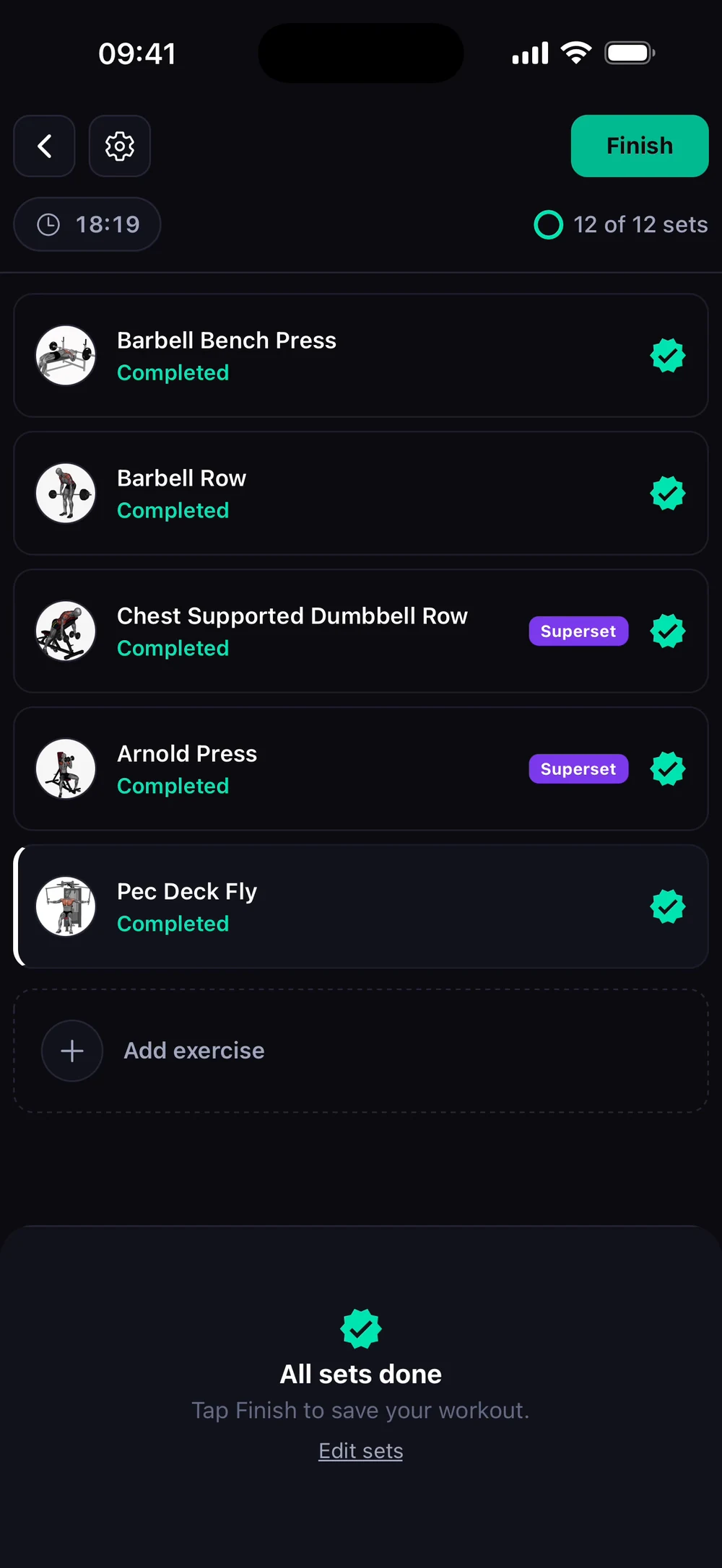

How do I finish and save a workout?
Finish when you are done. Bite shows your volume, new PRs and XP.
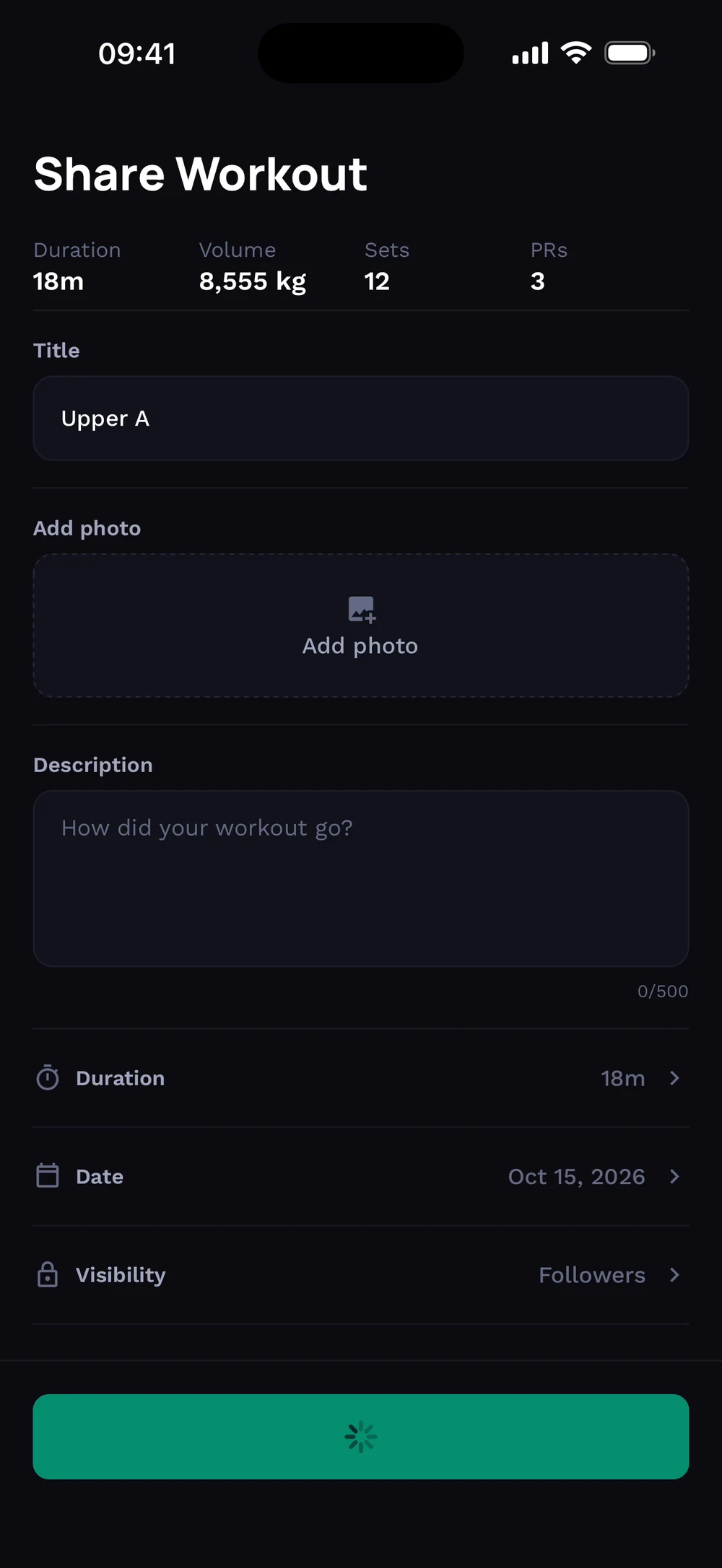
When every set is done, tap Finish at the top right. Name the workout and add a photo and a description if you want to share it.
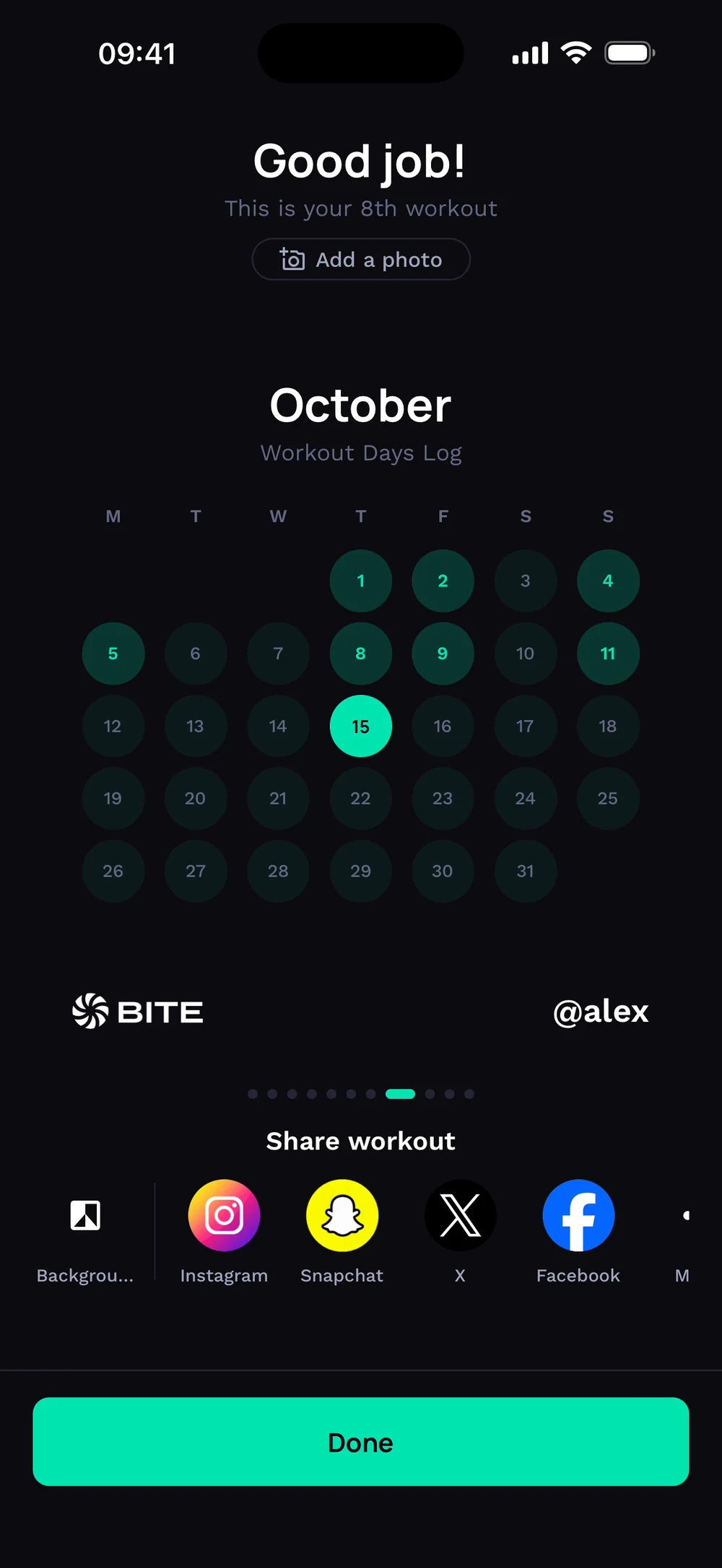
The summary opens with your exercises. Swipe to see the next card. Next comes a calendar of your training days this month.
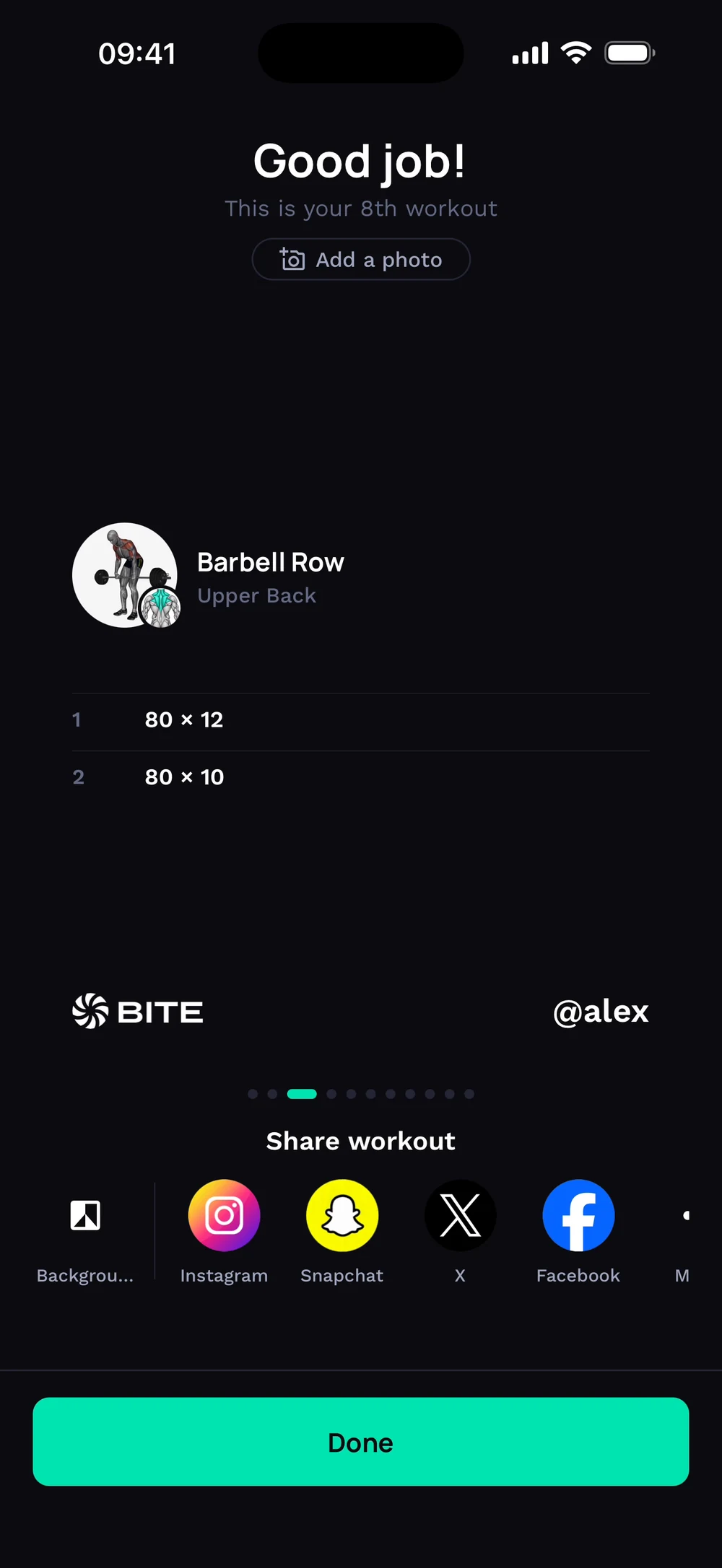
Then your top exercises, with weights and personal records. Tap Done. You are back on Train and the workout is marked completed.
Frequently asked questions
How do I finish and save a workout?
Finish when you are done. Bite shows your volume, new PRs and XP. Here is how: Tap Finish at the top right. Confirm. You can finish even if some sets are left. Add a title or photo if you want to share it, or skip. Swipe through the summary cards.
Is finish a workout free in Bite?
Yes. Finish a workout is part of the free Bite app.
Where do I find finish a workout in the app?
Go to Workout > Finish.