
Remove an exercise
Take an exercise out of a day.
Free
Find it: Program > exercise > Remove

 Coming soon

How do I delete an exercise?
Take an exercise out of a day.
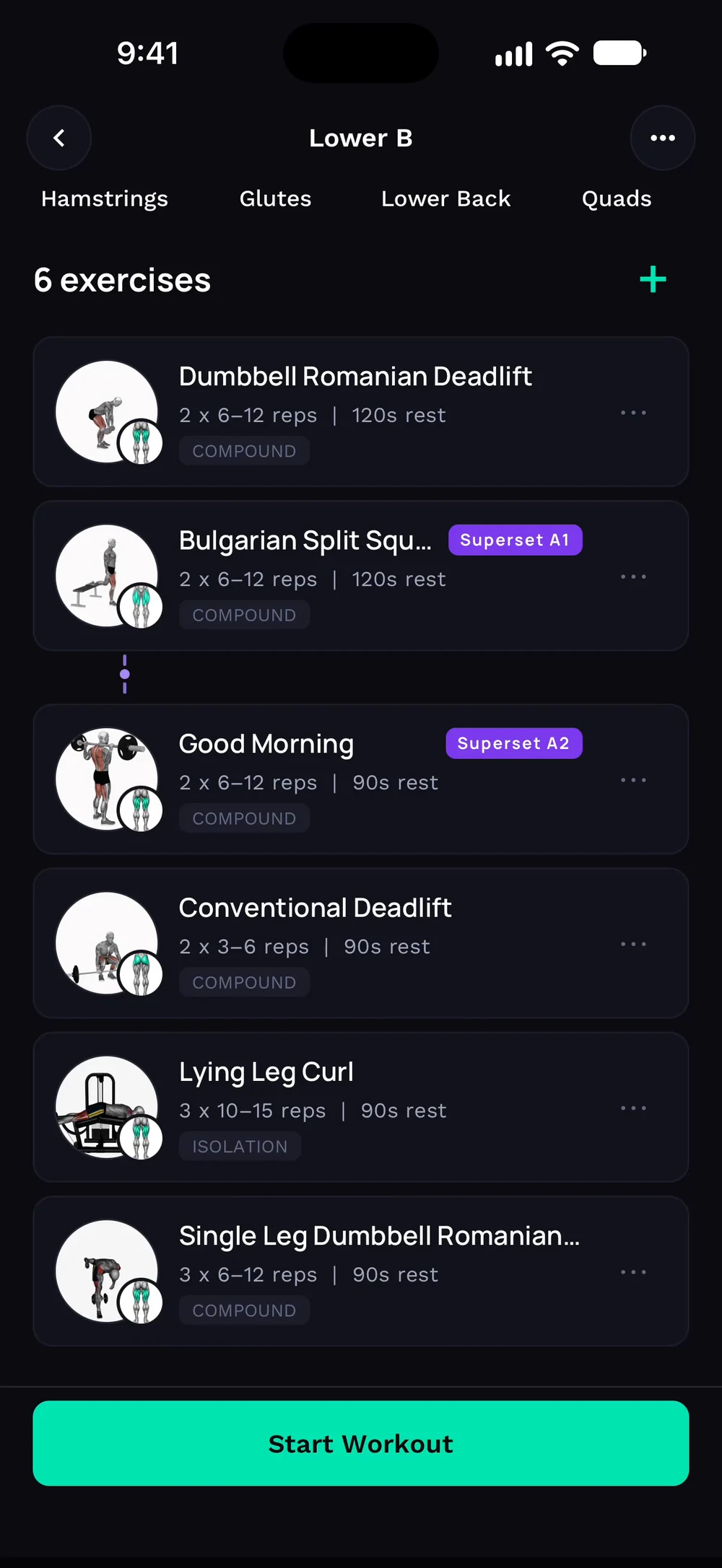
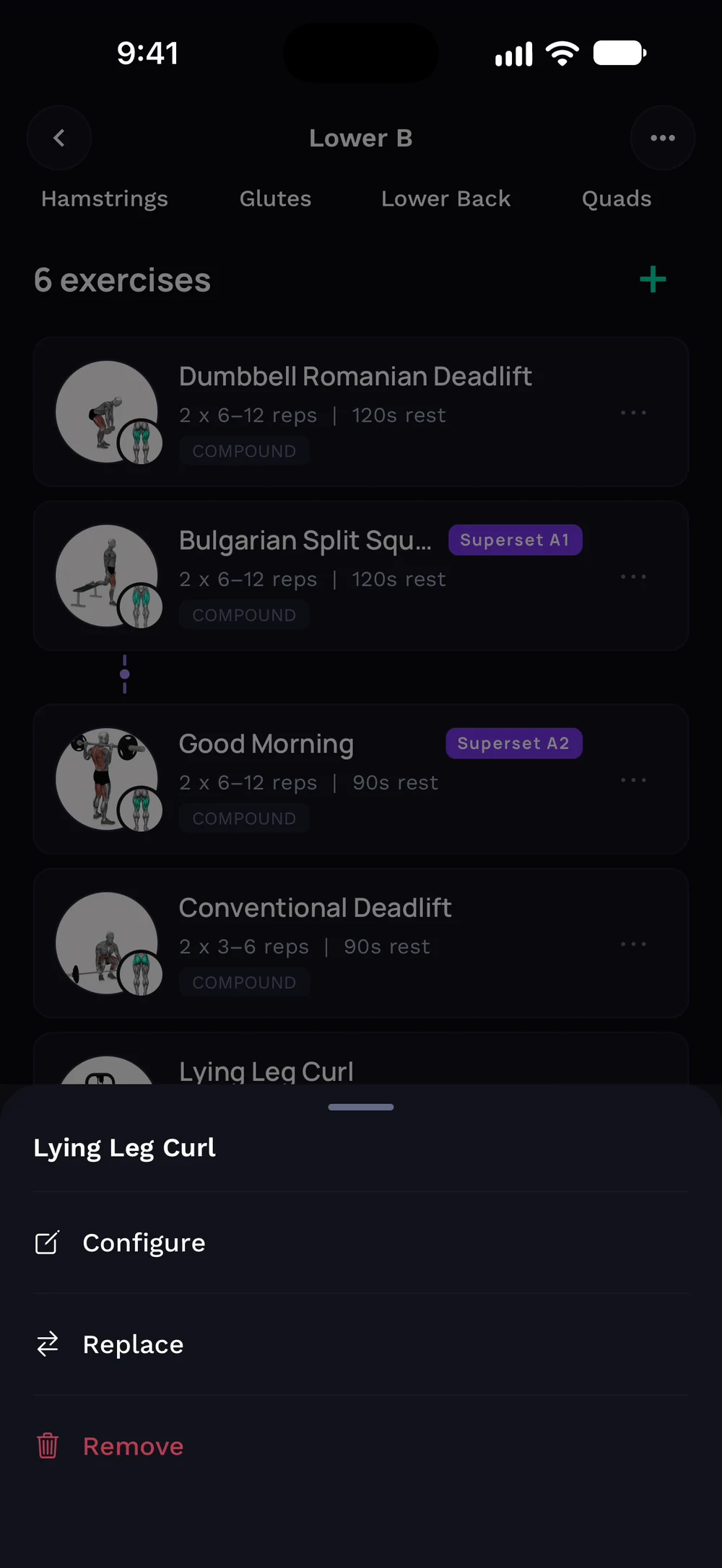
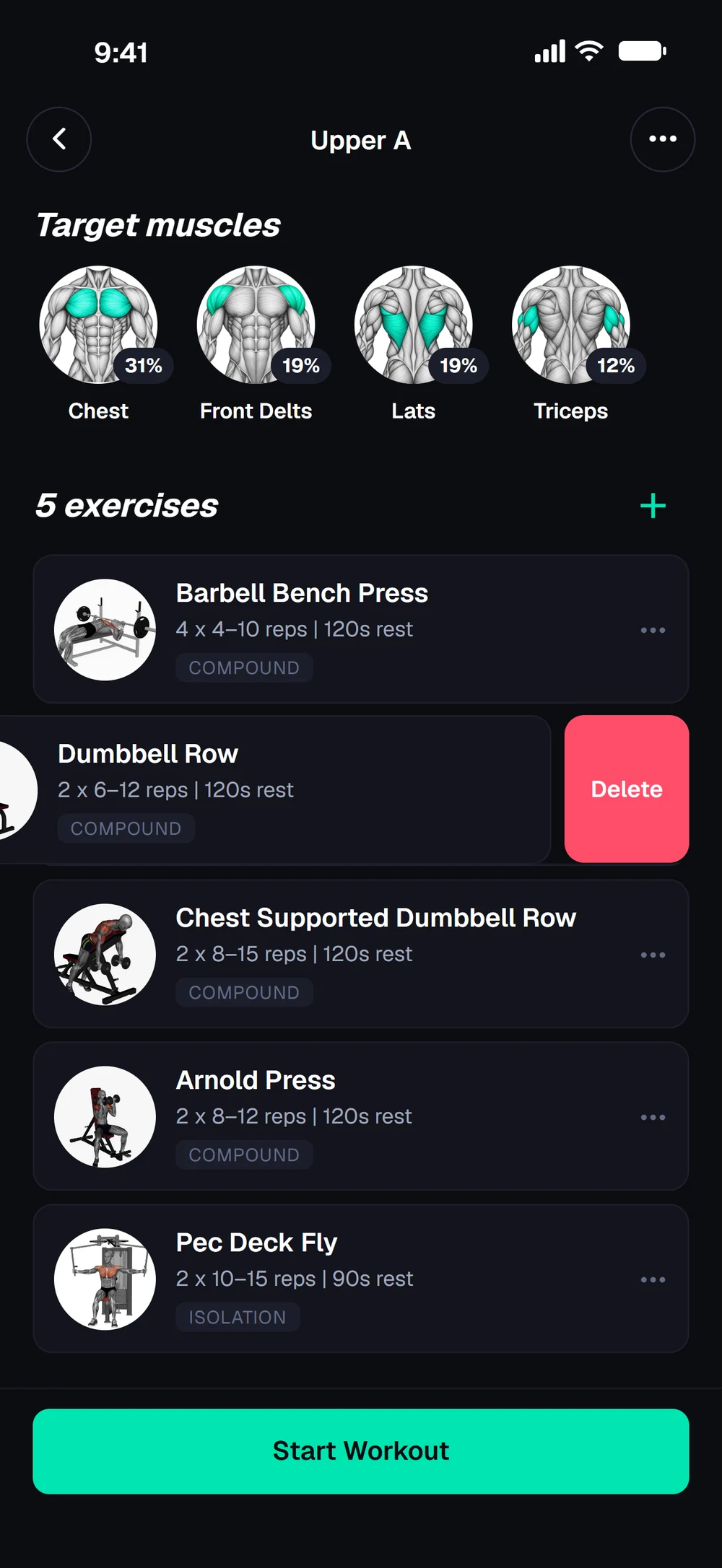
Open a day in your program. Tap an exercise's three dots and choose Remove.
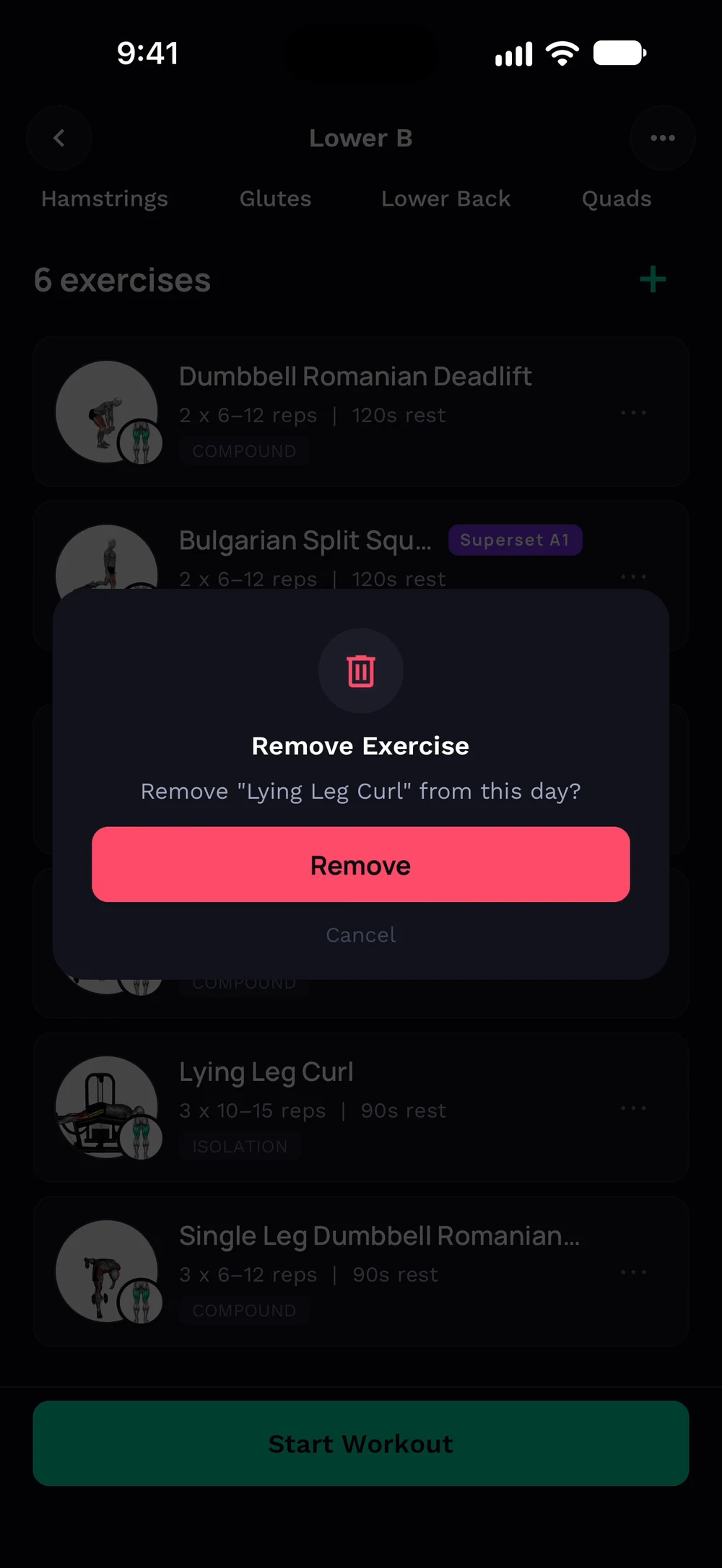
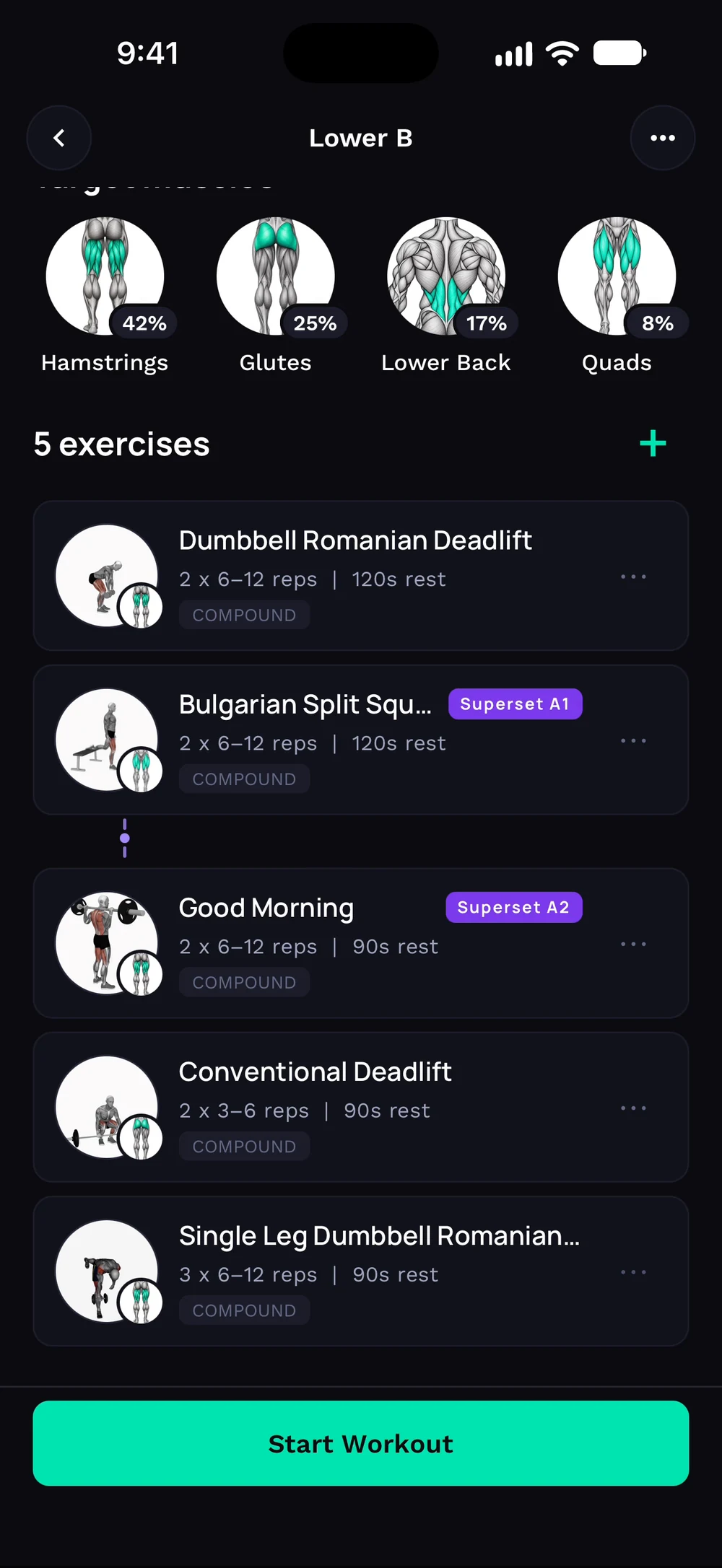
Confirm with Remove. The exercise is gone and the day shows one exercise fewer.
Or swipe a row to the left and tap Delete. You can undo it right after.
Frequently asked questions
How do I delete an exercise?
Take an exercise out of a day. Here is how: Open a day in your program. Tap an exercise's three dots and choose Remove. Confirm with Remove. The exercise is gone and the day shows one exercise fewer. Faster: swipe the row left and tap Delete. Undo brings it back.
Is remove an exercise free in Bite?
Yes. Remove an exercise is part of the free Bite app.
Where do I find remove an exercise in the app?
Go to Program > exercise > Remove.