
Warm-up sets
Add warm-up sets that build up to your working weight. They are logged separately from your working sets.
Find it: Program > exercise > Configure > Warm-up sets

 Coming soon

How do I add warm-up sets?
Add warm-up sets that build up to your working weight. They are logged separately from your working sets.
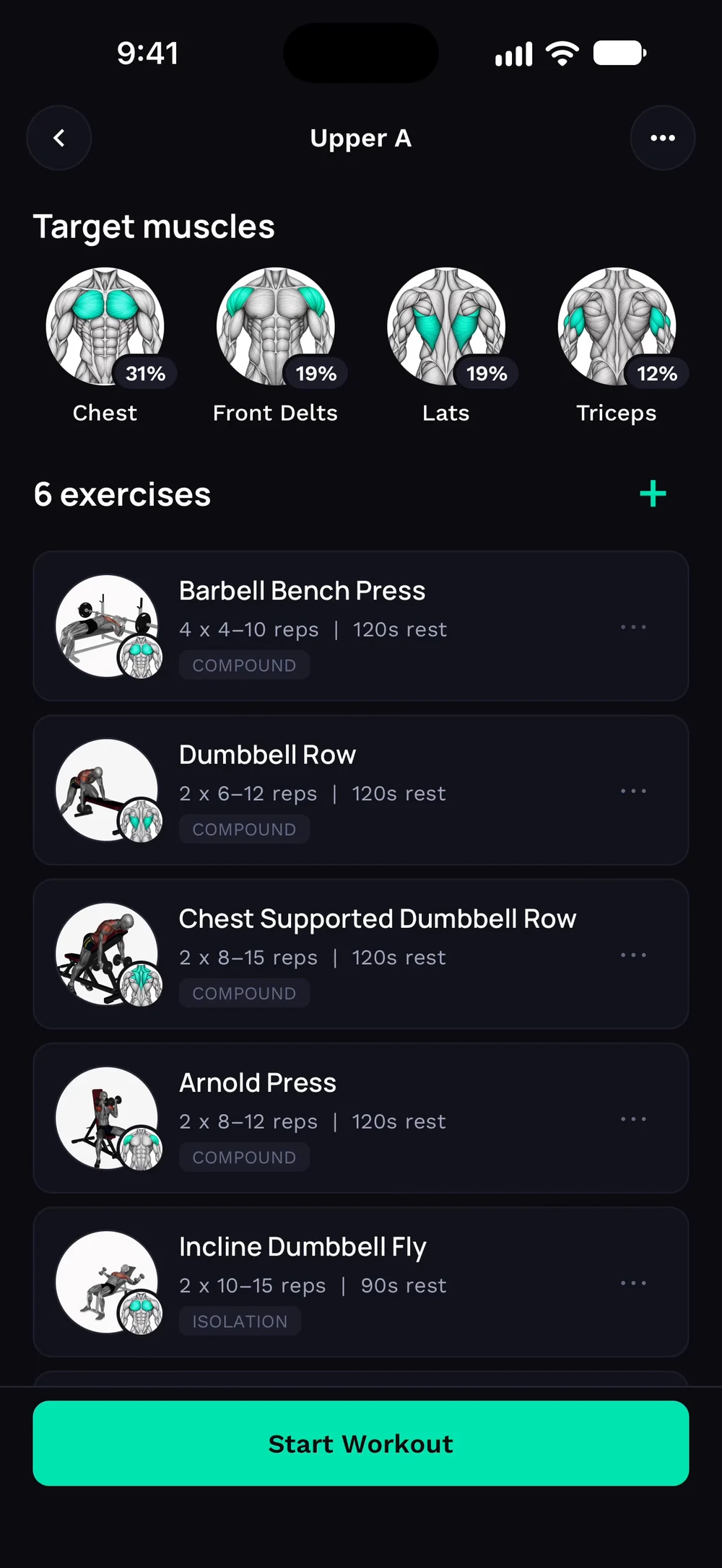
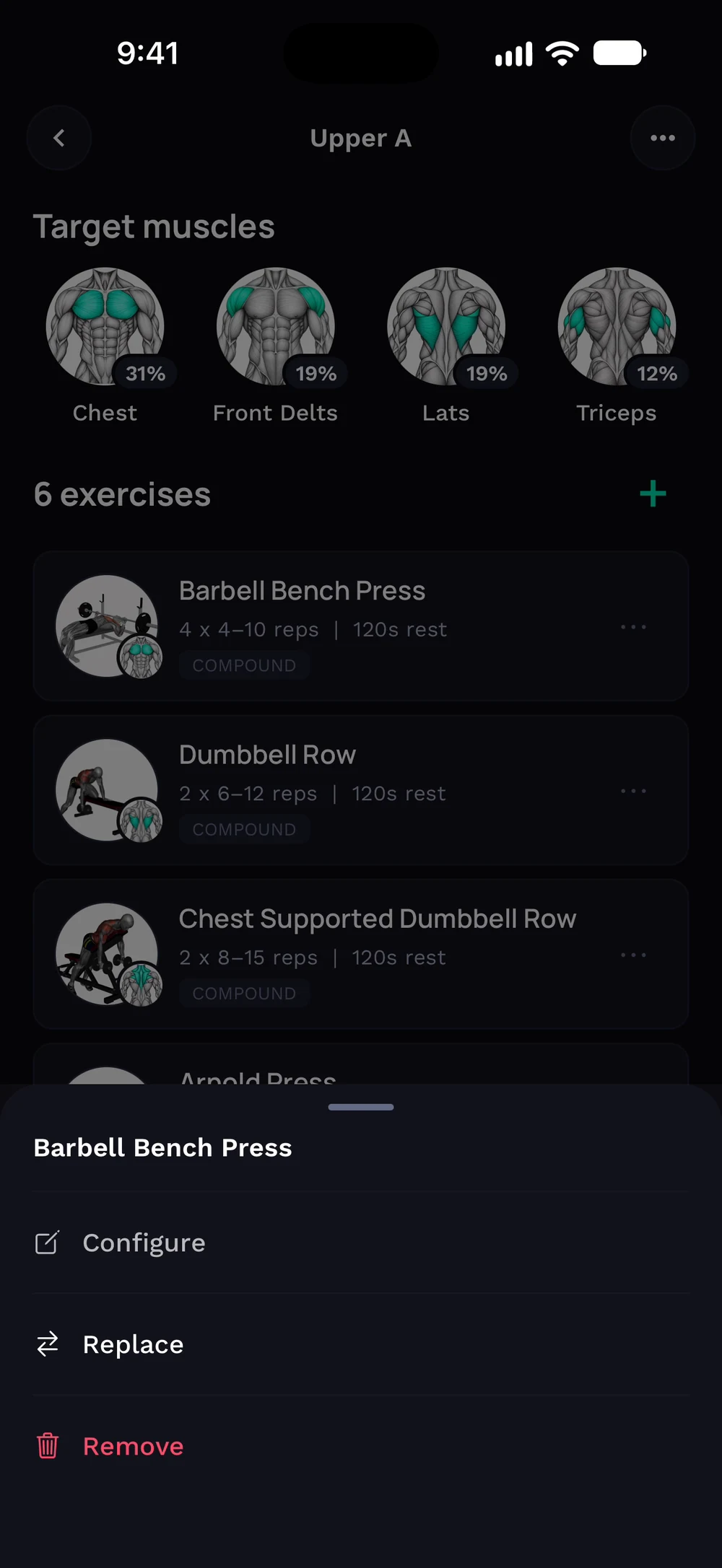
Open a day in your program and find the exercise you want to warm up for. Tap its three dots and choose Configure.
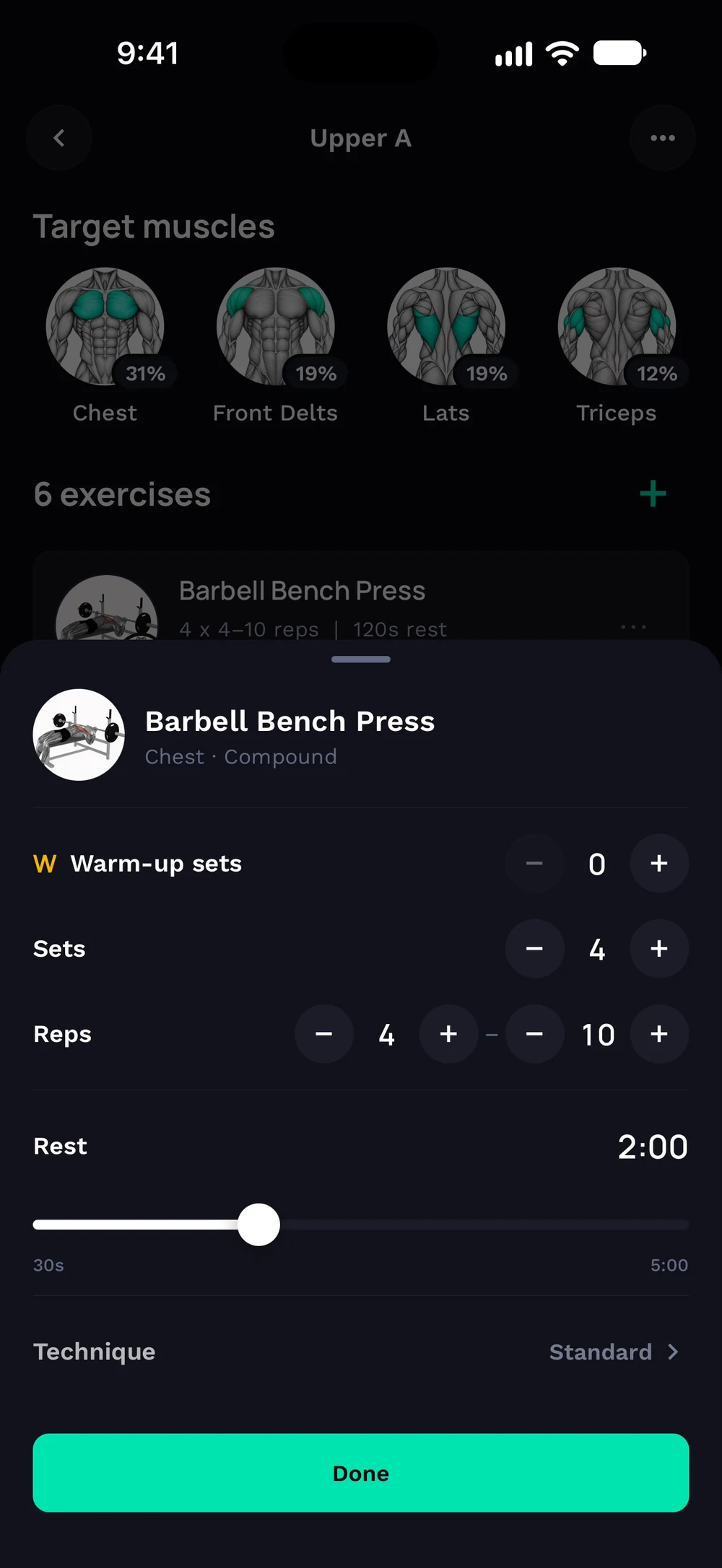
Warm-up sets sit at the top of the sheet. Tap the plus to add one or the minus to remove one, then tap Done. You can change them mid-workout too: tap the three dots on the exercise, choose Add technique and use the same Warm-up sets row.
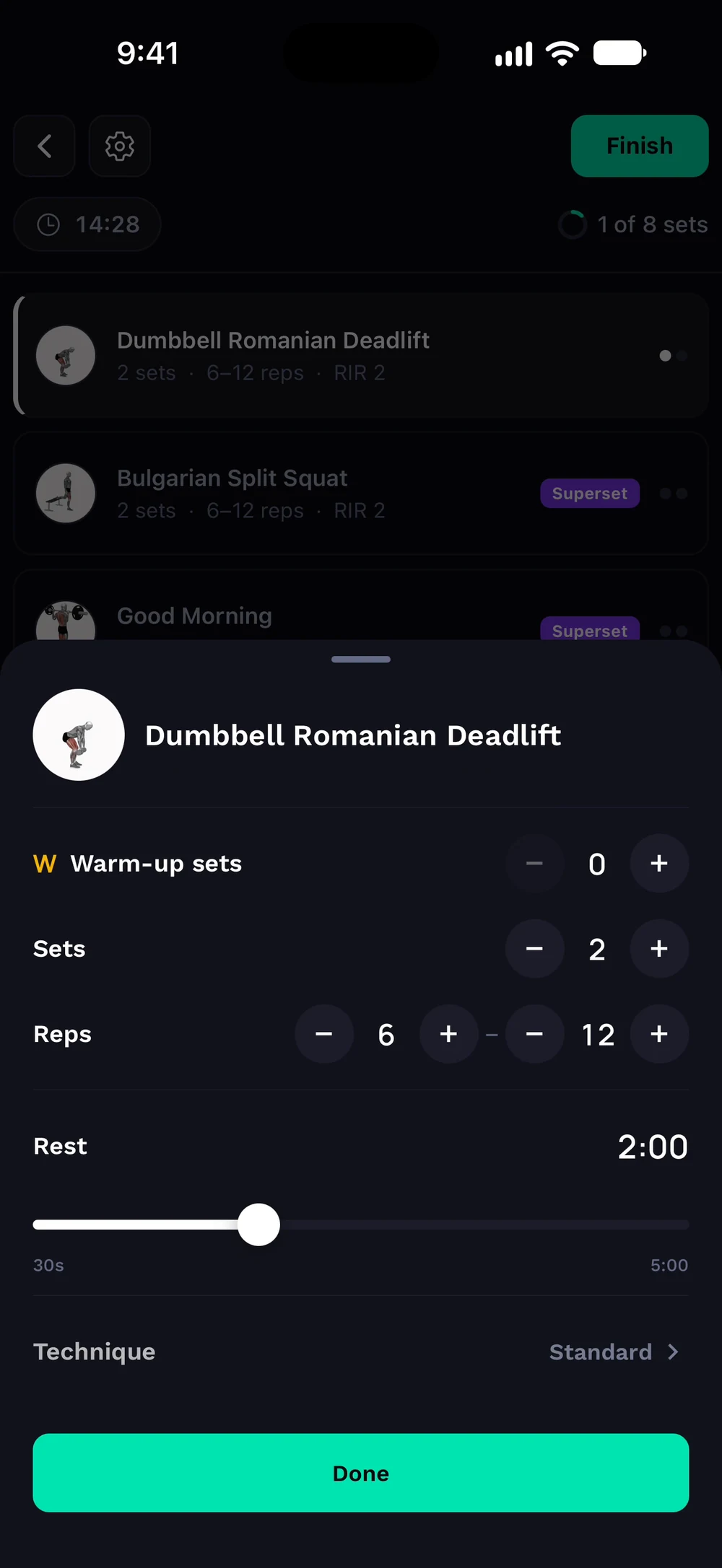
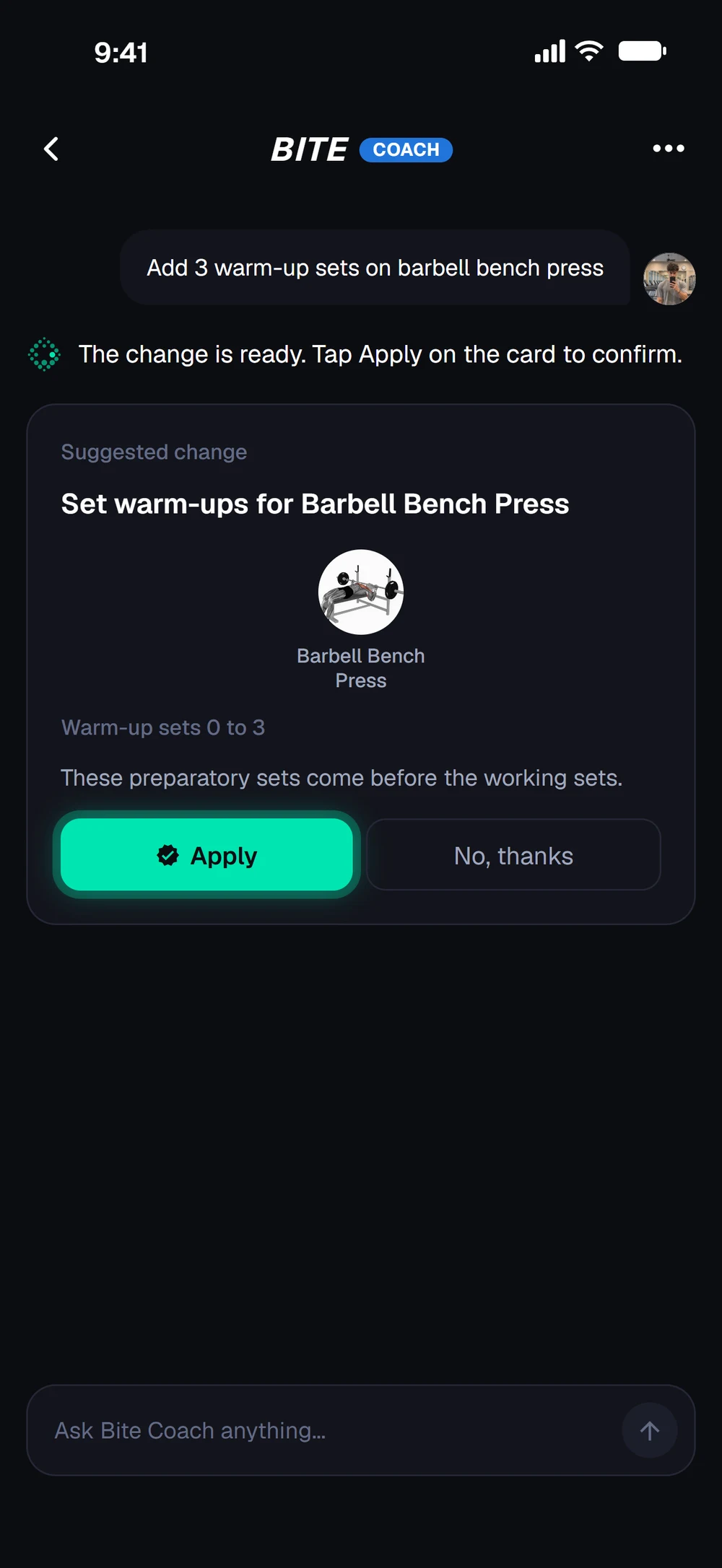
Or ask the coach, for example add 3 warm-up sets on barbell bench press, and tap Apply on the card.
Frequently asked questions
How do I add warm-up sets?
Add warm-up sets that build up to your working weight. They are logged separately from your working sets. Here is how: Open a day in your program, tap the three dots on the exercise and choose Configure. Tap the plus next to Warm-up sets to add one, or the minus to remove one, then tap Done. You can also ask the coach to add them. In the workout the warm-ups sit above set 1. Tick them off as you go. They do not count as working volume.
Is warm-up sets free in Bite?
Yes. Warm-up sets is part of the free Bite app.
Where do I find warm-up sets in the app?
Go to Program > exercise > Configure > Warm-up sets.